
What is Profile Picture Maker?
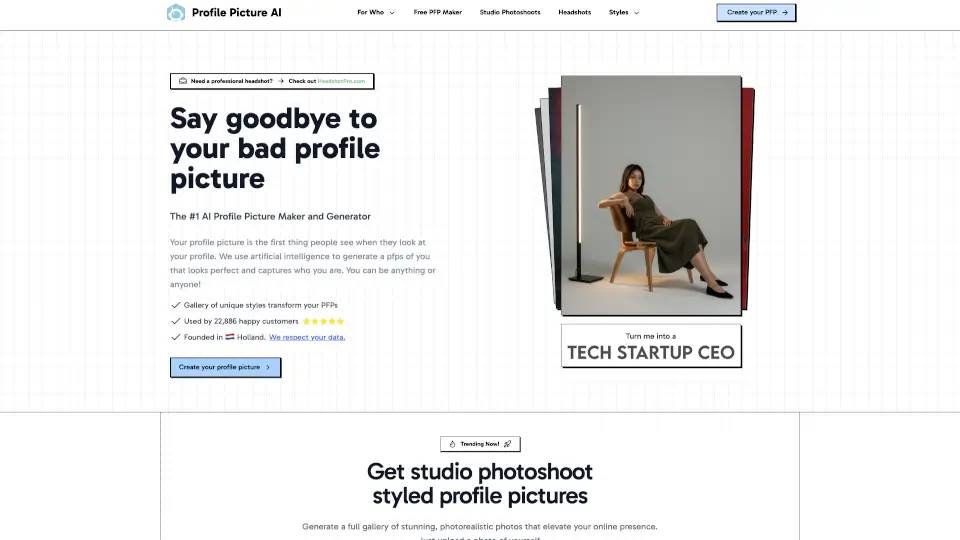
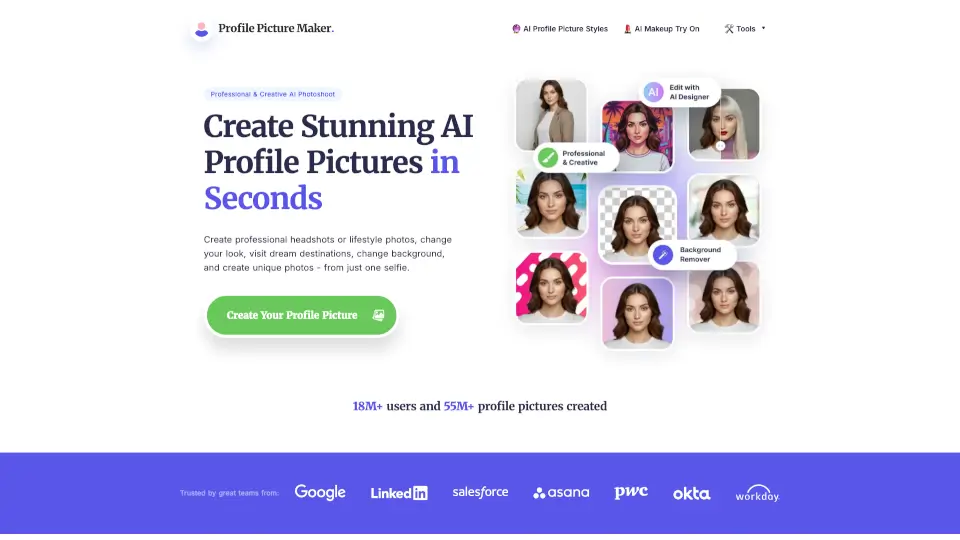
Looking for a quick, easy way to get a professional profile picture without booking a photoshoot? PFPMaker uses AI-powered tools to turn your selfie into polished headshots for LinkedIn, creative avatars for social media, or even passport-ready photos—all in seconds. Whether you're job hunting, building your personal brand, or just want to refresh your online look, PFPMaker delivers natural, photorealistic results with zero design skills needed.
Trusted by over 18 million users who’ve created more than 55 million profile pictures, this platform combines speed, style, and smart AI editing. Start with 9 free tools (like background removal and basic headshot generation), then upgrade anytime for advanced features like virtual makeup, outfit changes, or AI-driven photo shoots that place you on tropical beaches or in futuristic studios.
What are the features of Profile Picture Maker?
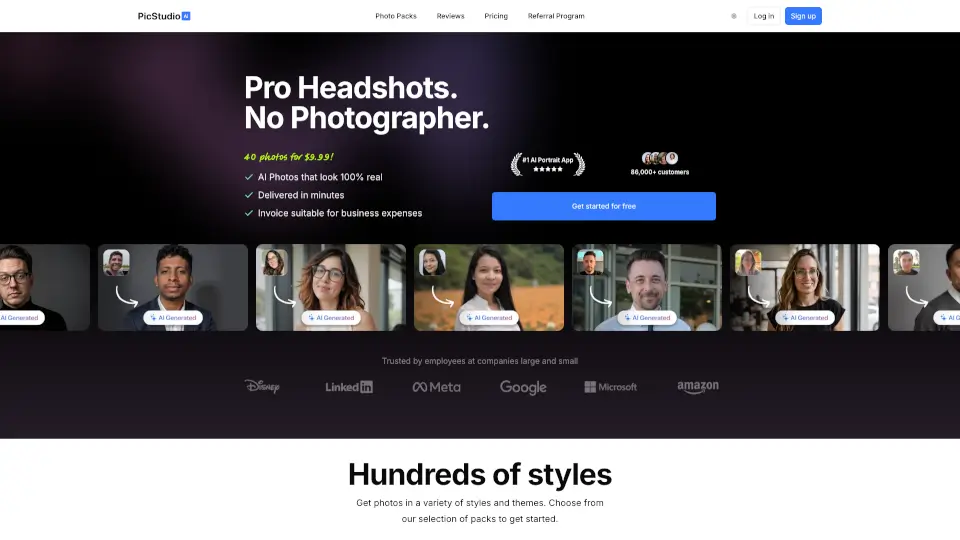
- AI Headshot Generator: Create professional, high-quality headshots from a single selfie—perfect for LinkedIn or resumes.
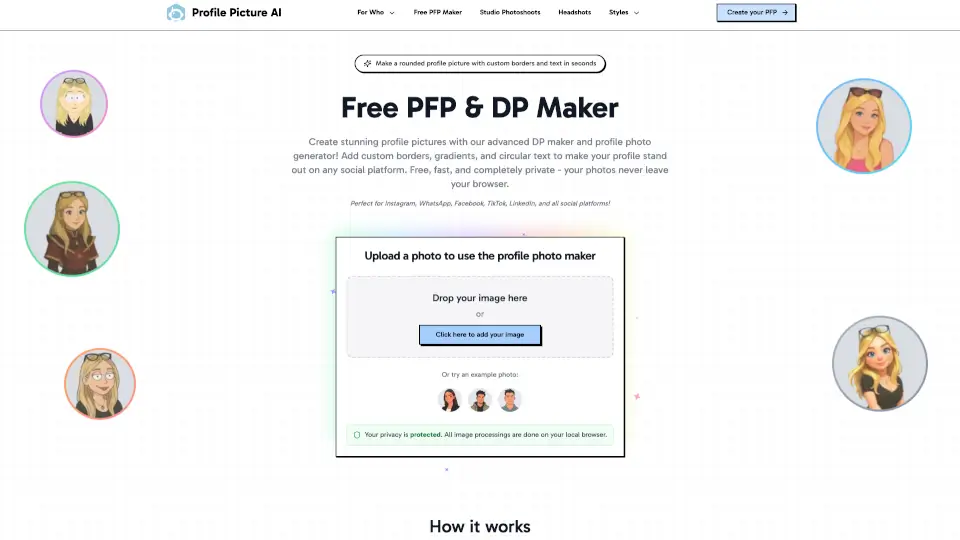
- Background Remover & Changer: Instantly remove or swap your background for clean, distraction-free portraits.
- 27+ AI Tools in One Platform: Includes Passport Photo Maker, Laser Eyes Maker, Emoji PFP Generator, and more.
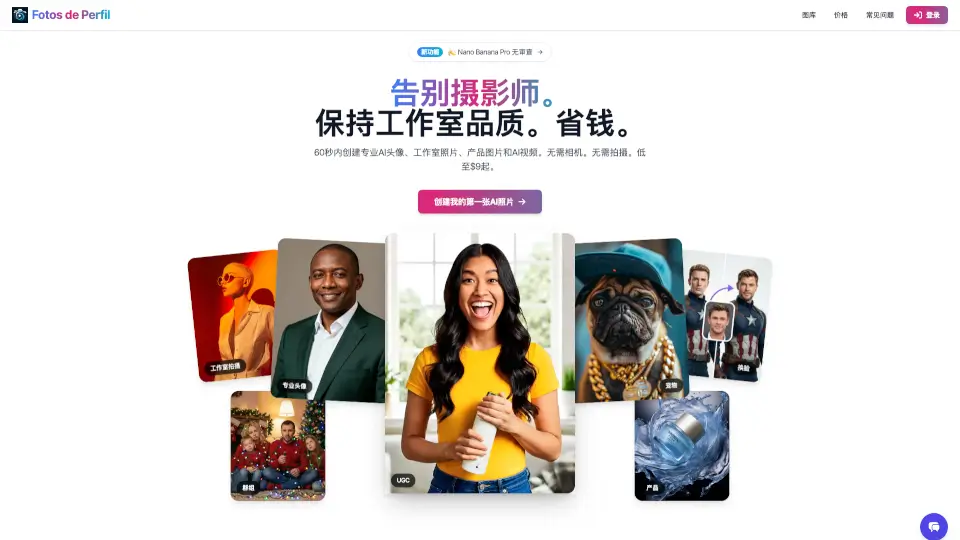
- AI Photoshoot Experience: Reimagine yourself in different styles, outfits, and dream locations using just text prompts.
- Chat-Based AI Editor: Describe your ideal look in plain English, and the AI creates custom portraits you couldn’t make otherwise.
- 1,100+ Profile Picture Styles: Choose from professional, artistic, playful, or themed templates to match your vibe.
What are the use cases of Profile Picture Maker?
- Creating a polished LinkedIn headshot for job applications or networking
- Designing a standout Instagram or Twitter avatar that reflects your personality
- Generating passport or ID-compliant photos at home in minutes
- Making branded profile pictures for business emails or team directories
- Crafting fun, themed avatars for gaming, Discord, or dating apps
- Updating your CV or resume with a crisp, professional photo
How to use Profile Picture Maker?
- Upload a clear, well-lit selfie (JPG/PNG under 5MB) with your full head visible
- Pick a style—professional, creative, or themed—from 1,100+ options
- Use free tools like Remove Background or Add Gradient to enhance your image
- For premium results, try AI Headshots or AI Photoshoot to transform your look
- Download your new profile picture and use it across LinkedIn, email, social media, or print
- No account needed for basic tools—just upload, edit, and go!