
What is OWOX BI?
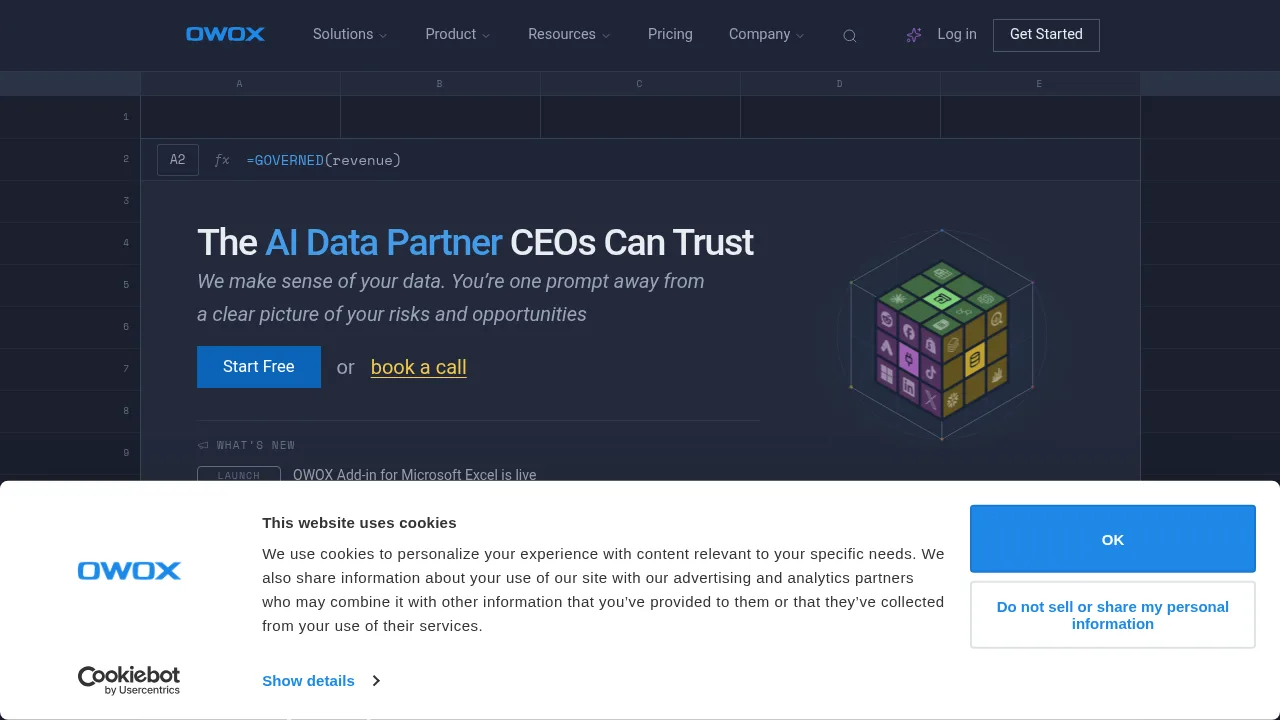
OWOX BI is a data analytics platform that connects marketing and business sources to a user's data warehouse, making the resulting datasets queryable through AI assistants, spreadsheets, and dashboards. It targets executives, analysts, and marketing teams seeking governed reporting without vendor lock-in. The platform processes data in the customer's own warehouse rather than hosting it in a third-party system.
What are the features of OWOX BI?
- Data connectorsIntegrates sources such as Facebook Ads, Google Ads, Shopify, and TikTok Ads into a data warehouse with no per-connector fees.
- Data modelingAligns source fields to business concepts like Ad Spend, Sessions, Customers, Orders, and Products using industry-specific model templates.
- Automated data validationRuns quality checks to catch discrepancies before data reaches reports or AI queries.
- AI assistant integrationConnects data models to Claude and ChatGPT so prompts return numbers traced back to SQL rather than generated estimates.
- Spreadsheet connectivityDelivers governed data into Microsoft Excel via an add-in and into Google Sheets via an add-on for live refreshing.
- SQL traceabilityAllows users to trace any reported number back to the underlying SQL query executed in their warehouse.
What are the use cases of OWOX BI?
- Ecommerce revenue analysisA CEO uses OWOX guardrails to prevent AI hallucinations when querying sales data through conversational interfaces.
- Marketing reporting in spreadsheetsA BI team at a retailer connects clean business-ready data directly into Google Sheets for quick analysis instead of relying on one-way exports.
- Cross-channel ad spend reviewMarketing teams combine fields from multiple ad platforms into unified KPIs like ROAS and CAC defined once by an analyst.
OWOX BI Pricing Information:
- Community editionFree access where data remains in the user's infrastructure; specific feature limits are not stated.
- Paid plansAvailable by booking a call with the founders; pricing details are not published on the source page.