
OpenBot logo

OpenBot

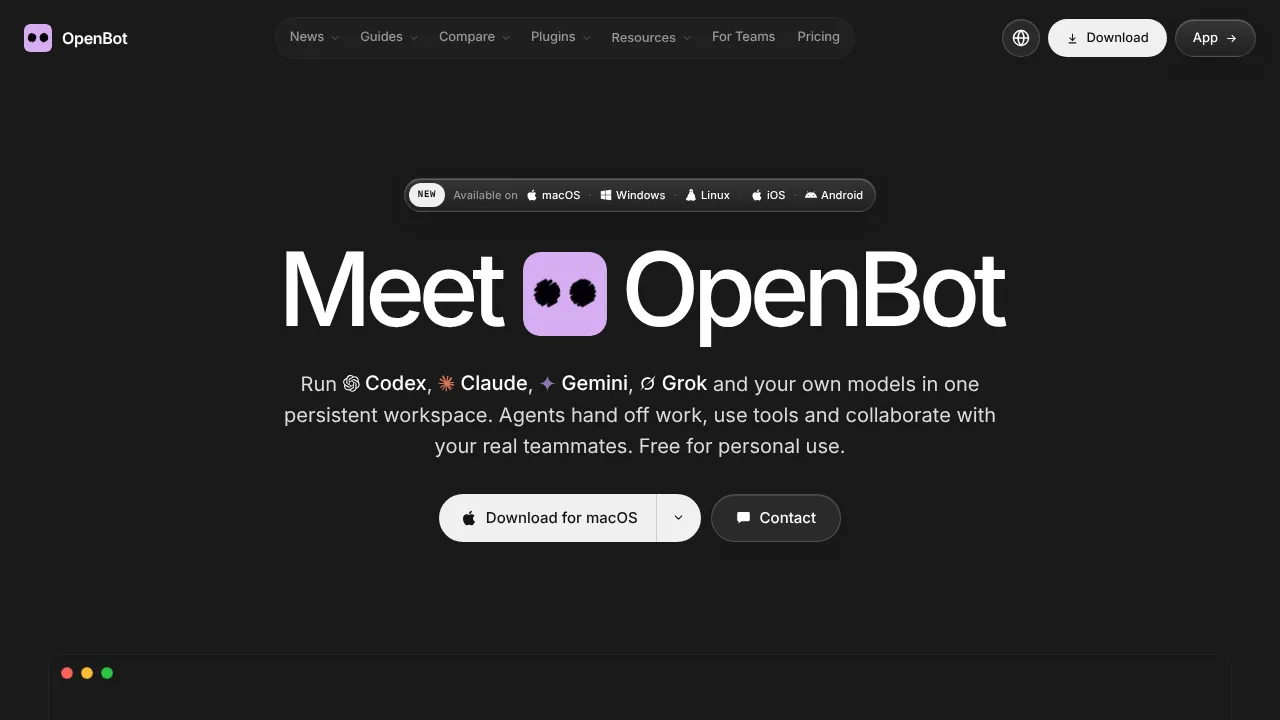
OpenBot lets users run and coordinate multiple AI coding and assistant agents locally using their existing provider subscriptions.

OpenBot

OpenBot Product Information

What is OpenBot?

OpenBot is a desktop application that runs multiple AI agents, such as Codex, Claude Code, and Gemini, in a shared workspace on your computer. Agents can hand off tasks, use tools, and collaborate with human teammates via multiplayer channels. It requires macOS 13 or newer, Windows 10 or newer, or Linux on x64 or arm64, and relies on the user's existing AI provider subscriptions.

What are the features of OpenBot?

  • Multi-agent collaboration
    Agents maintain individual roles, instructions, and workspaces, allowing them to message each other, hand off tasks, share files, and review results.
  • Provider switching
    An agent retains its workspace and conversation when moved to a different model or provider, including automatic fallback if a plan limit is reached.
  • Local data storage
    Workspaces, conversations, files, and browser data remain on the computer running OpenBot rather than external servers.
  • Workflow automation
    Users can combine agents, models, and approval steps into scheduled, multi-step processes.
  • Plugin integrations
    Agents access external tools through plugins for services like Notion, Figma, Linear, Obsidian, Canva, and Aave.
  • Multiplayer mode
    Human teammates can be invited to shared channels where they collaborate directly with AI agents on projects.

What are the use cases of OpenBot?

  • Automated weekly reporting
    Scheduled workflows trigger agents to summarize issues, collect usage numbers, generate charts, and draft reports pending human approval.
  • Cross-platform debugging
    One agent identifies a failing test and hands it off to another agent to fix the code, while a third reviews and merges the change.
  • Collaborative content publishing
    A human teammate requests a draft in a shared channel, an agent writes it, another reviews it, and a third posts it.

How to use OpenBot?

  1. Download and connect
    Install the desktop app and connect an AI provider using an existing subscription plan or API key.
  2. Create an agent
    Describe the desired agent in a single prompt, review its generated instructions, and save it.
  3. Assign work
    Send messages or tasks to the agent, which queues them until the agent is free to process them.

OpenBot Pricing Information:

  • Personal and noncommercial use
    $0; includes every feature and runs locally using the user's own AI provider plans or API keys. Licensed under PolyForm Noncommercial 1.0.0.
  • Commercial license
    Required for business use; specific pricing is not stated.
  • OpenBot for Teams
    Custom pricing; includes managed servers, team environments, custom integrations, implementation, and ongoing support.

Do you like this tool?

Upvote to help others discover it!

OpenBot Alternatives

Bytebot

Bytebot

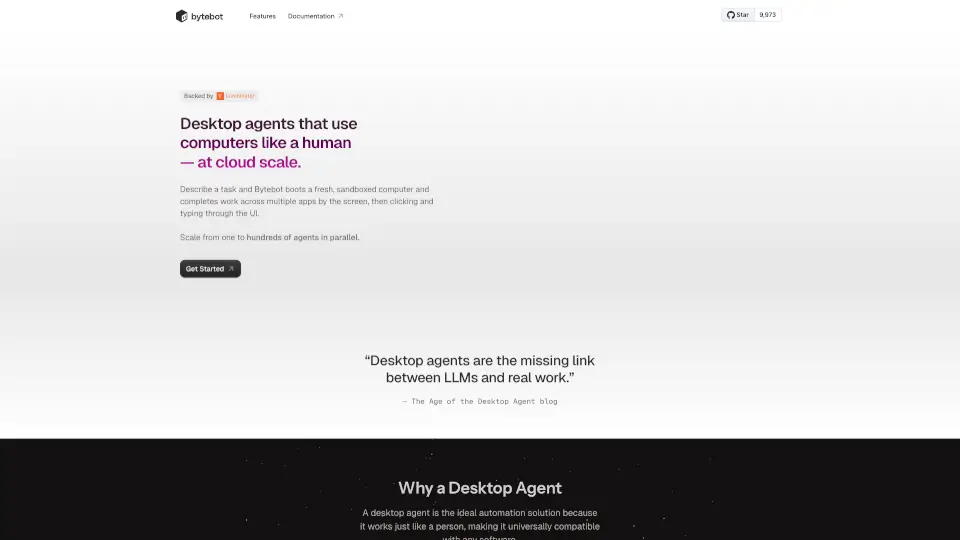
Bytebot automates any desktop task using AI, working across apps like a human. It’s open source, secure, and easy to use—no coding required.

US
57.55%
3.4K
0
Open

Open

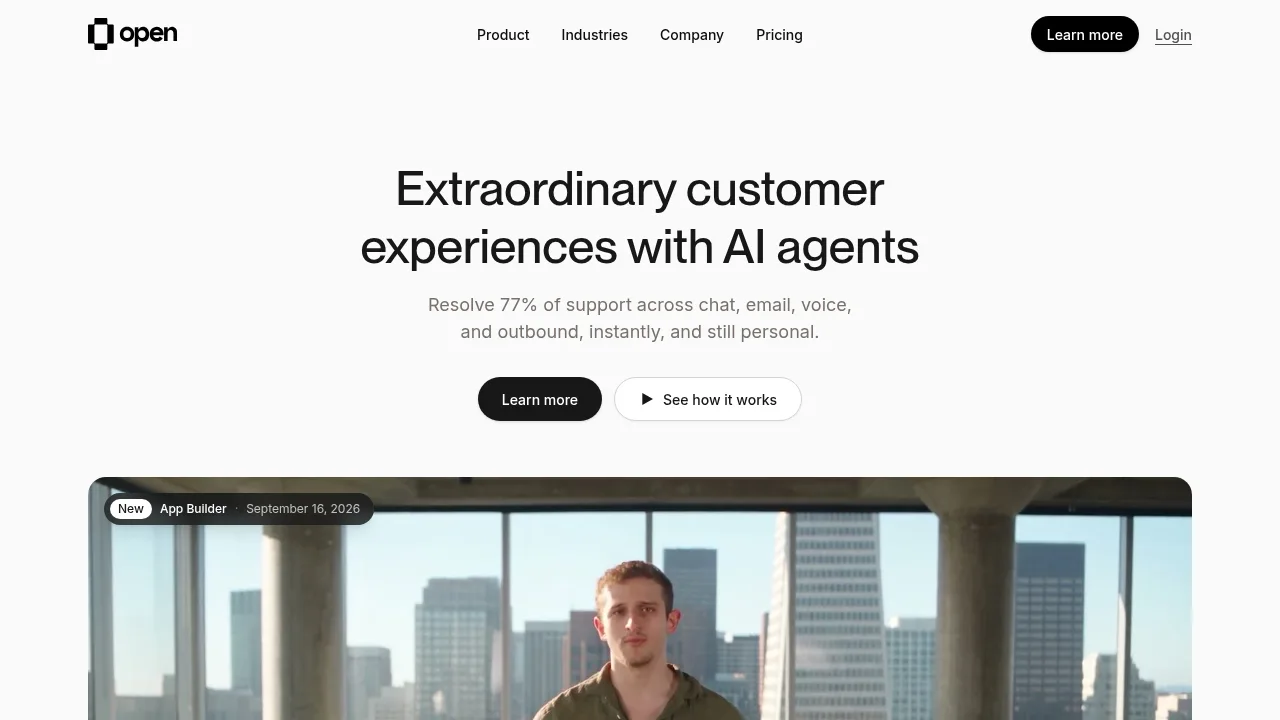
Open unifies AI agents across voice, chat, email, and messaging channels while integrating directly with existing helpdesk software.

JO
46.59%
47.9K
0
GitMind Chat

GitMind Chat

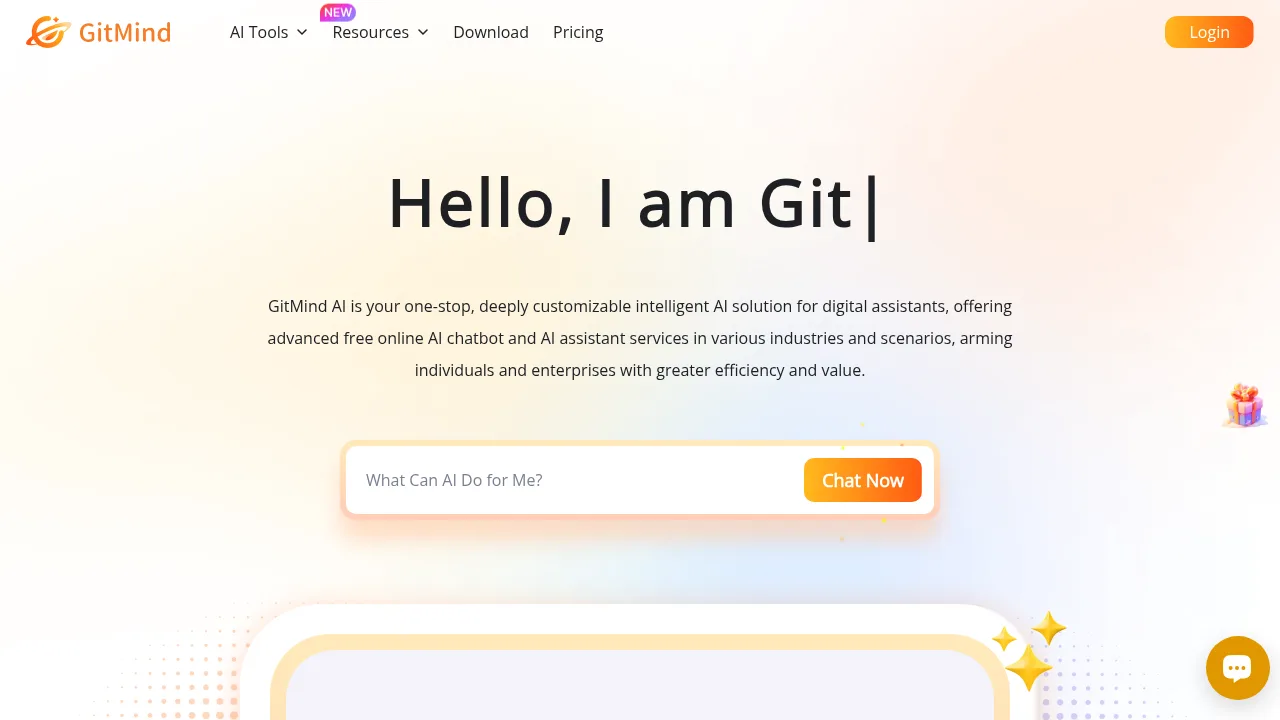
GitMind Chat provides multimodal AI conversations through pre-built role-specific agents and customizable assistants accessible via web and mobile apps.

TW
13.63%
522.6K
0
OpenHands

OpenHands

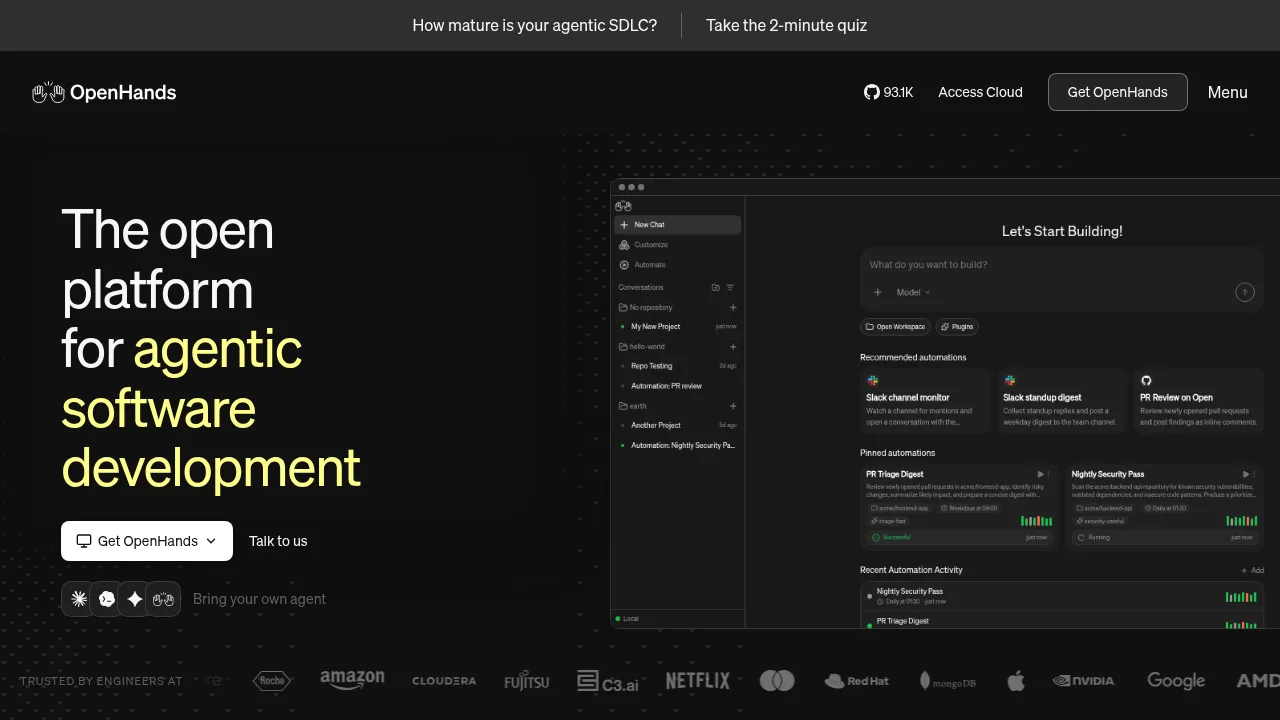
OpenHands runs autonomous coding agents that plan, write, and apply software changes across entire repositories.

US
18.97%
249.0K
0
HumanLayer

HumanLayer

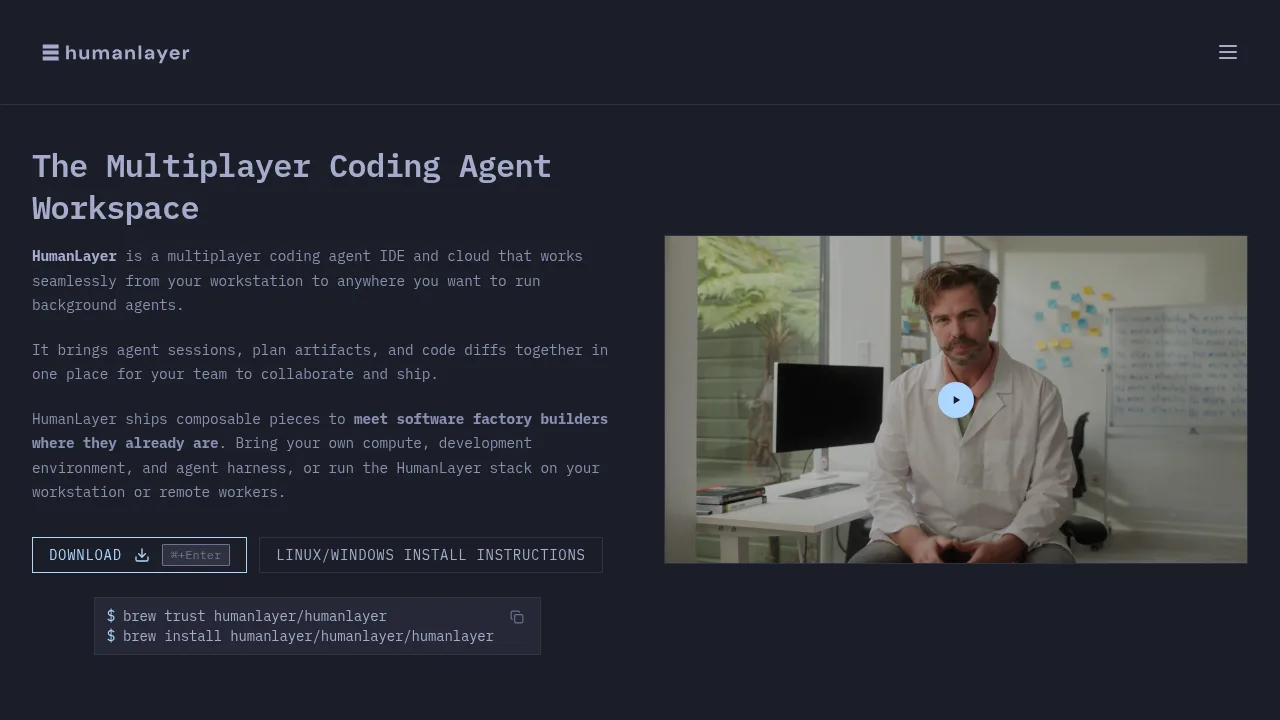
HumanLayer coordinates multiple AI coding agents and human reviewers within shared task workspaces to manage design, planning, and implementation.

US
28.61%
63.9K
0
WotNot

WotNot

WotNot is the easy no-code AI agent platform that helps businesses automate customer support, qualify leads, and streamline workflows at scale without needing technical skills.

US
21.61%
36.9K
0
Toolhouse

Toolhouse

Toolhouse lets anyone build and launch AI agents with a simple prompt, packed with integrations and trusted by top tech companies.

US
84.82%
4.3K
0
DailyBot

DailyBot

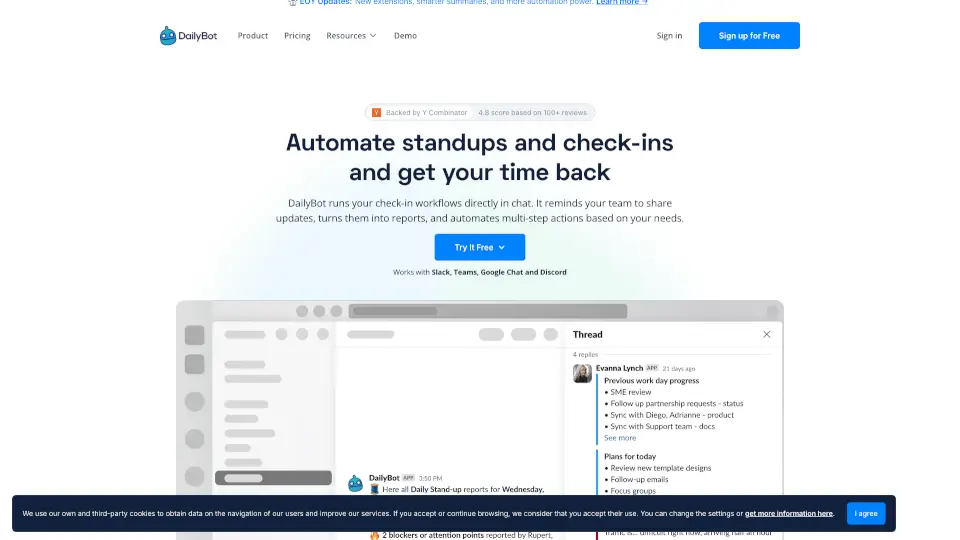
Dailybot unifies team updates, AI agent reports, and blocker alerts in one place across your chat tools – no extra meetings needed.

MX
23.42%
17.8K
0

OpenBot Related Other Categories

OpenBot Traffic Analysis

Website traffic estimates for openbot.run. Visits are not unique users or product usage.

💡 Insights

⭐
Medium Scale
100K-1M monthly visits. Growing tool with active development.
🔥
Explosive Growth
Recent growth of 2617%. Extremely hot in the market right now!
👍
Good Experience
Bounce rate of 49%. Users are willing to explore features.
🌍
Brazil Dominant
41% users from Brazil. Optimized for this market.
  • Monthly Visits

    145.31K

  • Bounce Rate

    48.62%

  • Pages Per Visit

    2.43

  • Visit Duration

    00:02:34

  • Global Rank

    290812

  • Country Rank

    45938

Visits Over Time

Traffic Sources

Direct43.20%
Search Organic33.52%
Social Organic16.05%
Referrals3.30%
Gen Ai1.60%
Mail1.40%
Social Paid0.68%
Display Ads0.24%
Search Paid0.01%
Affiliate0.00%

Top Keywords

1
openbot
CPC$2.73
48.52KTraffic
2
open bot
CPC$7.43
9.59KTraffic
3
openbot.run
620Traffic
4
openbot github
560Traffic
5
openbot vs grok bot
520Traffic

Top Regions

RegionPercentage
Brazil
Brazil
41.06%
United States
United States
19.03%
India
India
17.04%
Poland
Poland
6.95%
Indonesia
Indonesia
3.85%
Low
High

Powered by SimilarWeb

OpenBot FAQ

Which AI providers can I use with OpenBot?

OpenBot supports Codex, Claude Code, Gemini, Grok, OpenCode, Cursor, Cline, Muse Code, Pi, Mercury, any Agent Client Protocol (ACP) agent, OpenAI-compatible endpoints, and local models via Ollama or LM Studio.

Is my data sent to OpenBot's servers?

No. Workspaces, conversations, attachments, and browser data stay on the computer running OpenBot, though prompts are sent to whichever AI provider you choose.

OpenBot Reviews

0
0 Reviews
Sign Into leave a review

Recent Reviews

No reviews yet

OpenBot Embed

Use website badges to drive community support for SeekTool.ai. They are easy to embed in your homepage or footer.

Light
Dark
OpenBot - Featured on SeekTool.aiOpenBot - Featured on SeekTool.ai
How to install?