
What is Notion Templates For AI?
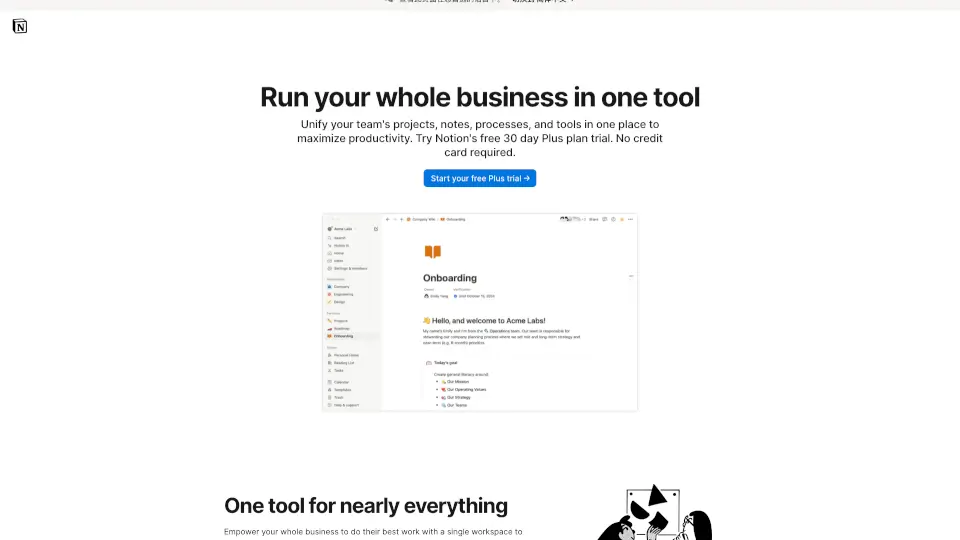
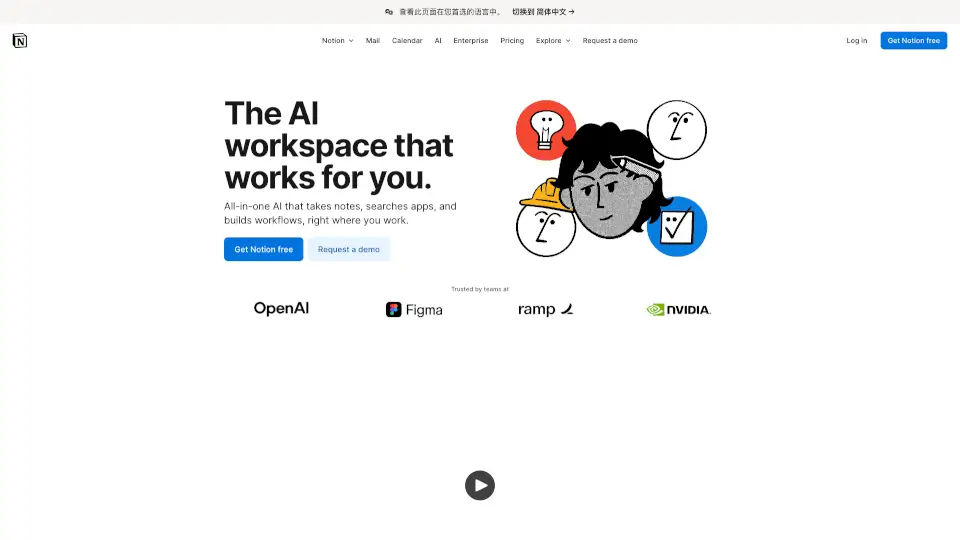
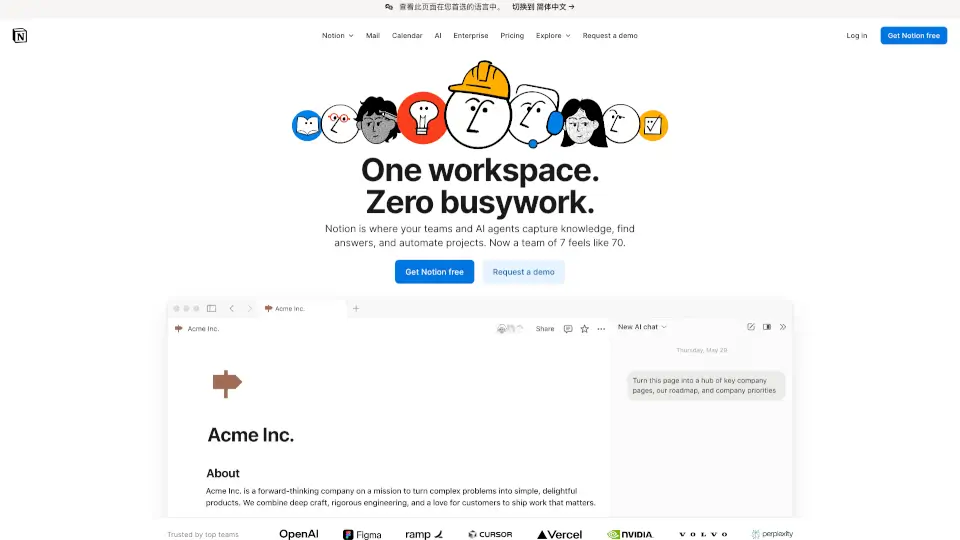
Notion is your all-in-one workspace for wiki, docs, and projects. It’s designed to help you write, plan, and collaborate with ease, all while being powered by integrated AI. Whether you’re managing a team, organizing personal tasks, or building a knowledge base, Notion has got you covered.
What are the features of Notion Templates For AI?
- AI Integration: Get instant answers, generate content, and translate with AI assistance.
- Docs & Wikis: Create powerful documents and centralize your knowledge in one place.
- Projects & Tasks: Manage projects, track goals, and automate repetitive tasks.
- Calendar & Sites: Keep track of your schedule and publish anything online quickly.
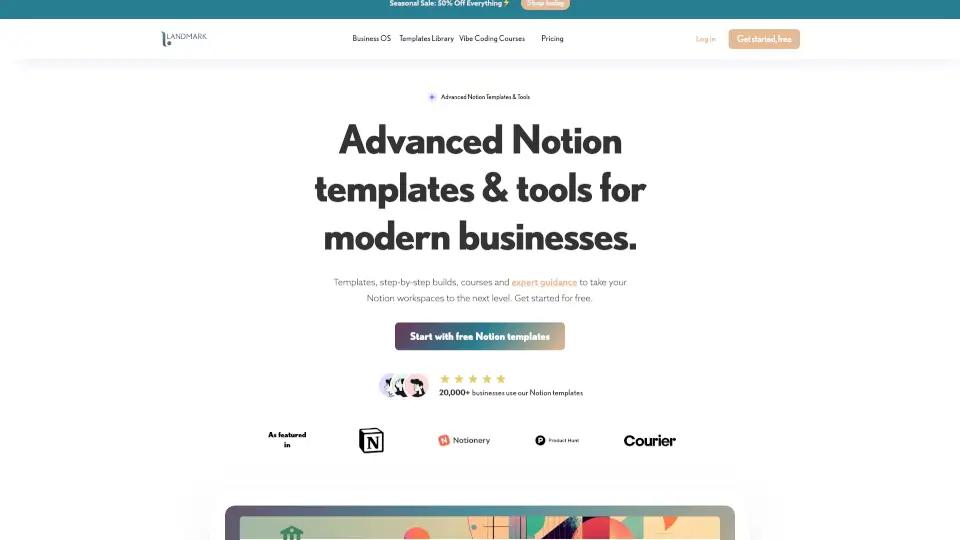
- Templates & Integrations: Start with 30,000+ templates and connect your favorite tools.
What are the use cases of Notion Templates For AI?
- Team Collaboration: Perfect for teams in engineering, design, marketing, and more.
- Personal Organization: Great for students, teachers, and creators to manage their tasks.
- Knowledge Management: Ideal for building company wikis and capturing ideas.
- Project Planning: Use it for roadmaps, OKRs, and editorial calendars.
How to use Notion Templates For AI?
- Sign Up: Create an account on Notion’s website or download the app.
- Choose a Template: Start with a pre-built template or create your own workspace.
- Customize: Add docs, wikis, projects, and integrate your favorite tools.
- Collaborate: Share your workspace with teammates and start working together.
- Use AI: Ask Notion AI for help with writing, summarizing, or finding information.