What is KaneAI?
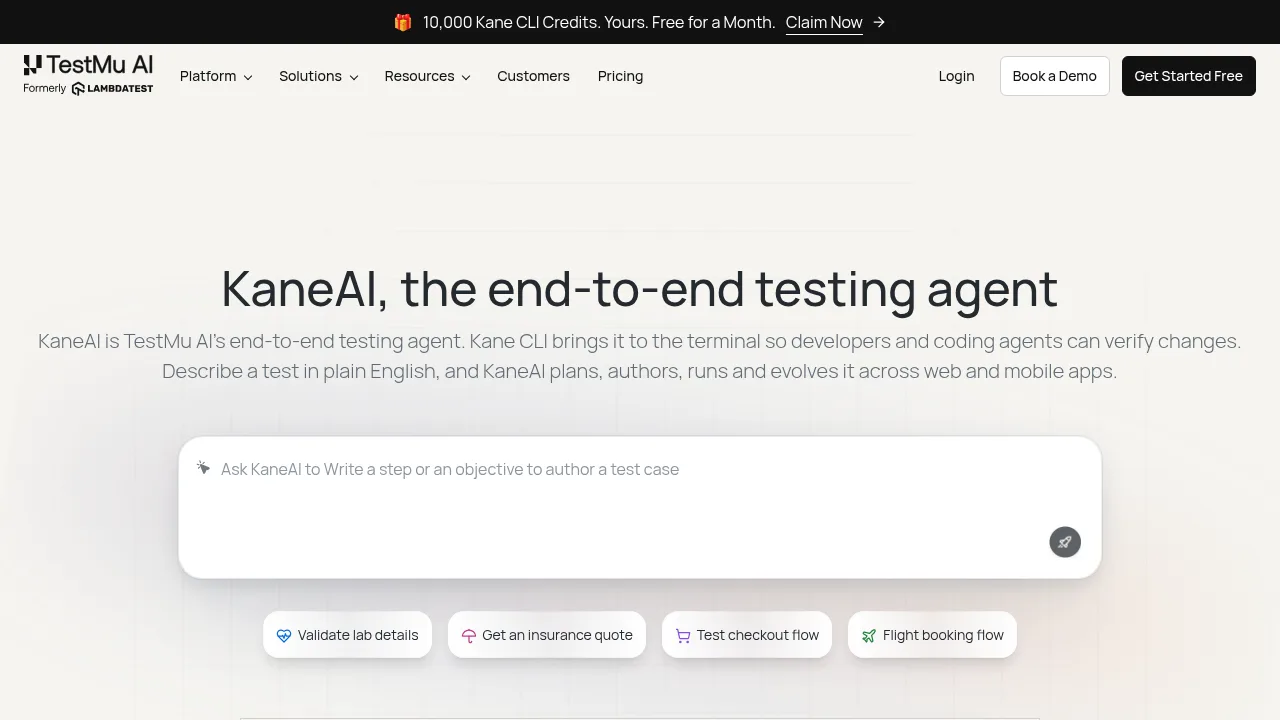
KaneAI is an end-to-end testing agent for web and mobile applications that plans, authors, runs, and maintains tests based on plain English descriptions or input documents. Developers and QA teams can use it via a cloud platform or the Kane CLI terminal tool to verify changes without writing brittle selectors.
What are the features of KaneAI?
- Natural language authoringGenerates executable test cases from plain English instructions, Jira tickets, PRDs, PDFs, screenshots, or spreadsheets.
- Self-healing executionUpdates affected steps automatically when UI elements change, resolving locators by intent rather than fixed selectors.
- Multi-layer validationTests web and mobile UI flows alongside API endpoints, database queries, network requests, and accessibility standards in one run.
- Terminal integrationThe Kane CLI allows running AI website and mobile app tests from local Chrome, iOS Simulators, or Android Emulators with typed exit codes.
- Framework exportConverts generated tests into Selenium, Playwright, and Appium code in multiple languages to prevent vendor lock-in.
- Visual regression detectionDiffs every screen during execution to flag visual changes and pixel-perfect inconsistencies across browsers and devices.
What are the use cases of KaneAI?
- Pull request verificationUsers can mention @KaneAI in GitHub pull requests to generate, execute, and post results for specific code diffs directly in the thread.
- Cross-platform consistencyTeams can author a single natural language flow and run it simultaneously across desktop browsers, mobile web, and native mobile apps.
- Legacy script replacementEngineering teams can replace manual Selenium scripts with plain English tests to reduce maintenance time and increase coverage for payment or booking flows.
How to use KaneAI?
- Sign inAccess the platform through a TestMu AI account.
- Describe testInput a plain English description, upload a document like a PRD or Jira ticket, or record a manual interaction.
- Review planInspect the drafted test plan, tweak steps if necessary, and approve it before execution begins.
- ExecuteRun the test on real browsers, devices, or via the Kane CLI in a CI environment.
- Analyze resultsReview pass/fail status, root cause analysis for failures, and exported framework code.
KaneAI Pricing Information:
- KaneAI Starter$17 per agent per month billed annually; includes 2,000 credits and local authoring via Kane CLI.
- Pro$89 per agent per month billed annually; includes 12,000 credits and cloud web authoring.
- KaneAI Max$179 per agent per month billed annually; includes 25,000 credits and cloud web plus mobile authoring.
- Free trialA 14-day free trial is available for evaluation.