
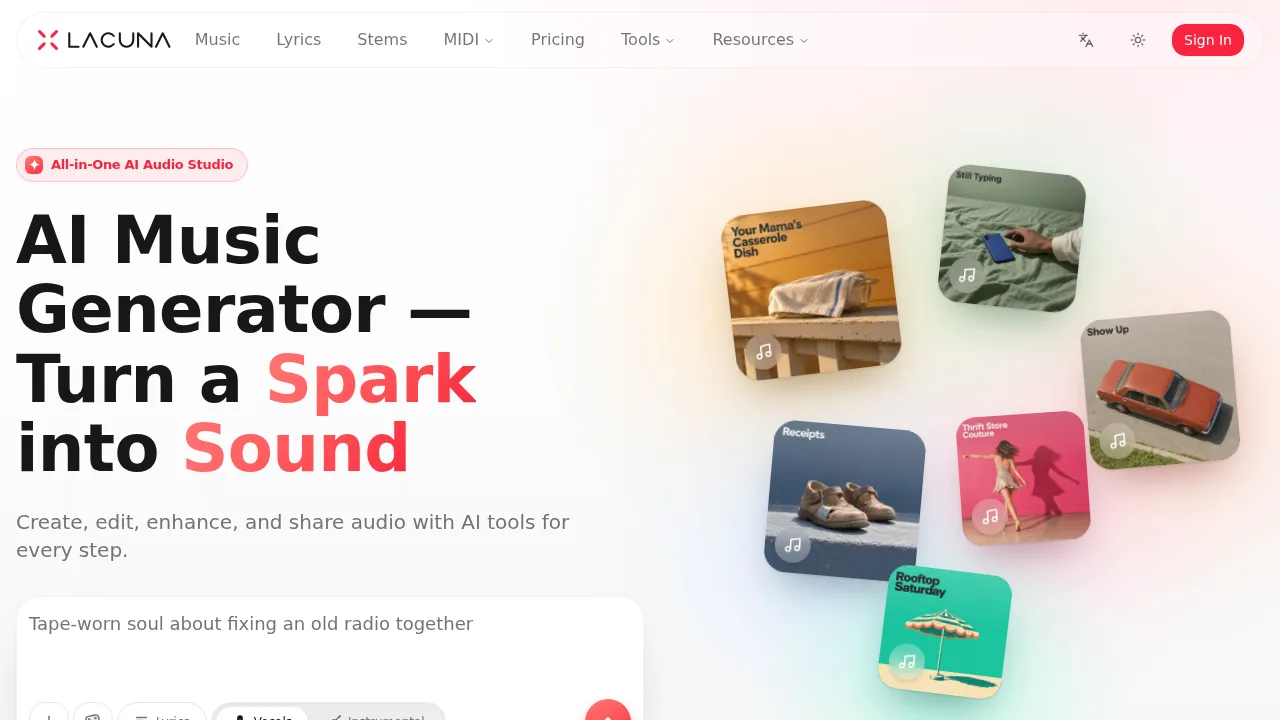
What is Lacuna?
Lacuna is a web-based AI audio studio that generates, edits, and processes music, vocals, and MIDI files. It serves musicians and creators who need to produce songs from text, hummed melodies, or images, as well as those requiring stem separation, mastering, and notation conversion. An account is required to generate and save tracks, though signing up is free and does not require a credit card.
What are the features of Lacuna?
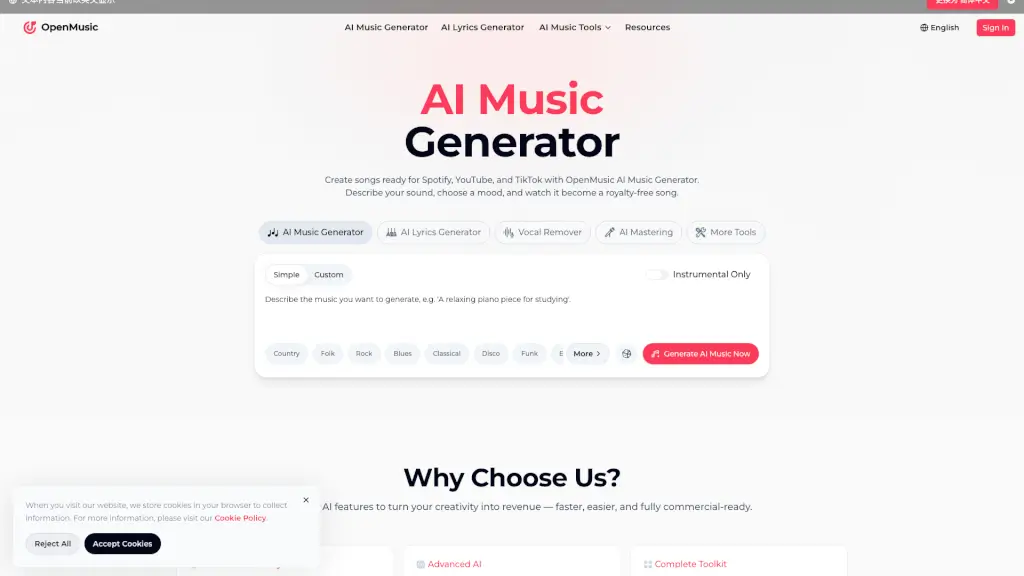
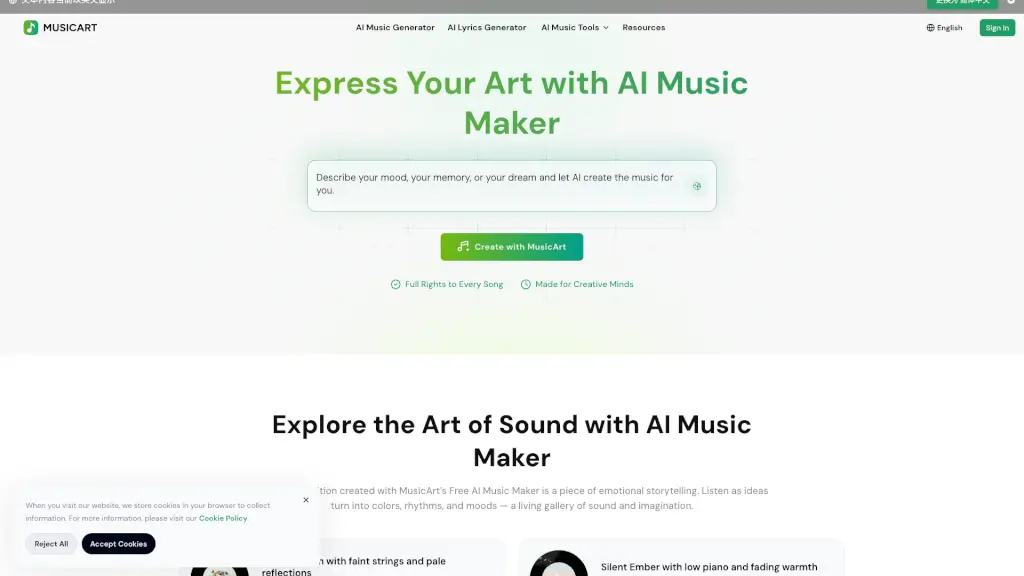
- Music generation canvasGenerates songs from text descriptions, hummed melodies, photos, or MIDI files, producing two draft directions per request on a visual editing canvas.
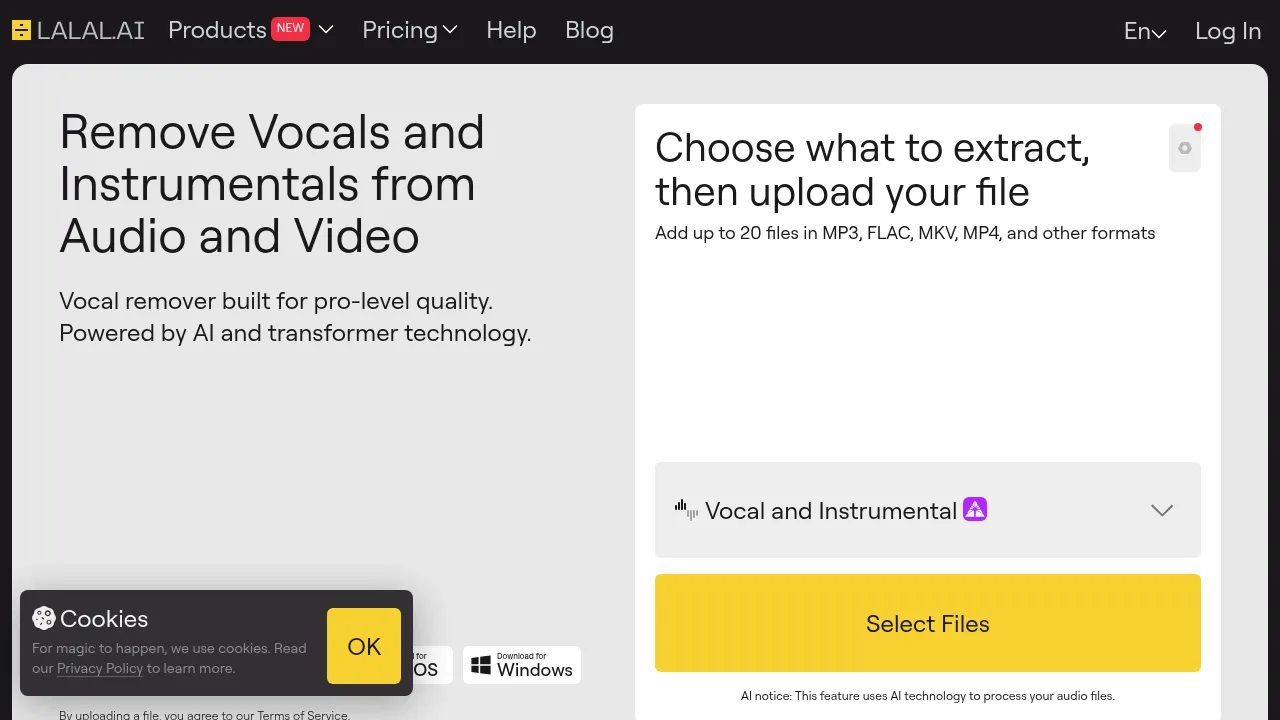
- Stem separationSplits uploaded or generated tracks into two, four, or six stems including vocals, drums, bass, guitar, and piano for individual download or rebalancing.
- MIDI and notation conversionTranscribes sheet music PDFs and images to editable MIDI, converts between MusicXML, ABC notation, and MIDI, and renders MIDI back to sheet music or audio.
- Voice cloning and coversTrains a private singing voice model from 2–30 minutes of recordings and applies it to existing tracks or new generations while preserving melody and backing.
- Section-level lyric editingRegenerates a selected portion of a song's waveform with new lyrics without altering the rest of the track.
- Audio masteringMatches a mix to reference presets like Balanced & Clear or Loud & Punchy, outputting WAV (16- or 24-bit) or 320 kbps MP3 with LUFS and true peak readings.
What are the use cases of Lacuna?
- Karaoke and backing track creationIsolating or removing lead vocals, backing vocals, or specific instruments from an uploaded song to produce practice or performance tracks.
- Sheet music digitizationConverting printed multi-page PDF scores or phone photos into editable MIDI or MusicXML files for further arrangement.
- Personalized song giftingGenerating custom birthday, lullaby, or holiday songs incorporating specific names and memories provided by the user.
How to use Lacuna?
- Describe the ideaEnter a genre, mood, story, lyrics, or upload a humming recording, photo, or MIDI file into the Music Agent via the web interface.
- Review directionsEvaluate the two initial drafts generated by the agent and select one to proceed with or adjust.
- Listen and comparePlay the resulting takes on the visual canvas as they finish generating.
- Refine the trackApply edits such as rewriting a section, remixing the style, extending the song, changing the voice, splitting stems, or mastering.
- Release the audioExport the finished song or convert it into a lyric video or audio-reactive visualizer.
Lacuna Pricing Information:
- Free accountIncludes monthly credits to generate and listen to full songs; requires sign-in but no credit card.
- Paid plansProvide additional credits, downloads, and full commercial rights to all generated music and lyrics for use on platforms like YouTube, Spotify, podcasts, and games. Higher plans allow up to three versions per remix run. Specific prices are not stated in the source.