
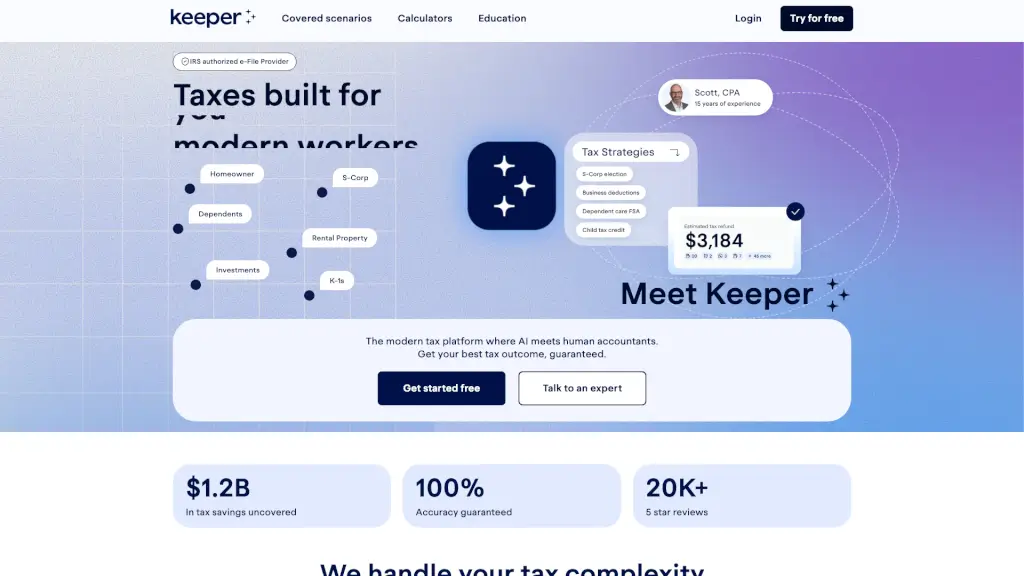
What is Keeper Tax?
Keeper is a modern tax platform that makes filing complex taxes a breeze. By combining cutting-edge AI with a network of experienced tax professionals, Keeper ensures that you get the best possible tax outcome. Whether you're a W-2 employee, 1099 contractor, self-employed, or a business owner, Keeper has got you covered. With features like automatic deduction tracking, expert review, and year-round support, you can file your taxes with confidence and peace of mind.
What are the features of Keeper Tax?
- AI-Powered Deduction Tracking: Automatically flags and categorizes tax-deductible expenses by linking up to 10 financial accounts.
- Expert Review and Support: Every return is reviewed and signed by a tax professional, ensuring 100% accuracy.
- Year-Round Tax Advice: Get instant answers to your tax questions from an AI assistant, with human experts on standby for more complex issues.
- Max Refund Guarantee: Keeper runs over 300 checks to ensure you claim every qualifying credit and deduction.
- Audit Protection: In case of an audit, Keeper provides support and resolution services.
- Quarterly Tax Support: For those who need it, Keeper offers Form 1040-ES and Form 941 support.
What are the use cases of Keeper Tax?
- W-2 Employees: Easily track and claim deductions, such as childcare, tuition, and mortgage interest.
- 1099 Contractors and Freelancers: Automatically categorize business expenses and defer income to optimize your tax bill.
- Self-Employed Individuals and Business Owners: Maximize business deductions, handle S-Corp elections, and manage K-1s.
- Parents and Students: Claim education credits, child tax credits, and other family-related deductions.
- Homeowners and Investors: Manage mortgage interest, property taxes, and investment income, including stocks, bonds, and crypto.
- Expats and Late Filers: Handle foreign income, late filings, and amendments with ease.
How to use Keeper Tax?
- Link Your Financial Accounts: Connect your bank and credit card accounts to automatically track deductible expenses.
- Upload Tax Documents: Drop off your tax forms, and Keeper’s AI will prep your return.
- Review and Confirm: Check the prepped return and confirm all information is accurate.
- Get Expert Review: A tax professional will review your return before it’s filed.
- File with Confidence: Submit your return to the IRS and state, knowing it’s 100% accurate.
- Stay in Touch: Use the AI assistant for any ongoing tax questions and get year-round support.