What is Interviews Chat?
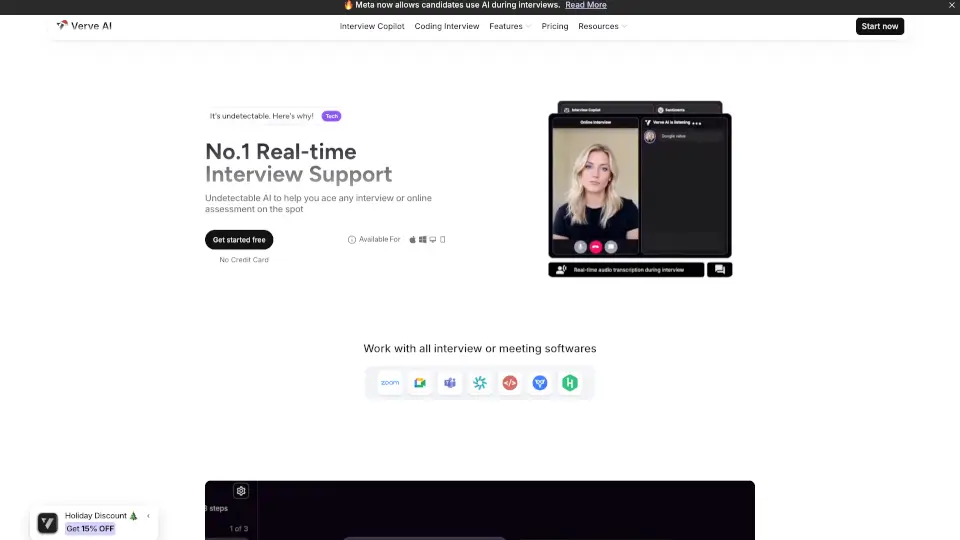
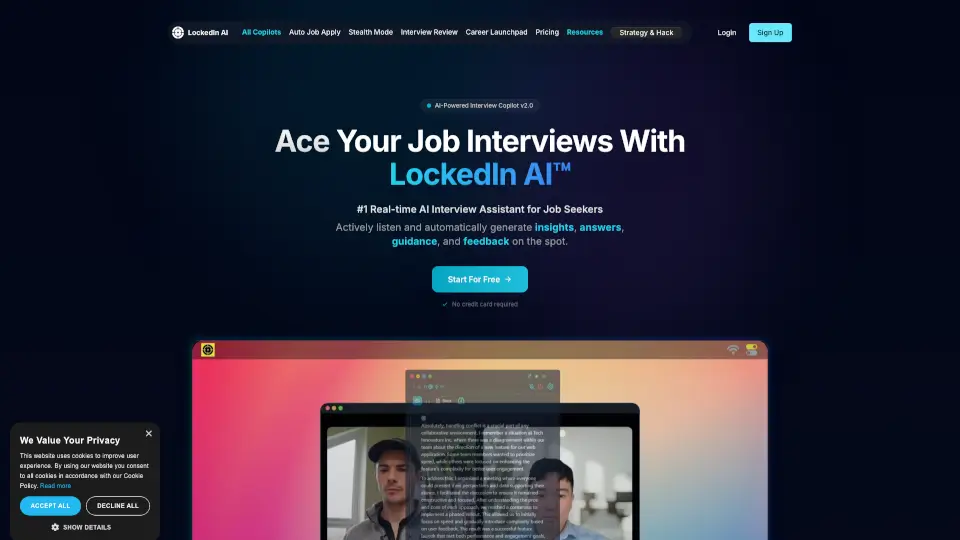
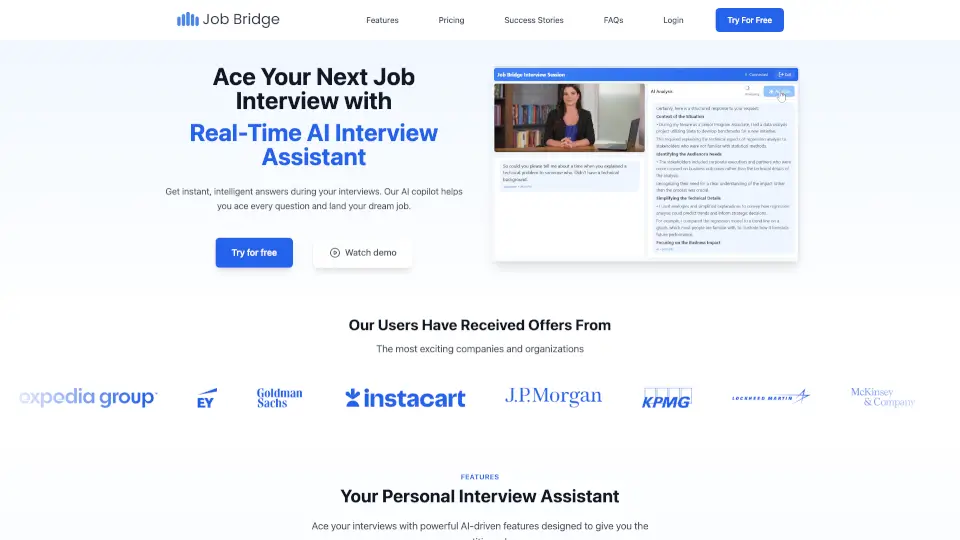
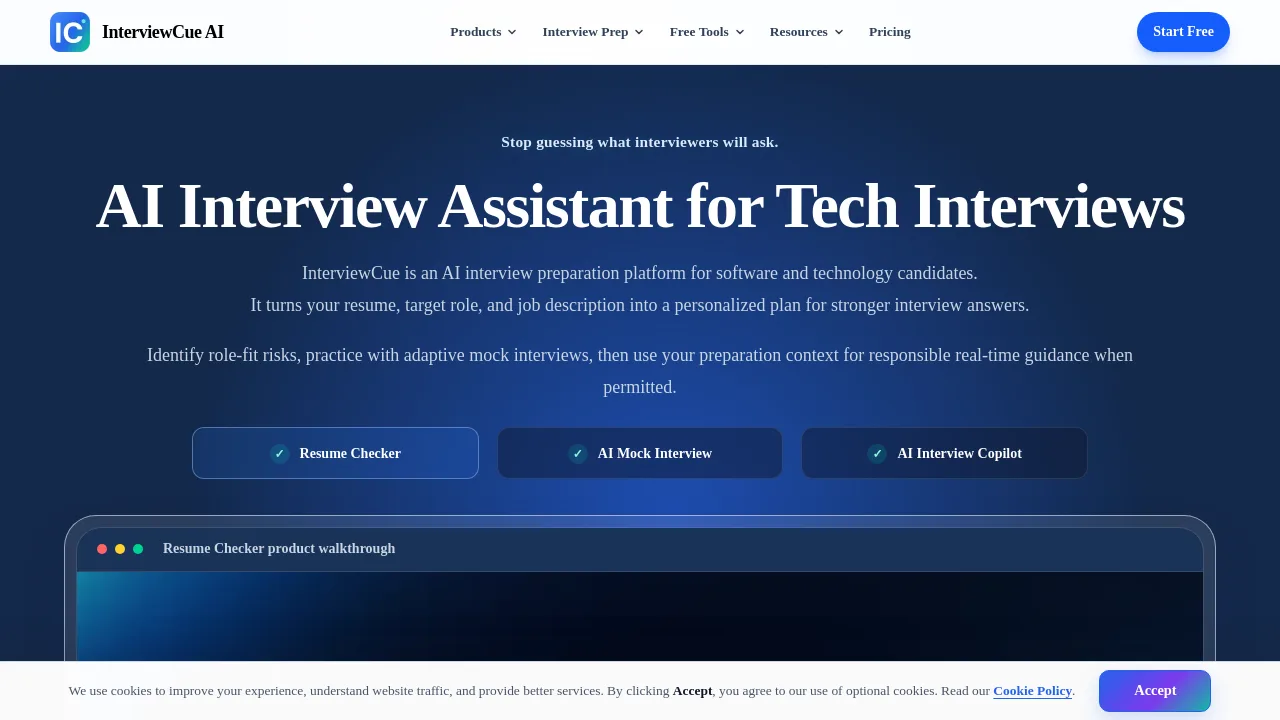
Interviews Chat is an AI interview copilot and interview prep tool for job seekers who want real-time support during live interviews. It provides live transcription, near-instant response suggestions, and flexible answer formats like STAR responses, bullet points, and follow-up questions. The Chrome extension handles online assessments, while phone interview support works via a separate device. It also offers practice modes, mock interviews, and AI feedback on your answers. Best suited for professionals preparing for technical, behavioral, or case interviews.
What are the features of Interviews Chat?
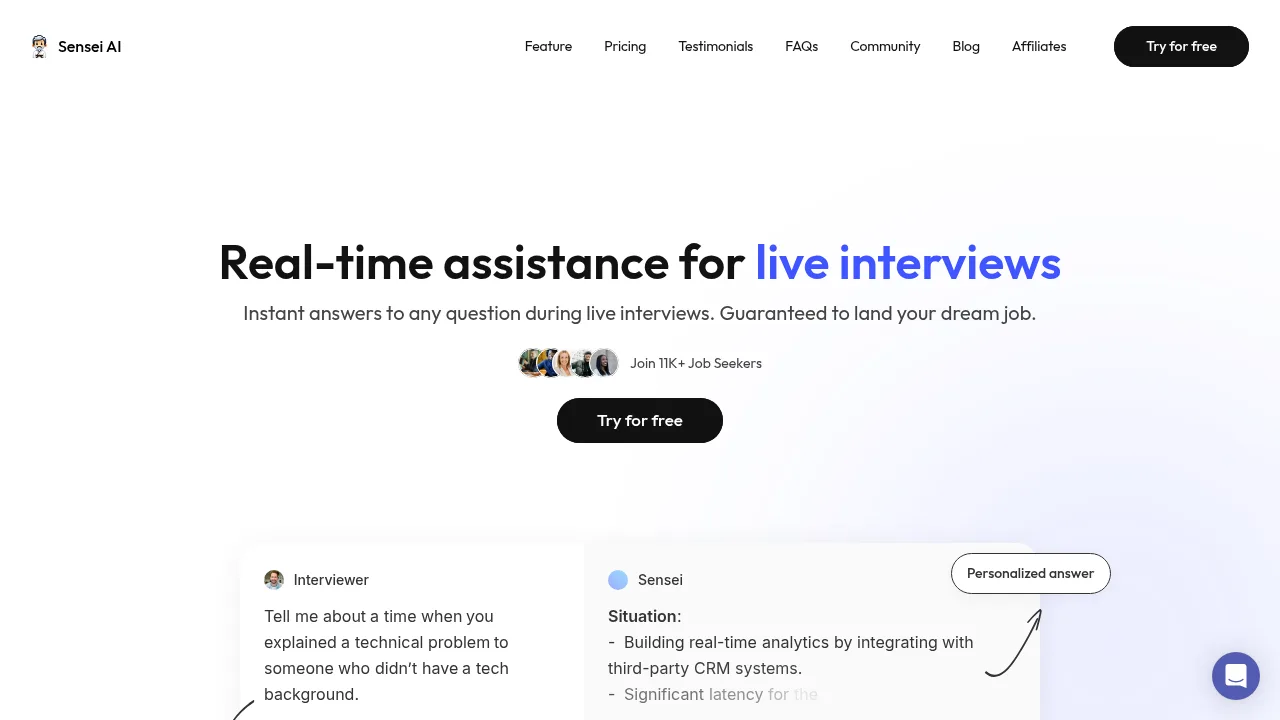
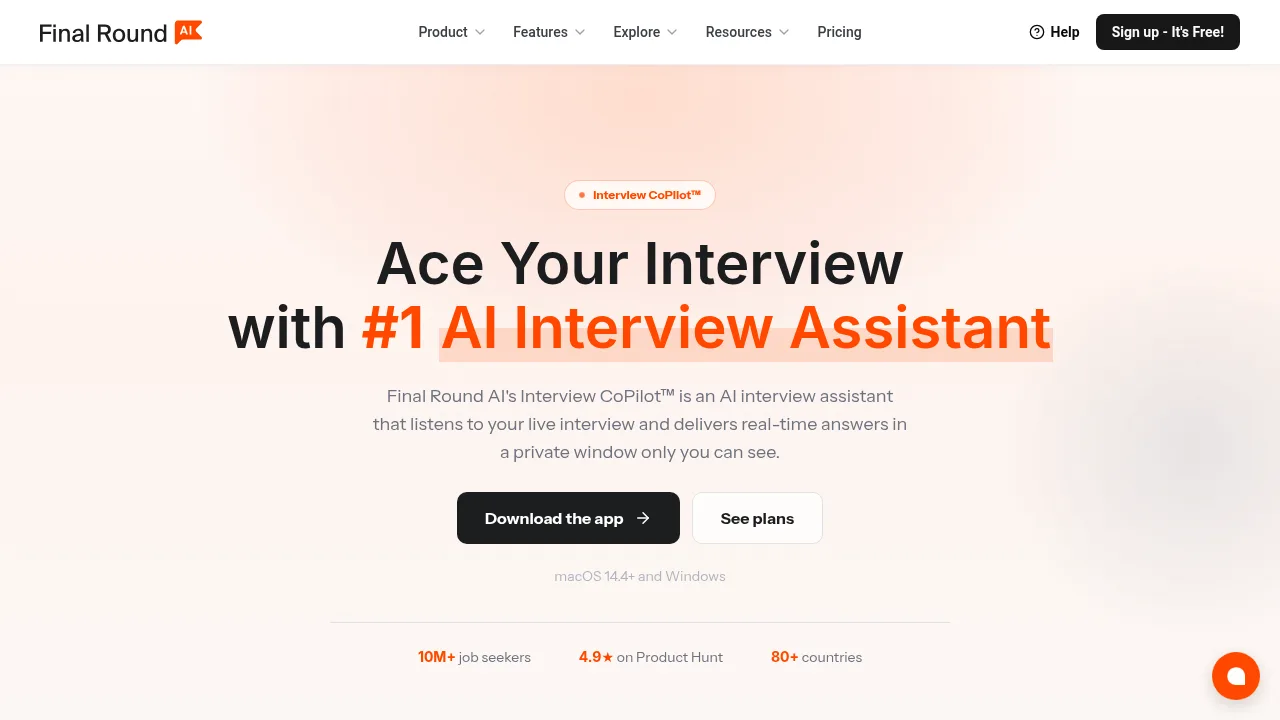
- Real-Time Interview CopilotMonitors your meeting (Zoom, Google Meet, Teams) and suggests answers in under a second, with live transcription to keep you on track.
- Multi-Model AI SupportCompare suggestions from GPT, Claude, and Gemini simultaneously, letting you choose the best response for your style.
- Smart Response FormattingDelivers STAR answers, bullet points, or concise replies directly on screen, designed for both behavioral and technical questions.
- Chrome Extension for AssessmentsConnects to browser-based coding or whiteboard tasks and generates solutions with detailed reasoning in real time.
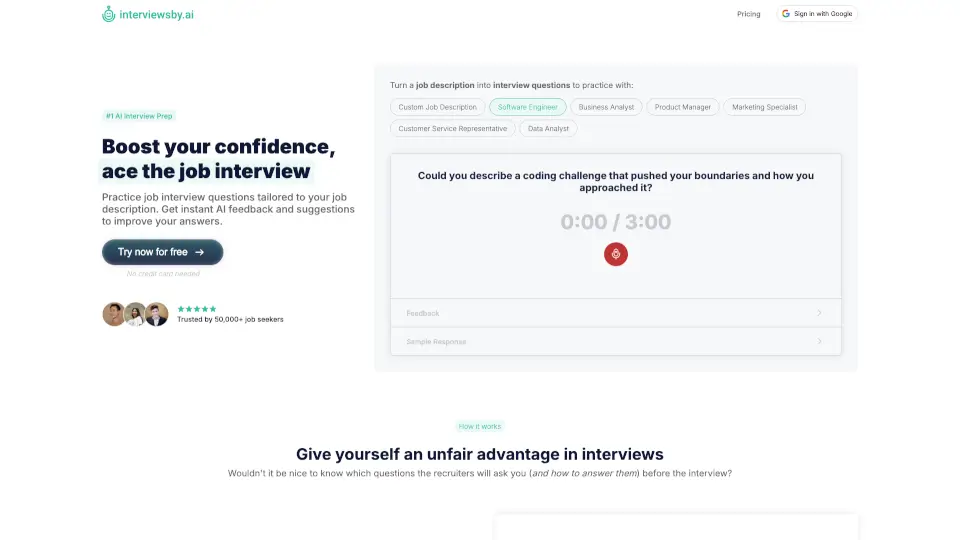
- AI Interview Prep & PracticeGenerates tailored questions from your resume and job description, then provides mock interviews with follow-up questions and actionable feedback.
- Phone Interview AssistantWorks as a fallback when screen sharing is required, using the web version on a separate device to transcribe and suggest answers.
What are the use cases of Interviews Chat?
- Job seekerspreparing for technical interviews: use the Chrome extension to solve coding problems live while explaining your reasoning.
- Marketing or sales professionalspracticing behavioral questions: get STAR-format suggestions during mock interviews with AI feedback.
- Career changersexploring new roles: use the AI Career Copilot to identify alternative paths and practice with tailored interview questions.
- Non-native English speakersinterviewing in another language: switch the live transcription language to match the interview, and receive AI responses in that language.
- Busy professionalswith limited prep time: rely on the real-time copilot during actual interviews to stay calm and recall key details.
How to use Interviews Chat?
- Start a practice sessionupload your resume and the job description, then let the AI generate relevant questions for you to answer.
- Enable the copilot for a live interviewopen the web app and grant microphone permission—it will transcribe the conversation and show suggestions automatically.
- Use the Chrome extension during online assessmentsopen the coding challenge in your browser, and the extension will generate a solution with step-by-step reasoning.
- Review your performanceafter a mock interview, read the AI’s feedback on your transcribed answers and compare it with the model answer.
- Switch AI models mid-sessionif you prefer a different tone or depth, toggle between GPT, Claude, or Gemini without restarting the interview.