
What is Ink Studio AI?
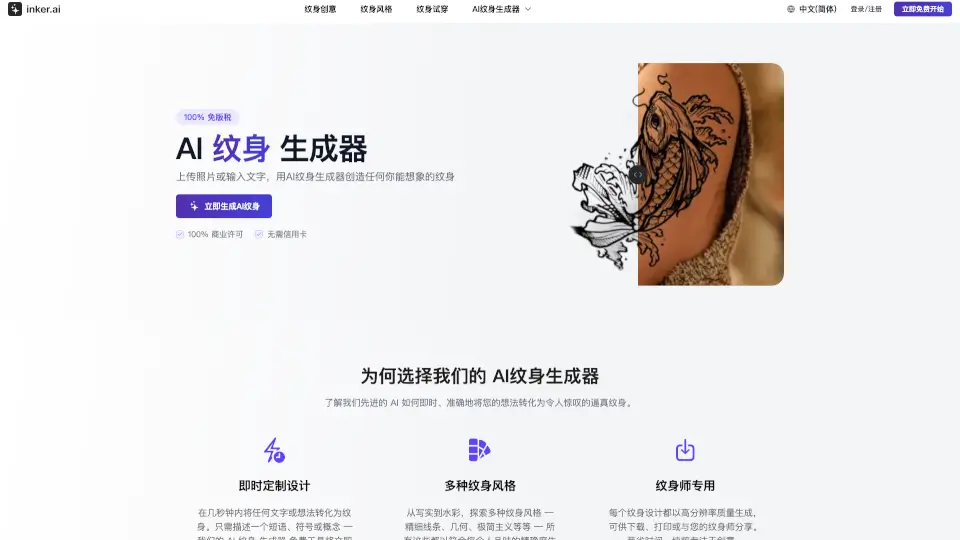
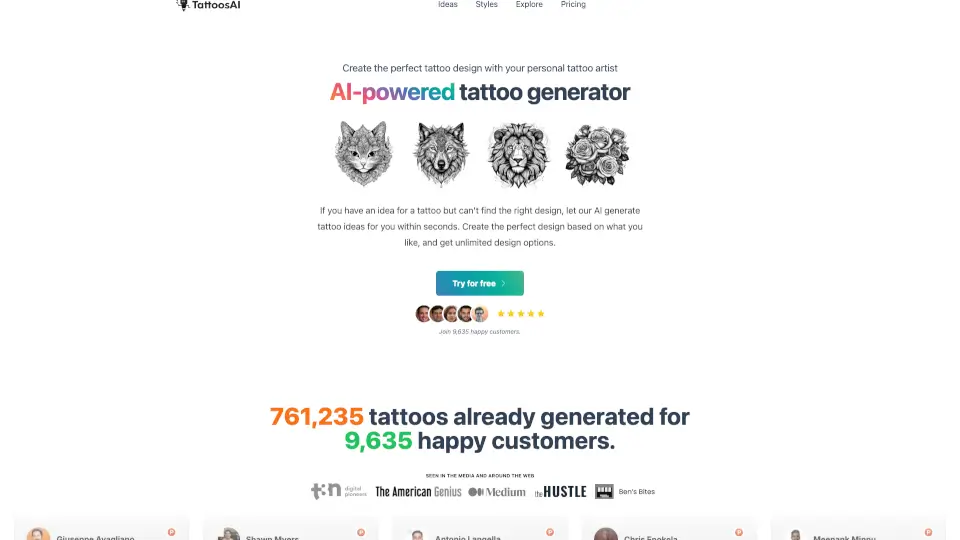
Ink Studio AI is a game-changing tool for anyone looking to design their dream tattoo. With its advanced AI technology, you can create unique and professional-grade tattoo designs in just minutes. Whether you have a specific idea in mind or need some inspiration, Ink Studio AI makes it easy to bring your vision to life. No more waiting weeks for design consultations—just describe your idea, pick a style, and let the AI do the rest.
What are the features of Ink Studio AI?
- Free AI Tattoo Generator: Get 1 free generation to test out the service and see the magic of AI-powered tattoo design.
- Multiple Styles: Choose from a wide range of styles including neo-traditional, black and gray, watercolor, traditional, realism, geometric, tribal, Japanese, 3D, surreal, minimal, and text.
- Image to Tattoo Converter: Convert your favorite images into stunning tattoo designs with our new Image to Tattoo Converter tool.
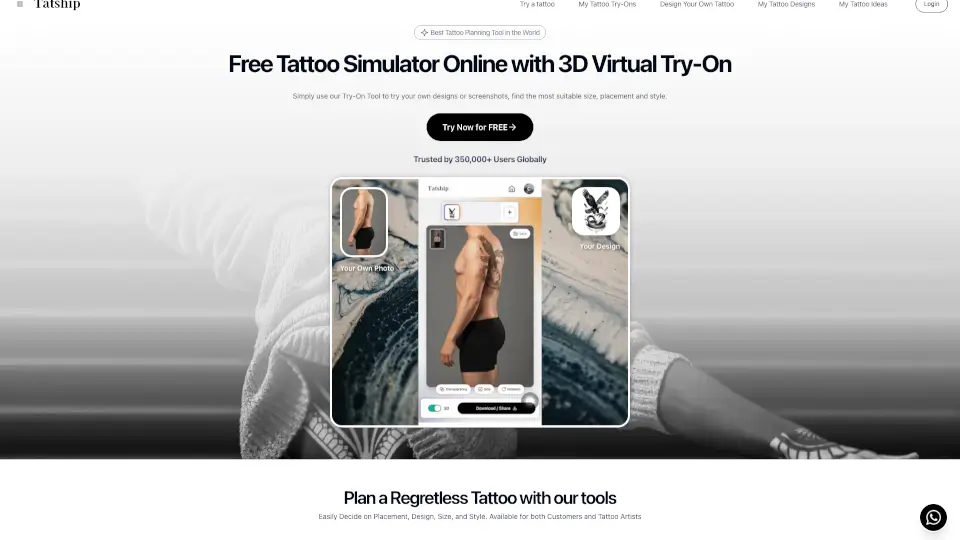
- Virtual Try-On Tool: See exactly how a tattoo will look on your skin before making a commitment, with adjustable size, placement, and rotation.
- AI Prompt Optimizer: Transform basic ideas into detailed, optimized prompts that generate stunning tattoo designs.
- High-Quality Downloads: Download high-resolution, print-ready designs that are perfect for taking to your tattoo artist.
- Priority Support: Get access to priority support and personalized assistance to help you through the design process.
What are the use cases of Ink Studio AI?
- Designing a Custom Tattoo: Create a unique tattoo design based on your personal vision and style preferences.
- Finding Inspiration: Use the AI to generate multiple design options and find the perfect tattoo idea.
- Planning a Sleeve or Cover-Up: Experiment with different styles and placements to plan out a larger tattoo project.
- Converting Photos to Tattoos: Turn cherished photos of loved ones, pets, or special moments into beautiful tattoo designs.
- Estimating Tattoo Costs: Use the built-in tools to estimate the cost of your next tattoo or tattoo removal.
- Testing Different Styles: Easily switch between different tattoo styles to see which one best suits your idea.
How to use Ink Studio AI?
- Describe Your Vision: Tell the AI about your tattoo idea, including the style, elements, placement, and any specific details.
- Choose Your Style: Select from a variety of tattoo styles to match your vision.
- Generate Designs: Click the "Generate" button to see multiple unique tattoo designs tailored to your description.
- Adjust and Refine: Use the AI Prompt Optimizer to refine your design and add more details.
- Try On Virtually: Use the Virtual Try-On Tool to see how the tattoo will look on your skin.
- Download and Share: Download your high-quality design and take it to your favorite tattoo artist.