
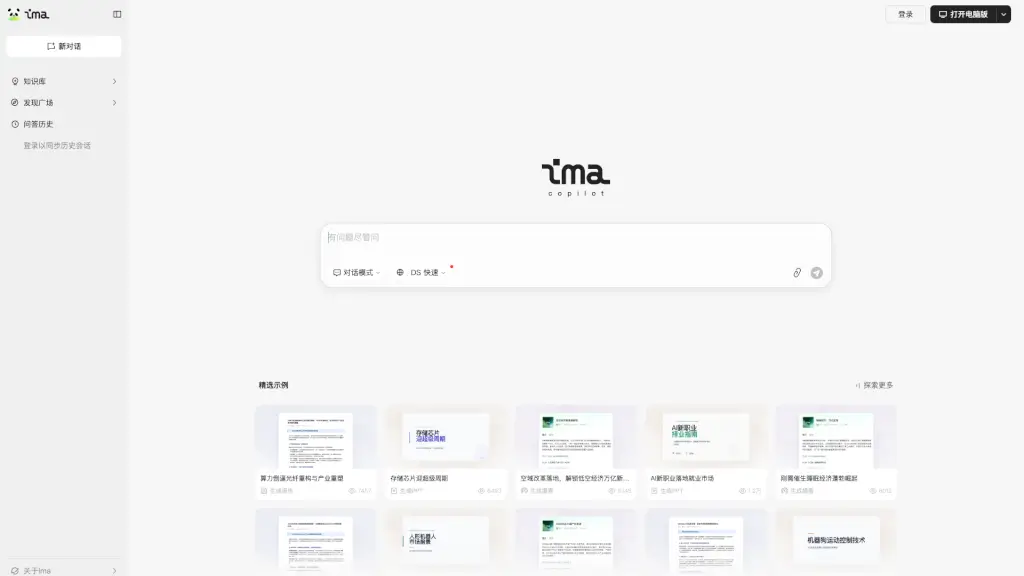
What is ima.copilot?
ima.copilot (often just called ima) is a smart AI workbench built for people who constantly search, read, and write—like students, researchers, and professionals. Developed by Tencent, it combines powerful AI models like Tencent HunYuan and DeepSeek R1 Full Version with your own knowledge sources to help you process information faster and create high-quality content with less effort.
Unlike generic chatbots, ima.copilot centers around your personal or team knowledge base, letting you connect documents, notes, and web resources so the AI understands your context. Whether you’re studying for exams, drafting reports, or analyzing research, ima turns scattered information into clear insights—right when you need them.
What are the features of ima.copilot?
- Integrated Knowledge Base: Upload and link your files so AI answers are grounded in your specific materials.
- Dual AI Models: Choose between Tencent HunYuan and DeepSeek R1 Full Version for different tasks—like reasoning vs. coding.
- Search-Read-Write Workflow: Seamlessly go from finding info to summarizing it and drafting original content in one place.
- Cross-Platform Sync: Start a conversation on mobile and continue on desktop—login to keep your history synced.
- Discovery Plaza: Explore templates, workflows, and community-shared resources to boost productivity.
- HY 2.0 Dialogue Mode: A smarter conversation engine that remembers context and handles complex, multi-step requests.
What are the use cases of ima.copilot?
- A university student pulls lecture notes and PDFs into ima to generate study summaries and practice Q&As.
- A marketing manager analyzes competitor reports and drafts campaign copy using insights pulled directly from their knowledge base.
- A software developer uses DeepSeek R1 in ima to explain code snippets, debug issues, and document functions based on internal docs.
- A consultant quickly synthesizes client meeting transcripts and industry research into a polished strategy deck.
- A writer organizes research articles and drafts blog posts with AI suggestions tailored to their source material.
How to use ima.copilot?
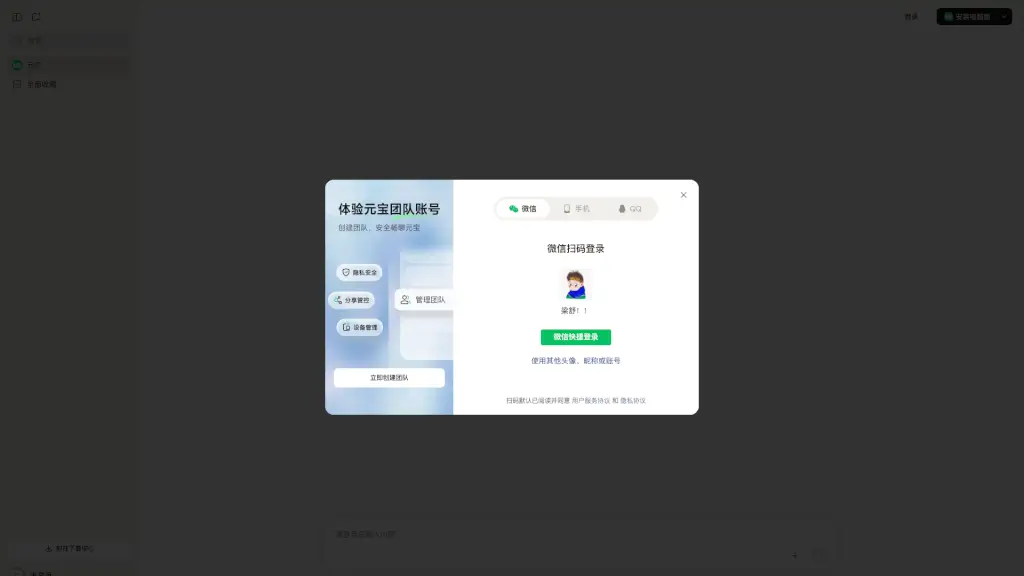
- Go to https://ima.qq.com/ and log in with your Tencent account.
- Create a new conversation or upload documents to build your personal knowledge base.
- Select your preferred AI model (HunYuan or DeepSeek R1) based on your task.
- Use natural language prompts like “Summarize these three papers” or “Draft an email based on this meeting note.”
- Save useful outputs or templates to reuse later via the Discovery Plaza.
- Install the desktop app for offline access and smoother long-form writing sessions.