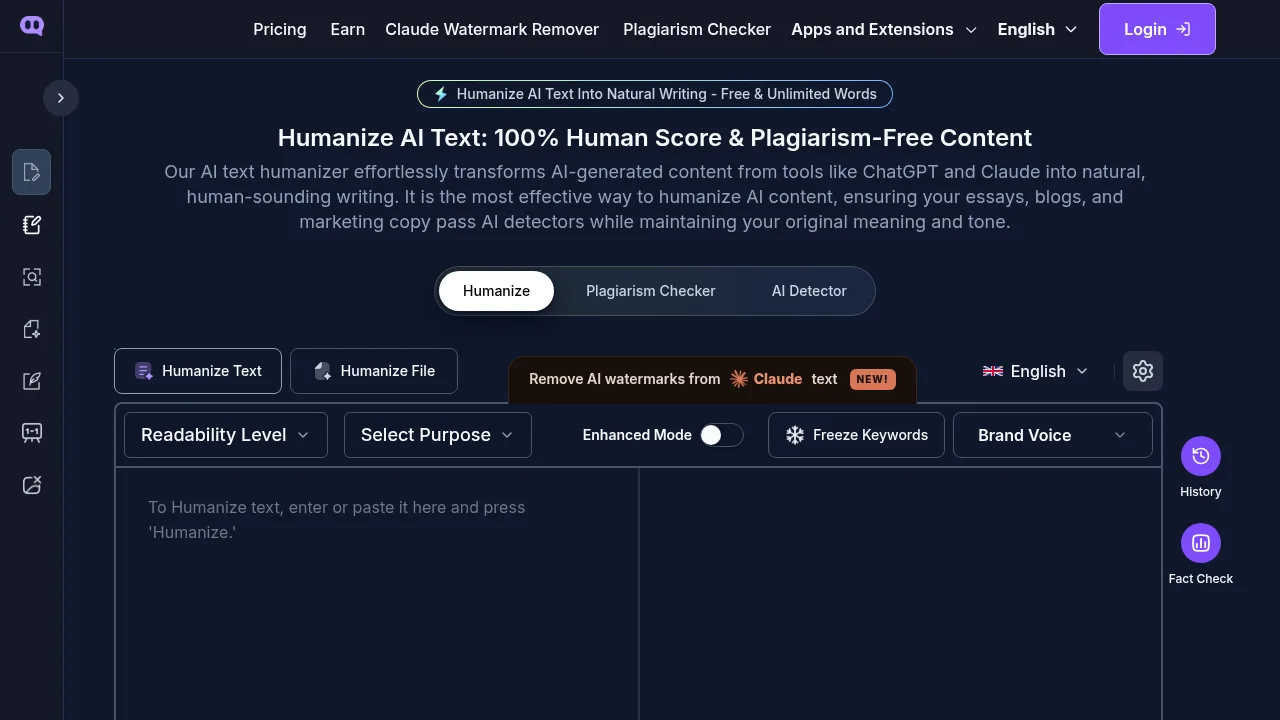


What is Humanizer Pro?
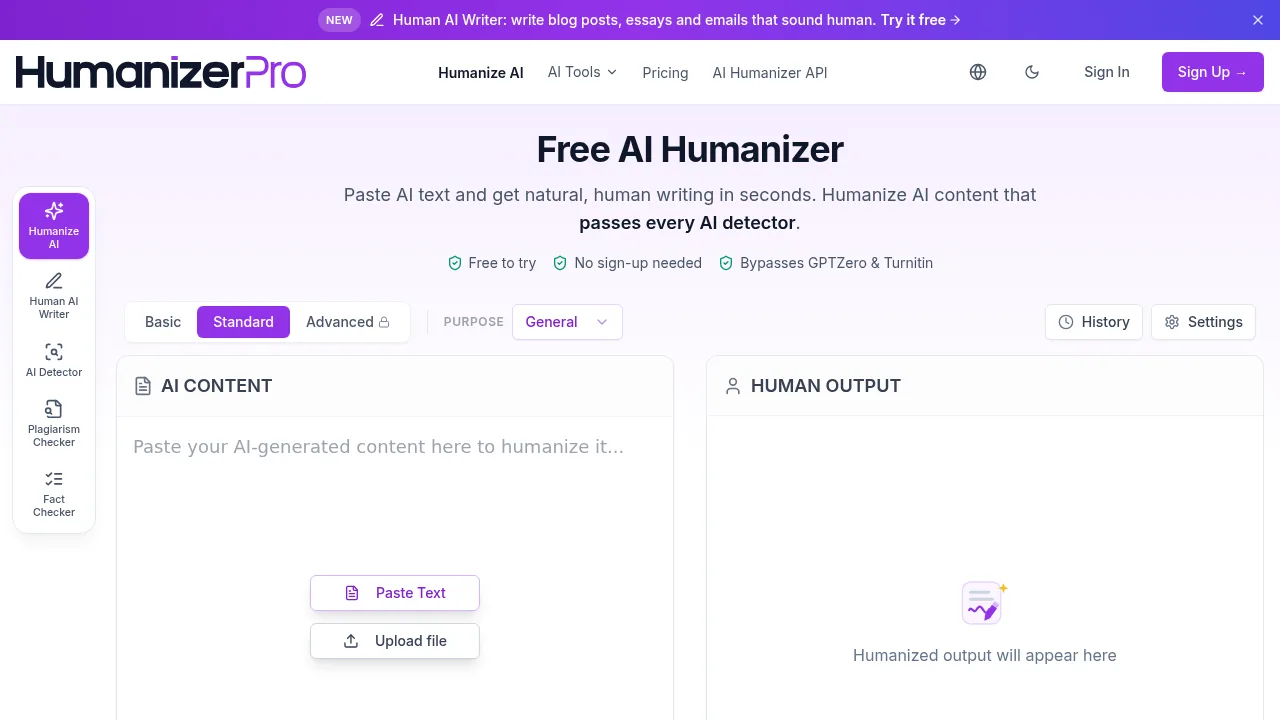
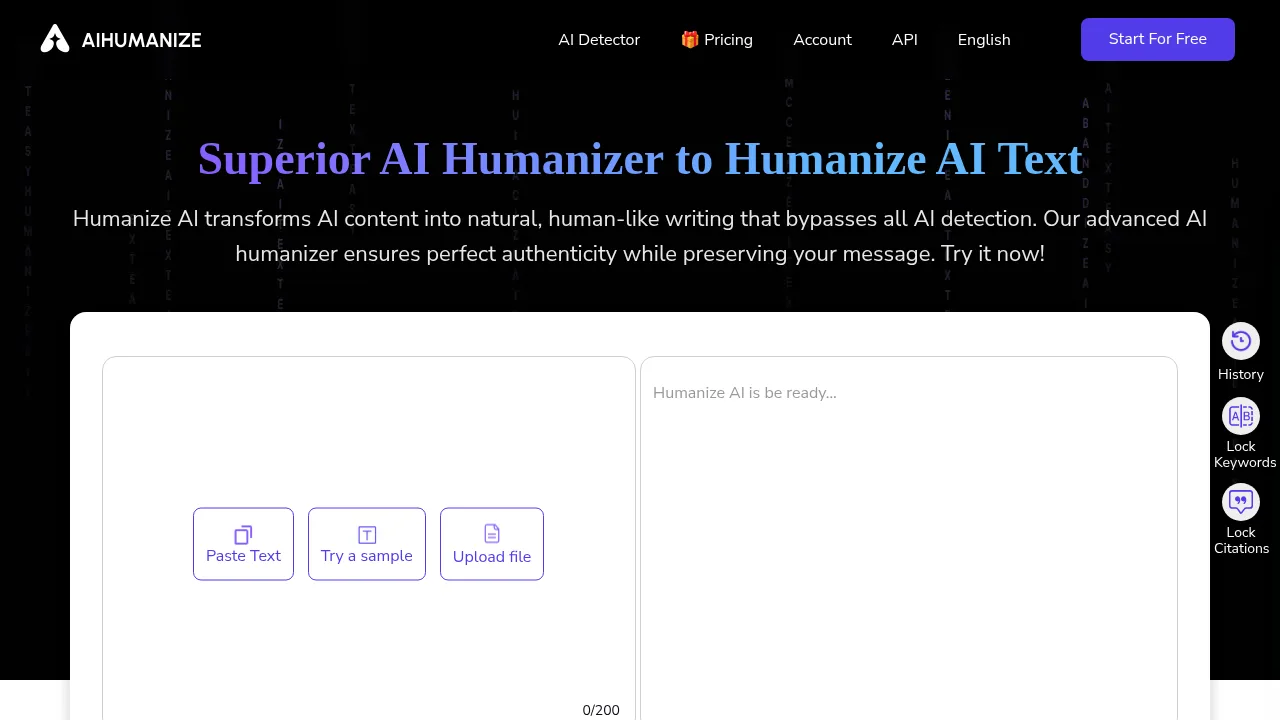
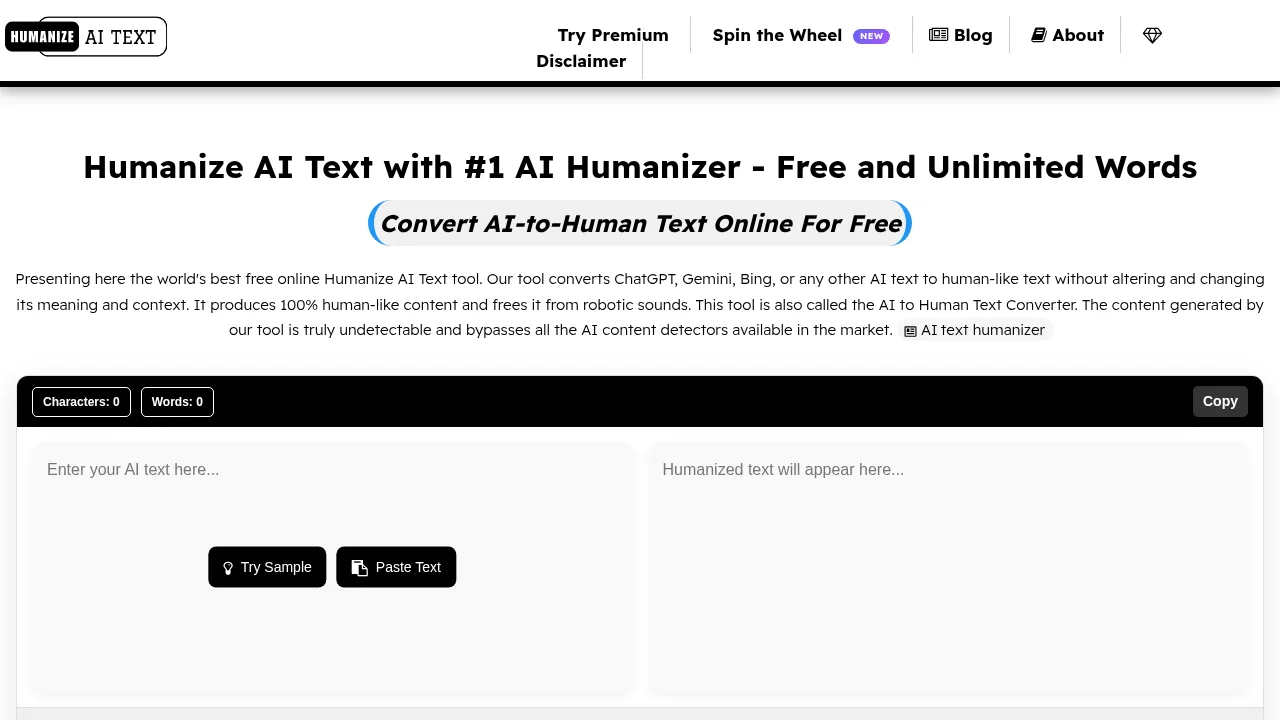
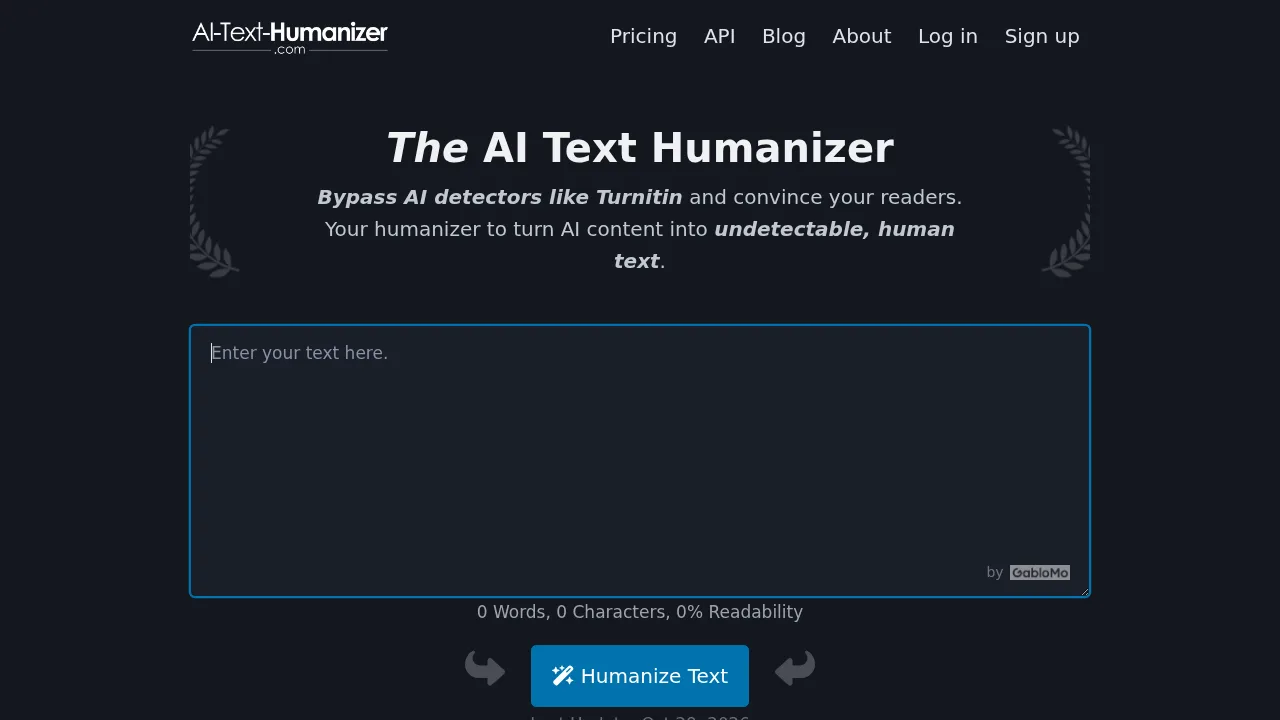
Humanizer Pro is a web-based tool that rewrites AI-generated text to produce output the vendor claims passes AI detection systems. It supports over 50 languages and operates without requiring login for basic access. The free plan limits input to 200 words per submission.
What are the features of Humanizer Pro?
- AI text rewritingAnalyzes input text and restructures sentences using a large language model trained to replicate human writing patterns.
- Multilingual supportProcesses and outputs text in over 50 languages, including Spanish, French, German, and Japanese.
- Intensity modesOffers Simple, Normal, and Advanced settings within the Humanizer 2.0 interface to control the rewriting process.
- Plagiarism-free output claimThe vendor states the tool generates unique text structured to pass plagiarism checkers.
What are the use cases of Humanizer Pro?
- Academic assignmentsRewriting AI-generated homework answers or essays to align with school policies on AI use, subject to individual institutional rules.
- Creative writing draftsAdding natural rhythm and emotional tone to AI-generated stories, poems, or creative essays.
- Website content publishingProcessing AI-written website articles to avoid search engine penalties associated with machine-generated text.
How to use Humanizer Pro?
- Paste textEnter the AI-generated content into the input field on the web interface.
- Select modeChoose between Simple, Normal, or Advanced intensity under Humanizer 2.0.
- Process contentInitiate the AI detection check and humanization action.
- Retrieve outputView the rewritten text in the designated result area on the page.
Humanizer Pro Pricing Information:
- Free planNo cost; no login required; limited to 200 words per submission; includes core humanizing features.
- Paid planPrice not stated; removes the word count limit per submission; provides additional credits and features.