
What is Stark?
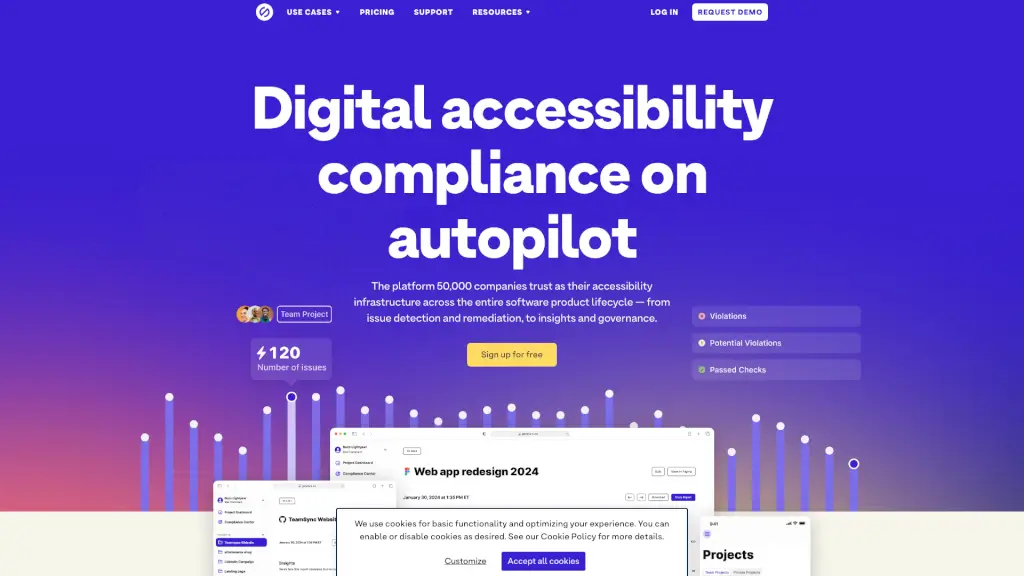
Stark is a suite of integrated accessibility tools designed to make your product design and development process more inclusive. Whether you're a designer, developer, or product manager, Stark helps you identify and fix accessibility issues quickly and efficiently. By integrating directly into the tools you already use, like Figma, Sketch, and GitHub, Stark ensures that accessibility is a seamless part of your workflow, not an afterthought.
What are the features of Stark?
- Integrated Accessibility Tools: Stark offers a range of tools that integrate with popular design and development platforms, making it easy to check for and fix accessibility issues right where you work.
- Real-Time Reports and Insights: Get instant feedback on the accessibility of your designs and code, helping you stay compliant and improve user experience.
- AI-Powered Automation: Automated scanning and AI-driven suggestions help you find and fix issues faster, saving time and reducing costs.
- Compliance Center: Manage your company’s accessibility posture in one central hub, with real-time monitoring and documentation for easy auditing.
- Cross-Team Collaboration: Stark supports collaboration across different roles, from designers and developers to product managers and compliance officers, ensuring everyone is on the same page.
What are the use cases of Stark?
- Designers: Create accessible designs in Figma, Sketch, and Adobe XD, ensuring that your visual elements meet accessibility standards.
- Developers: Test and audit your code from early implementation to the live product, ensuring that your application is accessible to all users.
- Product Managers: Manage accessibility in real-time across all your projects, ensuring that your products are inclusive and compliant.
- Compliance Managers: Monitor, manage, and audit your accessibility posture in one place, simplifying the compliance process.
- QA Teams: Ensure that your products meet accessibility standards throughout the testing phase, catching and fixing issues before they go live.
How to use Stark?
- Install Stark Plugins: Add Stark to your favorite design and development tools, such as Figma, Sketch, and GitHub.
- Run Accessibility Checks: Use Stark’s built-in tools to scan your designs and code for accessibility issues.
- Review Suggestions: Follow the AI-powered suggestions to fix any identified issues.
- Monitor Progress: Track your team’s progress and compliance status in the Stark Web app.
- Generate Reports: Create and share real-time reports to keep stakeholders informed about your accessibility efforts.