
What is Nametag?
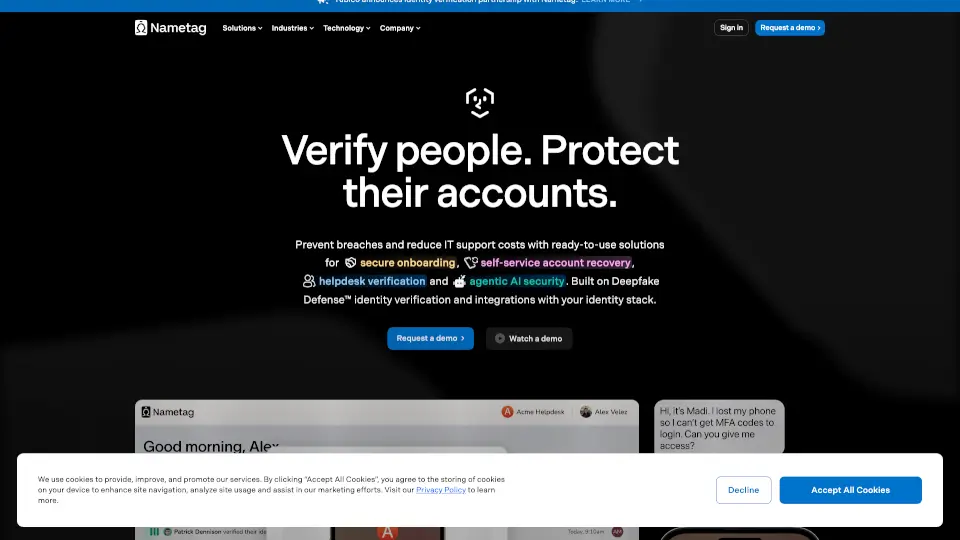
Nametag offers powerful identity verification and account protection solutions designed to stop AI deepfake impersonation and secure your digital world. Built on Deepfake Defense™, Nametag helps businesses prevent breaches, reduce IT support costs, and improve user experiences with easy-to-use onboarding, self-service account recovery, and helpdesk verification.
What are the features of Nametag?
- Secure Onboarding: Quickly verify new hires and save over 30 minutes per onboarding with automated account provisioning.
- Self-Service MFA Resets: Let users reset their own multi-factor authentication securely, cutting IT tickets by 50%.
- Self-Service Password Resets: Eliminate password reset calls and prevent fraud with safe, user-driven password recovery.
- Helpdesk Verification: Protect support centers from social engineering by verifying identities with Deepfake Defense™.
- Step-Up Authentication: Authenticate users in seconds using a simple Spatial Selfie™, eliminating lockouts.
- Deepfake Defense™: The only workforce-grade identity verification engine that blocks AI deepfake attacks using advanced biometrics and cryptography.
- Integrations: Seamlessly connects with Microsoft Entra ID, Okta, Duo, Workday, ServiceNow, and more to secure your entire identity infrastructure.
What are the use cases of Nametag?
- Workforce Security: Prevent unauthorized access, reduce IT costs, and enable self-service for employees.
- Customer Protection: Enhance customer experience while protecting accounts from fraud and impersonation.
- Helpdesk Security: Verify callers instantly to stop social engineering and speed up support.
- High-Risk Industries: Aviation, healthcare, finance, biotech, education, insurance, and technology sectors benefit from stronger identity verification.
How to use Nametag?
- Send verification requests through your usual support channels or direct users to a branded self-service site.
- Users verify their identity in under 30 seconds via a mobile-friendly experience resistant to AI deepfakes.
- Verified users can reset passwords and MFA tokens themselves based on permissions.
- Helpdesk agents get real-time verification results to assist users faster and more securely.