
What is GenPPT?
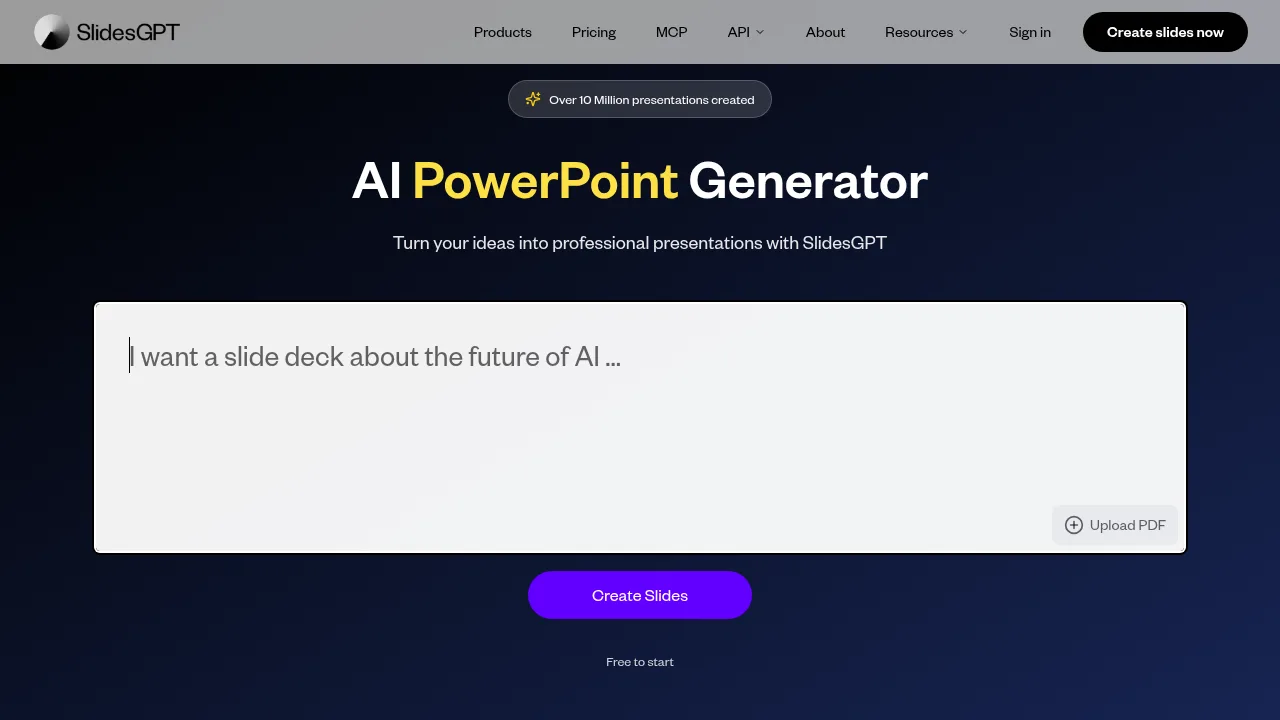
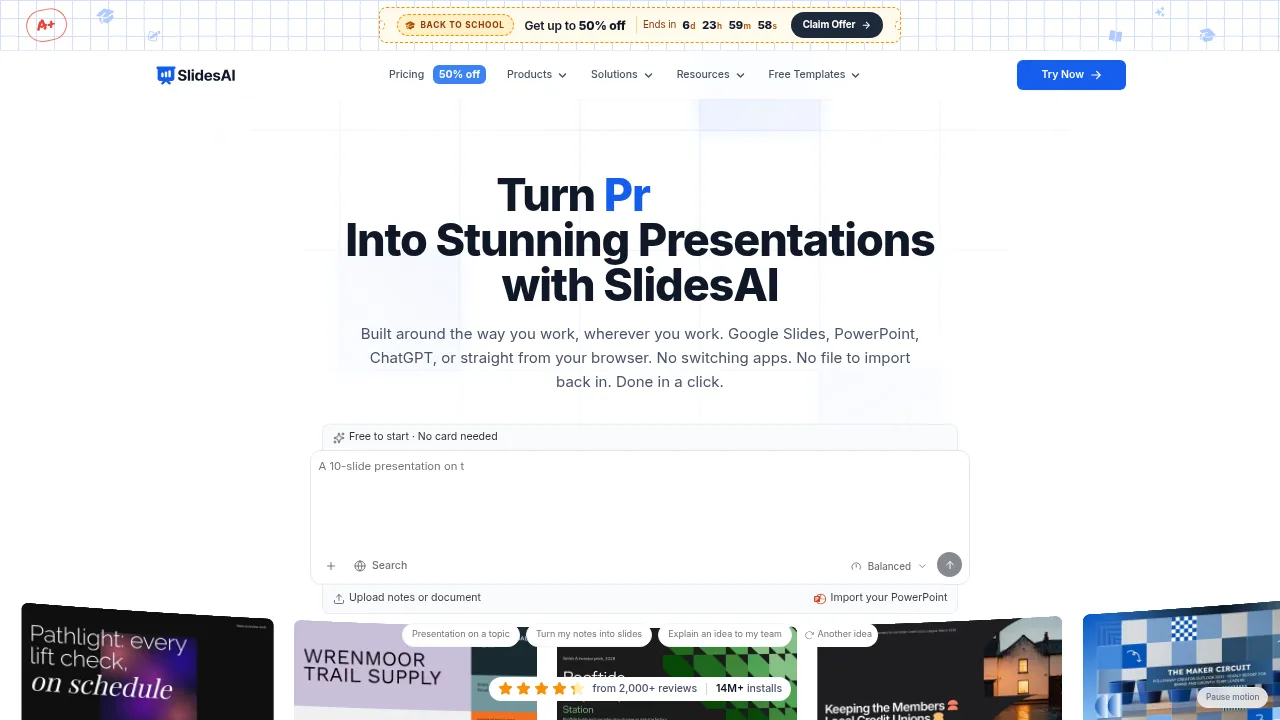
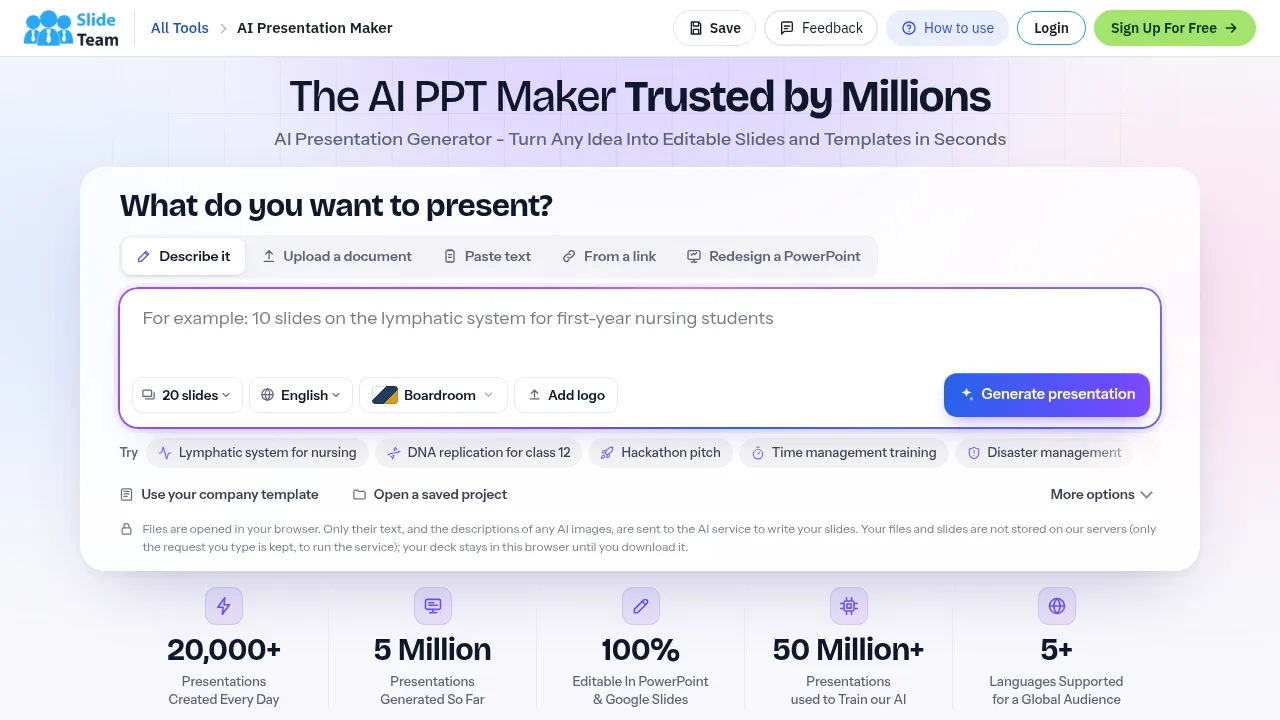
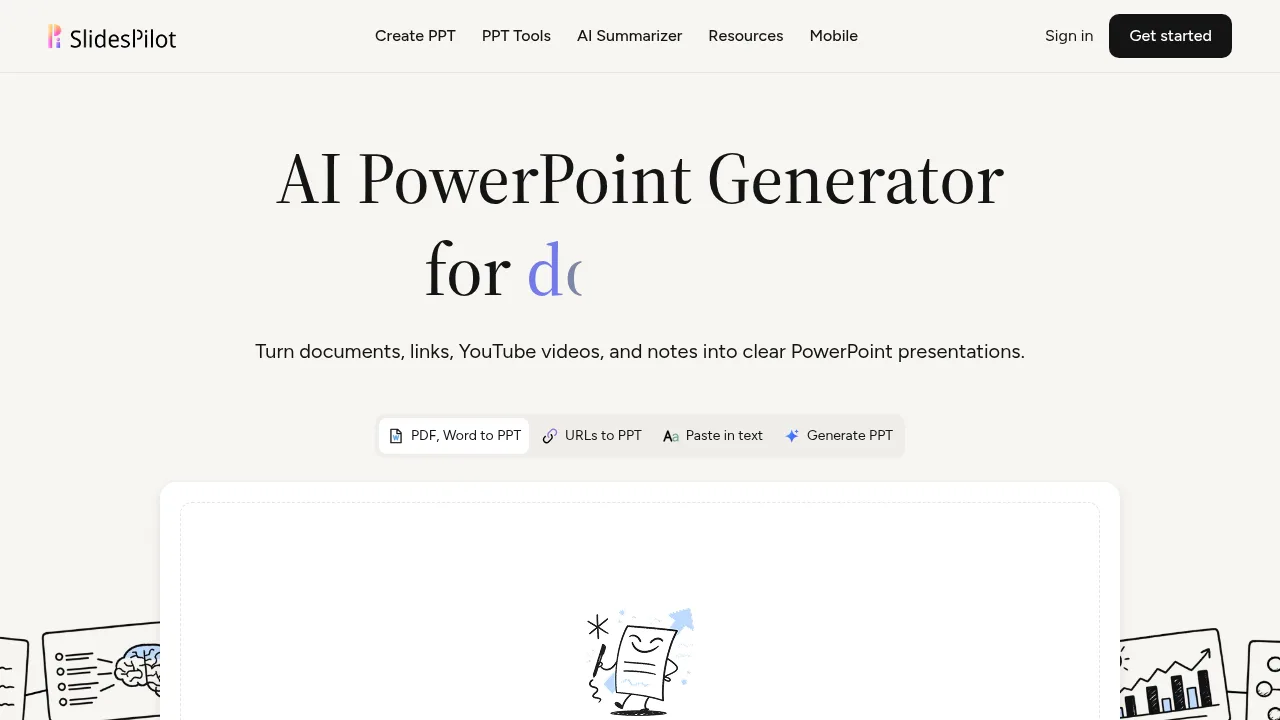
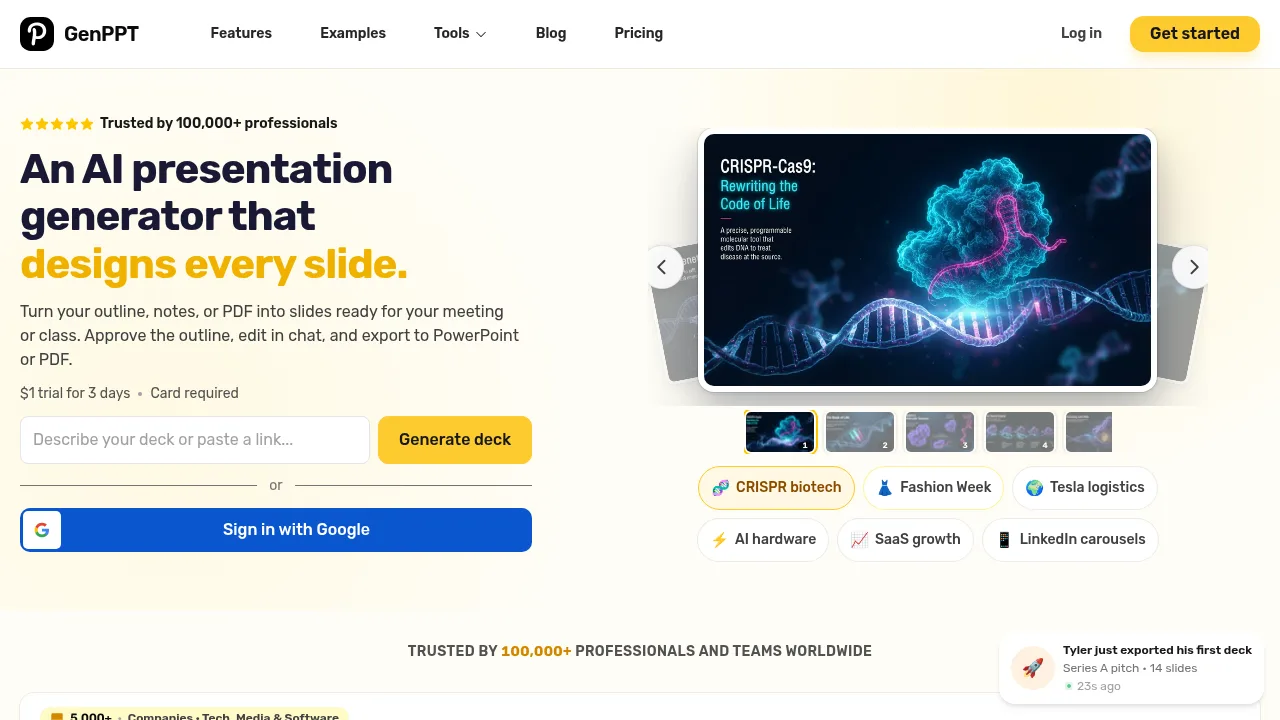
GenPPT - AI PowerPoint Generator converts outlines, notes, and documents into designed presentation slides. Users review a generated outline before slide creation begins, then edit individual slides through a chat interface. Access requires a paid trial with a credit card on file.
What are the features of GenPPT?
- Document input supportAccepts PDFs, Word files, spreadsheets, images, audio, video, YouTube links, web URLs, and raw text notes to extract key points for slides.
- Outline approval workflowMaps source material into a slide-by-slide outline that users must review and approve before generation starts.
- Chat-based editingAllows users to request design changes, chart updates, or format adaptations for individual slides through conversational prompts.
- Multi-format exportOutputs presentations as PowerPoint (.pptx), PDF, or PNG images in 16:9, 1:1, or 9:16 aspect ratios.
- Social carousel generationProduces square 1:1 slides exported as PDF for LinkedIn, or 4:5 portrait slides exported as PNG for Instagram.
What are the use cases of GenPPT?
- Startup fundraisingConverts multi-page security architecture documents or memos into investor pitch decks.
- Quarterly business reviewsGenerates executive-ready status update presentations from existing data on short notice.
- Social media contentCreates branded image carousels for platforms like LinkedIn, TikTok, Reels, and Instagram from a single topic prompt.
How to use GenPPT?
- Provide source materialUpload a document (PDF, Word, spreadsheet, image, audio, video) or paste notes, a web URL, or a YouTube link.
- Review the outlineExamine the slide-by-slide structure extracted from the input, edit the copy, and approve it.
- Generate and refine slidesProduce the designed deck, then use the chat interface to request specific layout or visual edits.
- Export the presentationDownload the final output as a .pptx file, PDF, or PNG images in the chosen aspect ratio.
GenPPT Pricing Information:
- Trial access$1 for 3 days; requires a credit card.