
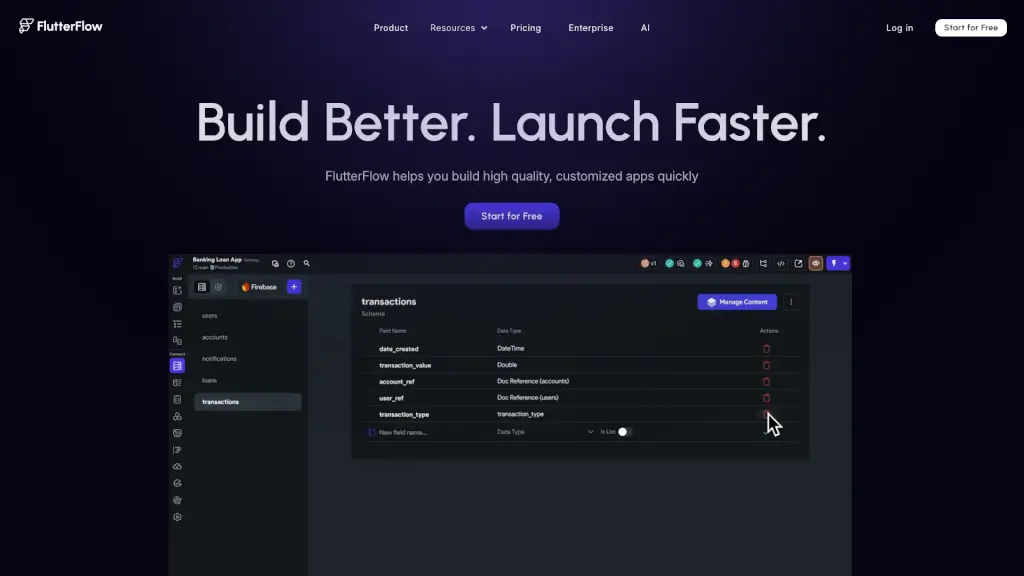
What is FlutterFlow?
FlutterFlow is a powerful, user-friendly platform that lets you build high-quality, cross-platform apps in no time. Whether you're a seasoned developer or just starting out, FlutterFlow simplifies the app-building process with its intuitive visual interface and robust features. You can create fully functional apps with Firebase integration, API support, and more, all without writing a single line of code. Plus, you can export your code or deploy directly to app stores, making it easy to get your app in front of users.
What are the features of FlutterFlow?
- Visual UI Builder: Build beautiful, responsive interfaces using 200+ pre-designed UI elements.
- Action Flow Editor: Add complex logic and functionality to your app with a simple, visual editor.
- Test Mode: Easily test and debug your app in real-time to ensure everything works perfectly.
- Customization: Fine-tune every aspect of your app, from widget properties to custom actions and widgets.
- Data Integration: Quickly set up databases with Firebase and Supabase, and integrate third-party APIs with ease.
- Collaboration Tools: Work seamlessly with your team, leaving comments and assigning tasks directly within the platform.
- Cross-Platform Deployment: Deploy your app to the App Store, Play Store, and Web with just a few clicks.
- Code Export: Export your code at any time, giving you full control and flexibility over your project.
What are the use cases of FlutterFlow?
- Rapid Prototyping: Create working demos and prototypes in hours, not days, to impress clients and stakeholders.
- MVP Development: Accelerate the development of your minimum viable product (MVP) to secure funding and gain early traction.
- Enterprise Solutions: Build robust, scalable apps for large organizations, ensuring they meet high standards and security requirements.
- Educational Projects: Teach students and new developers how to build apps with a user-friendly, no-code platform.
- Personal Projects: Bring your app ideas to life without the need for extensive coding knowledge.
- Startup Growth: Quickly iterate and improve your app based on user feedback, helping your startup grow faster.
How to use FlutterFlow?
- Start by creating a new project and selecting a template or starting from scratch.
- Use the visual UI builder to drag and drop elements and design your app's interface.
- Add logic and functionality using the Action Flow Editor, connecting actions and events.
- Test your app in Test Mode to identify and fix any bugs or issues.
- Integrate data sources and APIs to make your app more dynamic and interactive.
- Collaborate with your team, leaving comments and assigning tasks as needed.
- When ready, deploy your app to the App Store, Play Store, or Web, or export the code for further customization.