

What is MagicMic?
MagicMic is a real-time AI voice changer by iMyFone that modifies live microphone input during online communication. The desktop application supports Windows and Mac, while the mobile version for iOS and Android handles only recorded audio and file conversion. Real-time voice changing is restricted to the desktop software.
What are the features of MagicMic?
- Real-time voice conversionApplies over 500 AI voice filters to live microphone input with low latency on the desktop application.
- RVC AI voice modelsUses Retrieval-based Voice Conversion technology to maintain the naturalness and clarity of the original voice during transformation.
- Soundboard playbackProvides over 100,000 meme sound effects with keyboard shortcut support for triggering audio during games or streams.
- Audio file processingUploads MP3 or WAV files under 5MB via the web trial, or larger files via the desktop app, to apply voice effects.
- Voice customization (Voice Studio)Combines over a dozen audio effects and adjustable sound parameters to create custom voice filters.
- Noise reductionRemoves background noise, echo, and audio cracks from the input signal during voice conversion.
What are the use cases of MagicMic?
- Online gamingDisguises voice gender or identity using real-time filters and keybind-triggered sound effects in platforms like Discord, Fortnite, or Valorant.
- Live streamingAdds voice effects and trending soundboards to broadcasts on Twitch, YouTube, or OBS without interrupting the stream.
- Voiceover productionTransforms pre-recorded audio files or new microphone recordings into different character voices for dubbing work.
How to use MagicMic?
Web workflow:
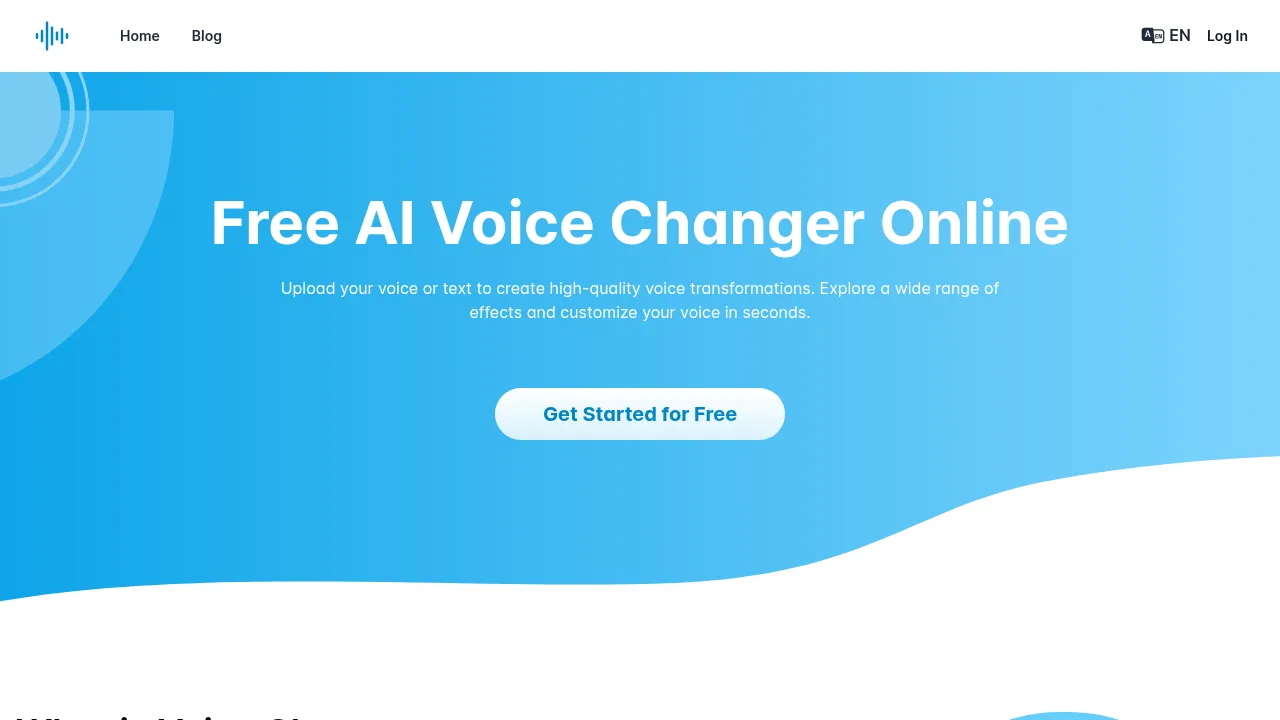
- Upload audio fileSelect an MP3 or WAV file under 5MB on the free online trial page.
- Select voice effectChoose a filter such as Sweet Girl, Pretty Boy, Cartoon, Male, Robot, or Anime.
- Process audioInitiate the conversion to generate the modified audio output.
Desktop workflow (real-time):
- Configure audio devicesOpen the downloaded desktop application and select headphones as the output device and a microphone as the input device.
- Apply voice filterClick a voice effect and speak into the microphone to change the voice in real time.
MagicMic Pricing Information:
- Free VersionOffers 5 different free voices daily and some popular sound effects. Web trial limits uploads to 5MB.
- Full VersionUnlocks 500+ real-time AI voices and unlimited soundboard effect imports. Specific standalone pricing is not stated.
- Best Value Bundle$75.99 (listed down from $185.93); lifetime plan combining MagicMic SVIP, VoxBox text-to-speech, and Music AI cover generator.
- Promotional accessUploading one video grants 1-month VIP access.