
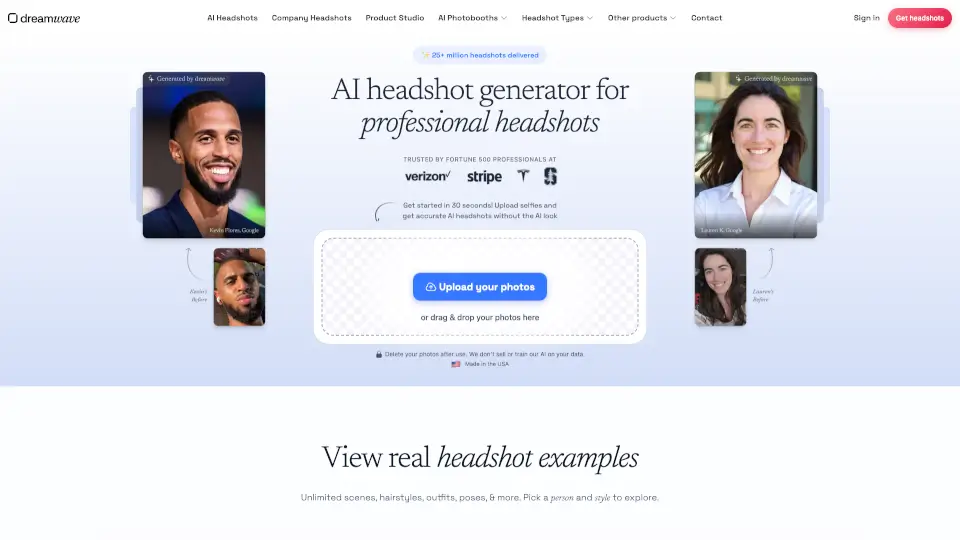
What is Dreamwave AI Headshot Generator?
Dreamwave AI is a top-rated AI headshot generator that creates professional, realistic headshots in minutes—without the telltale "AI look." Trusted by Fortune 500 companies and built by former AI researchers from MIT, Google, Meta, and SpaceX, it delivers studio-quality photos using just a few selfies you upload from your phone. With over 25 million headshots generated, Dreamwave stands out for its accuracy, inclusivity, and strong privacy standards.
Unlike other services that produce generic or uncanny results, Dreamwave uses advanced AI modeling to capture your unique features—skin tone, hair texture, smile, and all—so your headshots look authentically like you. Whether you need a LinkedIn profile pic, executive portrait, or team photos for a conference, Dreamwave makes it fast, affordable, and stress-free.
What are the features of Dreamwave AI Headshot Generator?
- Realistic, Non-AI-Looking Headshots: Uses NASA-grade computing power to build a custom 3D-like model of your face for lifelike results.
- Full Creative Control: Instantly swap outfits, change backgrounds, and retouch details with AI-powered editing tools—no Photoshop needed.
- Privacy-First by Design: Your photos are never sold, used to train AI, or stored long-term. Data stays in the U.S. and auto-deletes after 30 days.
- Inclusive for All Identities: Accurately renders diverse skin tones, glasses, hijabs, turbans, and natural features without bias.
- No Signup Required: Start your photoshoot immediately—just upload photos and go.
- Enterprise-Grade Security: Trusted by hospitals, government agencies, and global corporations for secure, compliant image generation.
What are the use cases of Dreamwave AI Headshot Generator?
- Updating your LinkedIn profile with a polished, professional headshot
- Creating uniform yet personalized corporate headshots for entire teams
- Generating actor or model portfolios with varied outfits and lighting
- Producing real estate agent headshots that convey trust and approachability
- Quick conference or trade show headshots for speaker bios and name tags
- Fun gift experiences like pet portraits or holiday-themed photobooth images
How to use Dreamwave AI Headshot Generator?
- Upload 5–8 clear, unfiltered smartphone photos showing different angles, expressions, and outfits.
- Avoid heavy filters, sunglasses, or extreme shadows—natural lighting works best.
- Select your preferred style (Business Formal, Smart Casual, etc.) after processing.
- Use the AI editor to tweak outfits, swap backgrounds, or refine details.
- Download all your headshots—you own full rights to every image.
- Delete your data anytime via email or automatic cleanup after 30 days.