

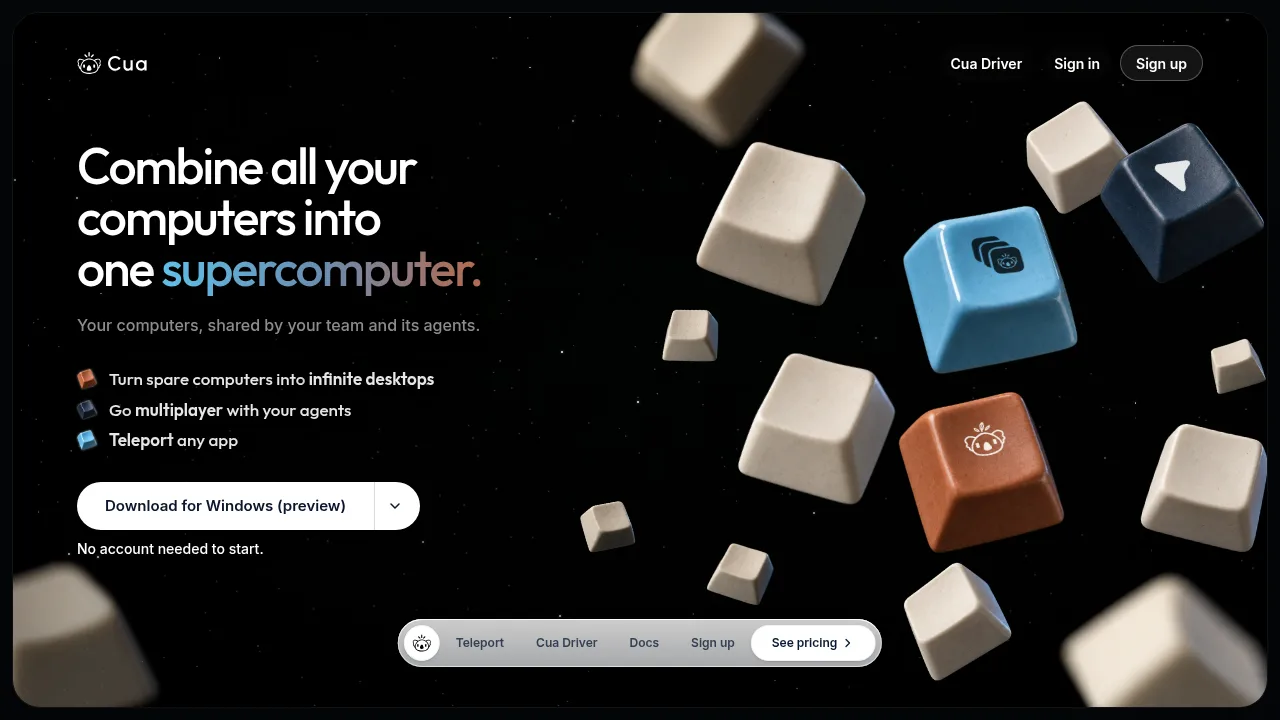
What is Cua?
Cua combines user-owned computers into shared virtual desktops, called Spaces, that AI agents can control without taking over the host's cursor or keyboard. It runs on Apple silicon Macs with macOS 26 or later, or Linux machines using Docker or Podman. No account is required to start locally, but remote access through the hosted relay requires signing in.
What are the features of Cua?
- Virtual desktop provisioningCreates local macOS virtual machines using Lume or Linux containers via Docker and Podman on connected hardware or user-provided cloud accounts.
- Agent desktop controlThe open-source Cua Driver lets agents operate native desktop apps across macOS, Windows (preview), and Linux without seizing the physical mouse or keyboard.
- Application session transfer (Teleport)Packages an app's open tabs, profile, and sign-ins into a SHA-256-verified bundle moved into a Space, requiring Touch ID or password consent before reading sensitive items.
- Preconfigured agent environmentsSpaces launch with permissions granted and tools installed so agents avoid permission dialogs, supporting connections to Claude Code, Codex, Cursor, Gemini CLI, Cline, Kiro, and OpenClaw.
- Low-latency streamingDelivers live desktop streams over QUIC when devices share a network or connect directly, bypassing the relay.
What are the use cases of Cua?
- Running coding agents on dedicated machinesConnects providers like Claude Code or Codex once so they execute tasks inside isolated Spaces without interrupting the host computer.
- Sharing pre-authenticated app sessions with a teamUses Teleport to move signed-in browser profiles into a shared Space after verifying the bundle hash and obtaining biometric consent.
- Scaling compute with spare hardwareAdds idle local machines, such as a Mac mini or Linux box, to increase available concurrent desktops for agent workloads.
Cua Pricing Information:
- Free$0. No account needed for local use. Includes Spaces on connected computers, Teleport, sharing with named people, and hosted relay access up to 2 computers in use at once and 20 remote hours per month.
- Pro$18 per month billed monthly, or $15 per month billed as $180 yearly. For one person. Up to 5 computers in use at once and 200 remote hours per month. Yearly billing includes a 14-day refund window.
- Teams$30 per seat per month billed monthly, or $25 per seat per month billed as $300 per seat yearly. Supports 1 to 100 seats. Each seat adds 5 computers in use at once and 200 remote hours to a shared pool. Includes roles and device approval. Business checkout via Stripe.