
What is ChatGPT Prompts Manager?
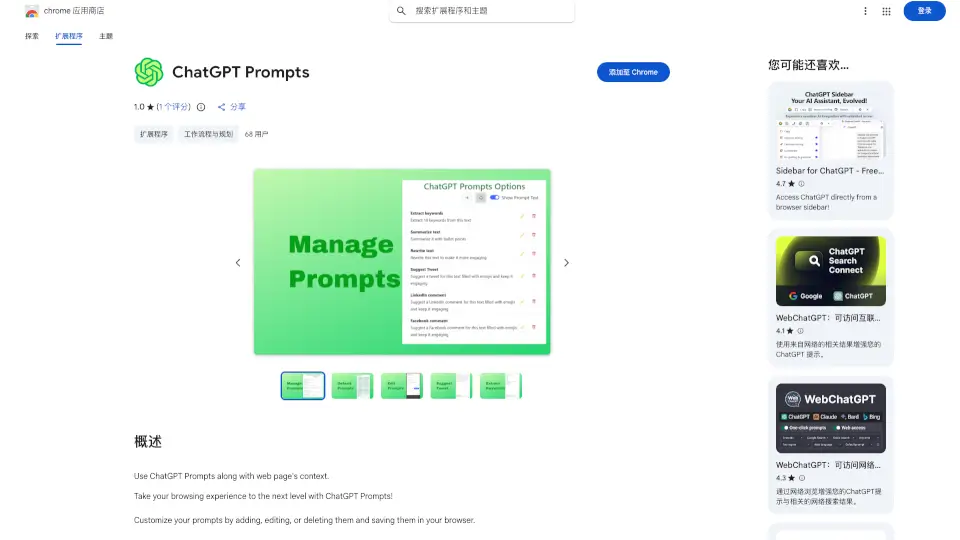
ChatGPT Prompts is a Chrome extension that enhances your browsing experience by integrating ChatGPT's advanced natural language processing capabilities directly into your web browser. It allows you to execute custom prompts on selected text or the main content of any webpage, making tasks like summarizing, rewriting, and extracting keywords a breeze.
What are the features of ChatGPT Prompts Manager?
- Customizable Prompts: Add, edit, or delete prompts to suit your needs.
- Default Prompts: Includes ready-to-use prompts like keyword extraction, summarization, and rewriting.
- Social Media Assistance: Generate suggestions for tweets, LinkedIn comments, and Facebook posts.
- Easy Execution: Run prompts directly on selected text or webpage content.
- Copy Results: Easily copy the output of your prompts for further use.
What are the use cases of ChatGPT Prompts Manager?
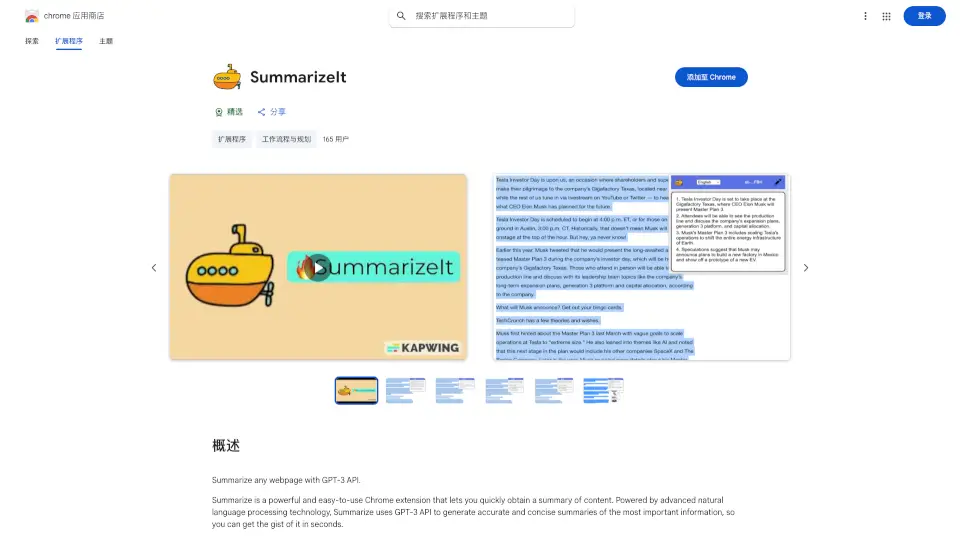
- Content Summarization: Quickly summarize long articles or documents.
- Keyword Extraction: Identify key terms from text for SEO or research purposes.
- Social Media Engagement: Craft engaging comments and posts for various platforms.
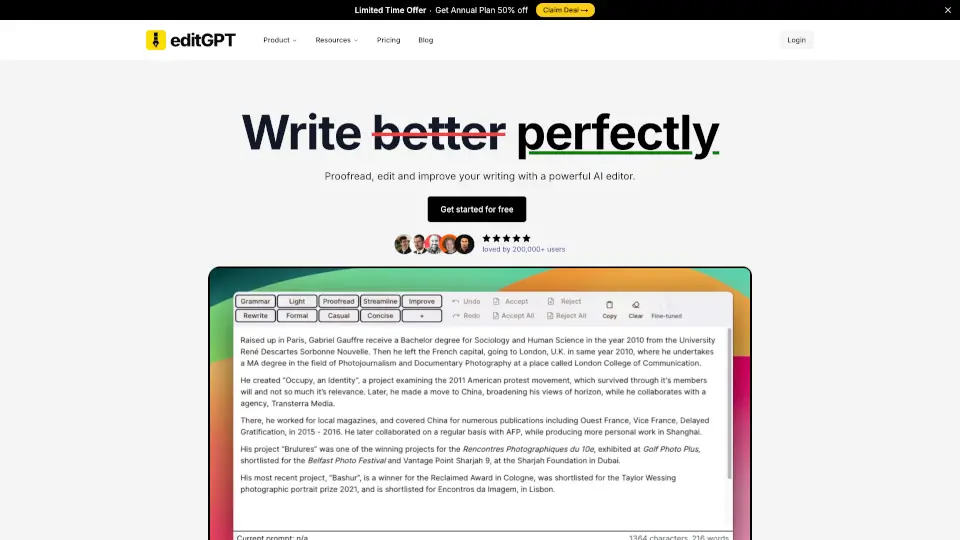
- Text Rewriting: Paraphrase content for clarity or originality.
How to use ChatGPT Prompts Manager?
- Install the ChatGPT Prompts extension from the Chrome Web Store.
- Open any webpage and select the text you want to work with.
- Choose a prompt from the extension menu or create a custom one.
- Execute the prompt and view the results.
- Copy the results for further use or sharing.