

AutoProctor logo

AutoProctor

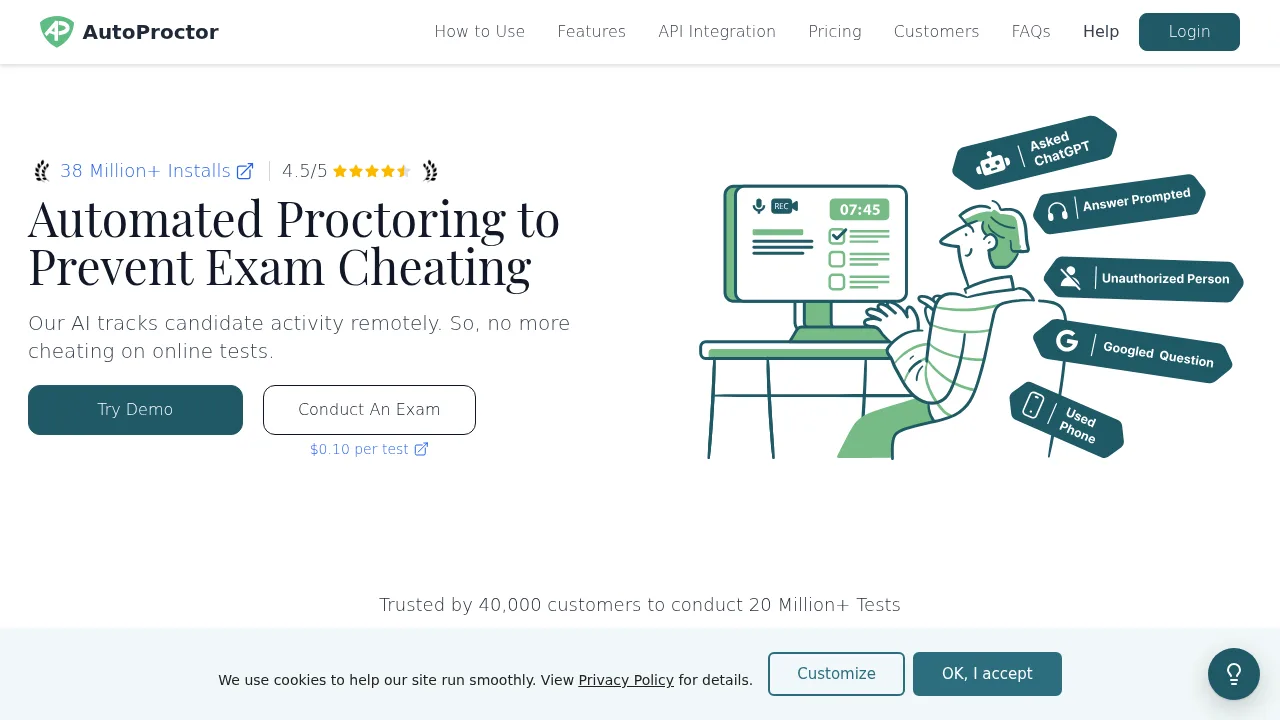
AutoProctor generates proctored exam links and produces Trust Scores based on monitored candidate behavior such as tab switches and audio cues.

AutoProctor

AutoProctor Product Information

What is AutoProctor?

AutoProctor is an automated online test proctoring tool that monitors candidate activity during exams to detect potential cheating. It integrates with platforms such as Google Forms, Microsoft Forms, and custom websites via a JavaScript SDK and REST APIs. Candidates do not need to install software or log in; they open a generated link to begin the test.

What are the features of AutoProctor?

  • Trust Score
    Calculates a score based on detected violations such as tab switches, phone usage, multiple faces, ID card mismatches, and audio cues like AI tool usage.
  • Session recording
    Captures screenshots, activity logs, clicks, and cursor movements throughout the exam session.
  • Tab-switch tracking
    Monitors when candidates navigate away from the test window during the assessment.
  • Camera and microphone monitoring
    Uses video to detect multiple faces or phone usage and audio to identify background noise or speech.
  • Full-screen enforcement
    Requires candidates to take the test in full-screen mode.
  • Platform integration
    Works with AutoProctor Quiz (Socratease), Google Forms, Microsoft Forms, or external platforms like Typeform and Classmarker via link wrapping.

What are the use cases of AutoProctor?

  • Educational exams and olympiads
    Administering remotely proctored academic tests using existing quiz platforms.
  • Internal assessments
    Conducting monitored evaluations within an organization using customizable access rules and timers.

How to use AutoProctor?

  1. Create your test
    Build the exam on a preferred platform such as Google Forms, Microsoft Forms, or AutoProctor's Socratease Quizzes.
  2. Set proctoring settings
    Configure monitoring options including camera tracking, tab-switch detection, full-screen enforcement, timers, and candidate access rules.
  3. Share the test link
    Distribute the unique link generated by AutoProctor to candidates, who open it directly without installing software.
  4. View results and trust scores
    Review candidate responses alongside detailed proctoring reports, activity logs, and the calculated Trust Score.

AutoProctor Pricing Information:

  • Free trial
    10 free tests.
  • Paid plans
    Start at $15/month.
  • Per-test rate
    $0.10 per test.

AutoProctor Contact Email:

hello@autoproctor.co

Do you like this tool?

Upvote to help others discover it!

AutoProctor Traffic Analysis

Website traffic estimates for autoproctor.co. Visits are not unique users or product usage.

💡 Insights

⭐
Medium Scale
100K-1M monthly visits. Growing tool with active development.
📉
Traffic Decline
Significant traffic drop recently. Check for alternatives.
💎
High Stickiness
Low bounce rate (37%) and deep engagement (4.0 pages/visit). Excellent user experience.
🌍
India Dominant
43% users from India. Optimized for this market.
  • Monthly Visits

    147.52K

  • Bounce Rate

    36.82%

  • Pages Per Visit

    4.01

  • Visit Duration

    00:01:56

  • Global Rank

    241143

  • Country Rank

    35836

Visits Over Time

Traffic Sources

Direct41.86%
Search Organic24.18%
Mail15.39%
Referrals6.99%
Social Organic5.94%
Social Paid2.65%
Gen Ai2.29%
Display Ads0.70%
Search Paid0.00%
Affiliate0.00%

Top Keywords

1
autoproctor
CPC$0.78
3.26KTraffic
2
autoproctor se puede usar en celular o tablet
360Traffic
3
proctored exam
CPC$3.28
210Traffic
4
can you see your trust score on autoproctor
150Traffic
5
procer test
150Traffic

Top Regions

RegionPercentage
India
India
42.62%
Philippines
Philippines
12.30%
Indonesia
Indonesia
12.02%
Chile
Chile
8.60%
United States
United States
6.38%
Low
High

Powered by SimilarWeb

AutoProctor FAQ

Do candidates need to create an account or install software to take a test?

No. Candidates only need to open the shared test link to begin the exam.

Can AutoProctor be used on a custom website?

Yes. The vendor provides a JavaScript SDK and REST APIs for integration into custom sites, with a stated setup time of one day.

AutoProctor Reviews

0
0 Reviews
Sign Into leave a review

Recent Reviews

No reviews yet

AutoProctor Embed

Use website badges to drive community support for SeekTool.ai. They are easy to embed in your homepage or footer.

Light
Dark
AutoProctor - Featured on SeekTool.aiAutoProctor - Featured on SeekTool.ai
How to install?

Category Rankings

Ranked by monthly traffic