
Audio Enhancer logo

Audio Enhancer

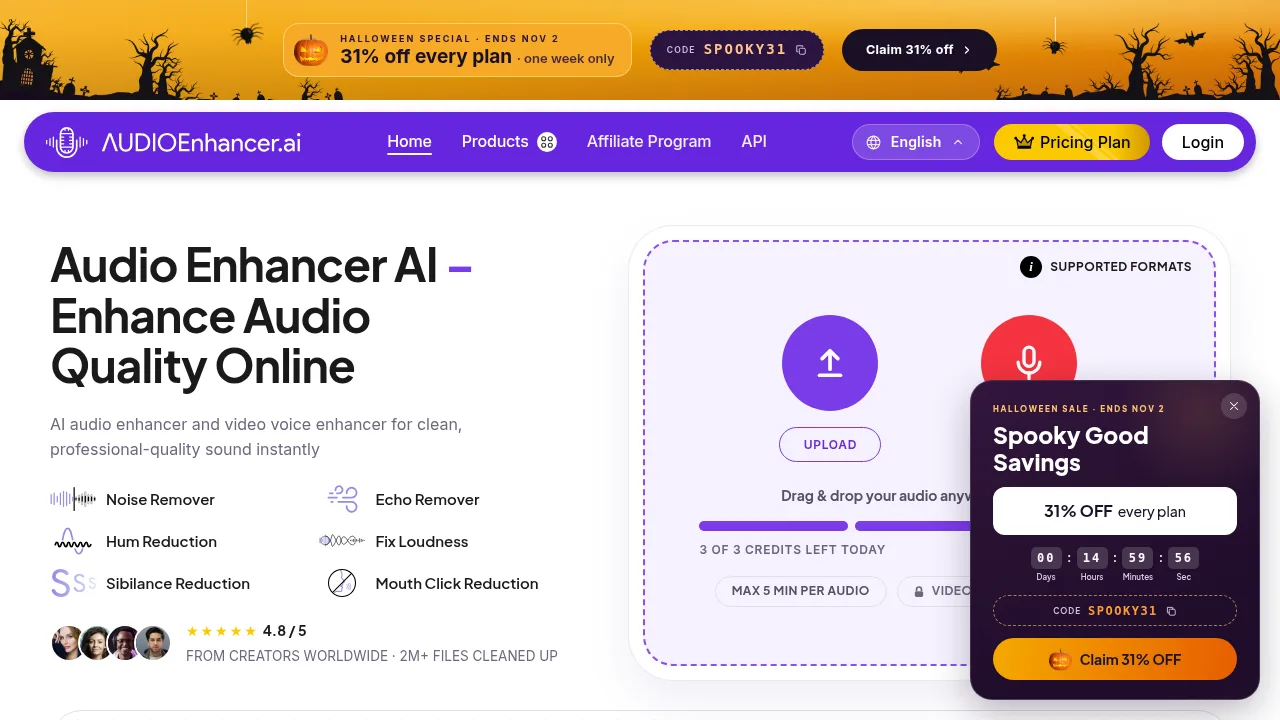
Audio Enhancer processes uploaded audio or video files online to remove noise, echo, and level imbalances using selectable cleanup modes.

Social Media:
Audio Enhancer

Audio Enhancer Product Information

What is Audio Enhancer?

Audio Enhancer is a web-based tool that cleans up audio recordings by reducing background noise, echo, and other artifacts. It accepts uploaded files or direct microphone recordings through the browser. Free access limits processing to 5-minute audio files with three daily credits, while video enhancement requires a paid plan.

What are the features of Audio Enhancer?

  • Speech cleanup
    Removes mouth clicks, plosives, and sibilance from spoken recordings.
  • Noise reduction
    Suppresses static background sounds such as wind and traffic noise.
  • Loudness balancing
    Adjusts volume levels across the recording.
  • Echo removal
    Clears room echo and unwanted reverberation.
  • Combined processing
    Runs all four enhancements sequentially on a single file (Premium).
  • Output format selection
    Downloads enhanced audio in the original format for free, or as 320 kbps MP3, lossless WAV, or lossless FLAC with Premium.

What are the use cases of Audio Enhancer?

  • Podcast production
    Improves voice clarity in spoken-word recordings before publishing episodes.
  • Video content creation
    Cleans the audio track of uploaded videos while leaving the visual picture unchanged (Premium).
  • Music refinement
    Reduces noise in instrument recordings and tracks prior to release.

How to use Audio Enhancer?

  1. Upload or record
    Drag and drop an audio file, select one from the system, or use the in-browser recorder.
  2. Select enhancement type
    Choose clean speech, noise reducer, fix loudness, noise/echo remover, or the combined option.
  3. Start processing
    Click the enhance button and wait for the analysis and enhancement steps to finish.
  4. Review result
    Use the hold-to-compare control to listen to the original and enhanced versions side by side.
  5. Download file
    Save the processed audio in the available output format.

Audio Enhancer Pricing Information:

  • Free access
    3 credits per day resetting at midnight, maximum 5 minutes per audio file, 30-second limit on browser recordings, standard queue placement, original-format download only, no video support.
  • Premium
    $14.99 per month billed monthly; unlimited minutes, up to 3 simultaneous files, 1 GB file size limit, 2-hour file length limit, 10 GB storage space, video file support, batch processing, priority queue, stronger noise removal, lossless downloads, fine-tuning controls for speech/music/background balance, ad-free.

Audio Enhancer Contact Email:

help@audioenhancer.ai

Do you like this tool?

Upvote to help others discover it!

Audio Enhancer Alternatives

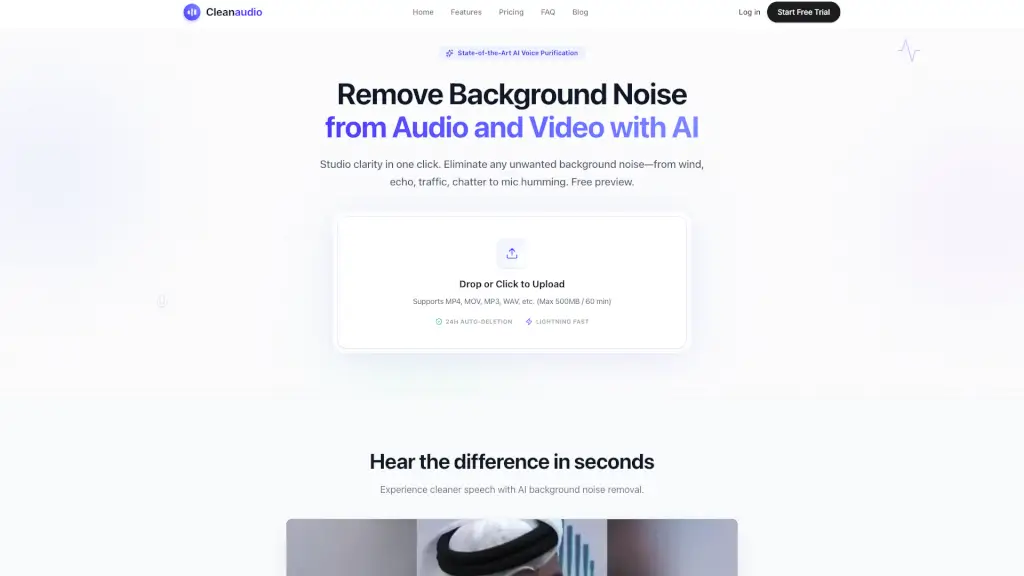
CleanAudio AI

CleanAudio AI

Cleanaudio is an AI background noise remover for audio and video files that lets podcasters, YouTubers, and marketers remove wind, echo, traffic, and static with a free preview and no signup required.

US
46.54%
142.0K
0
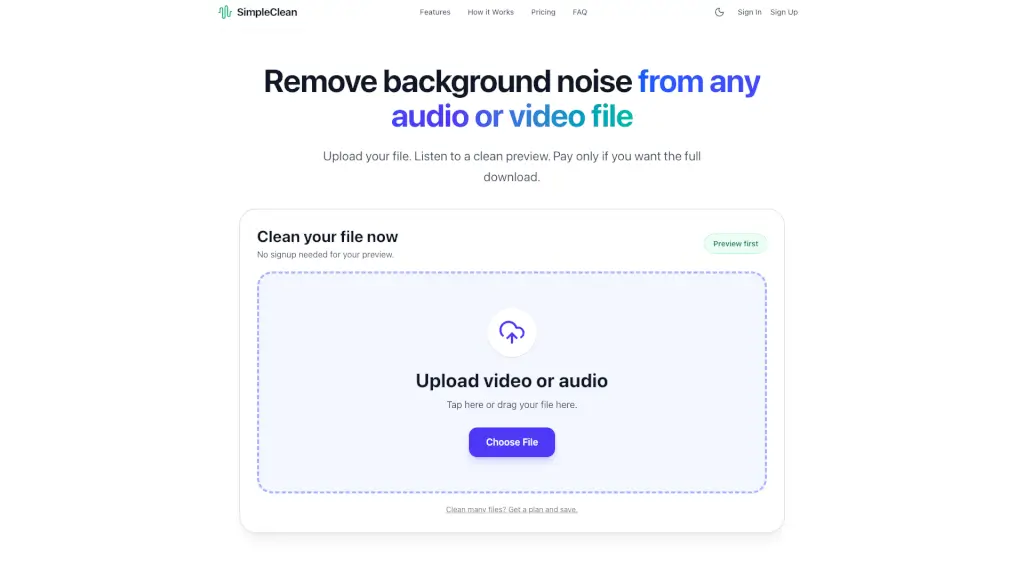
SimpleClean

SimpleClean

SimpleClean uses AI to remove background and wind noise from audio and video for free, with a preview-first approach and pay-per-download pricing.

US
15.84%
112.1K
0
Ai|coustics

Ai|coustics

Enhance your audio effortlessly with ai|coustics' AI-driven tools for creators.

IN
30.39%
47.6K
0
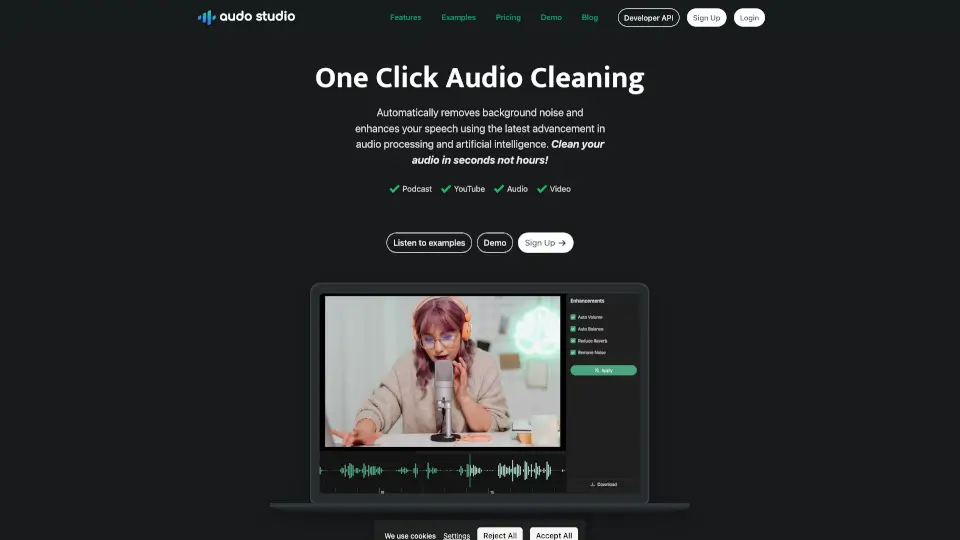
Audo Studio

Audo Studio

Audo Studio delivers one-click AI-powered audio cleaning for podcasters and YouTubers who want professional sound without the hassle.

US
28.34%
178.2K
0
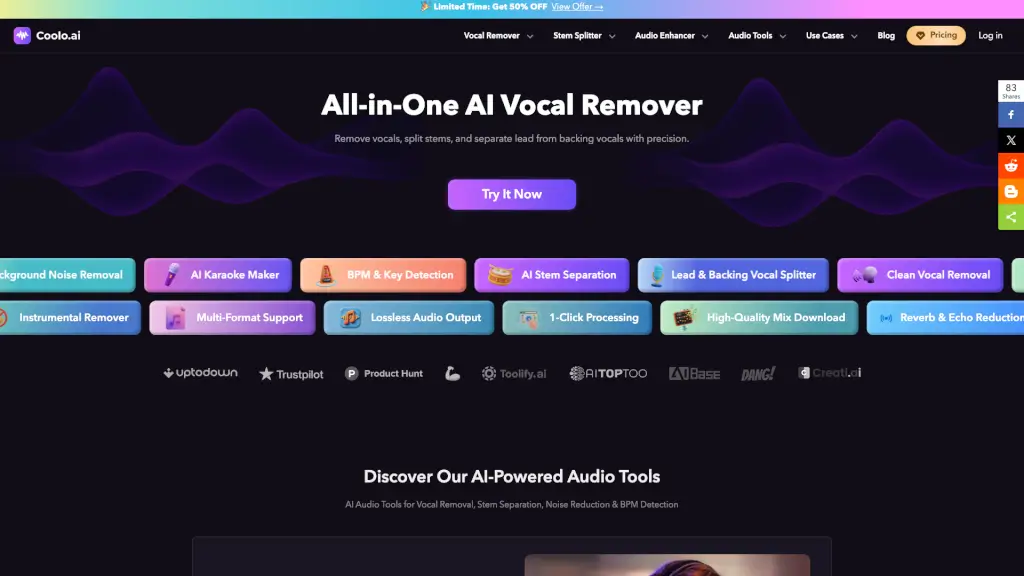
Coolo AI

Coolo AI

Coolo.ai is an AI-powered audio toolkit for removing vocals, splitting stems, detecting BPM and key, and enhancing audio, designed for musicians, producers, DJs, and creators.

JP
10.66%
87.3K
0
Xound.io

Xound.io

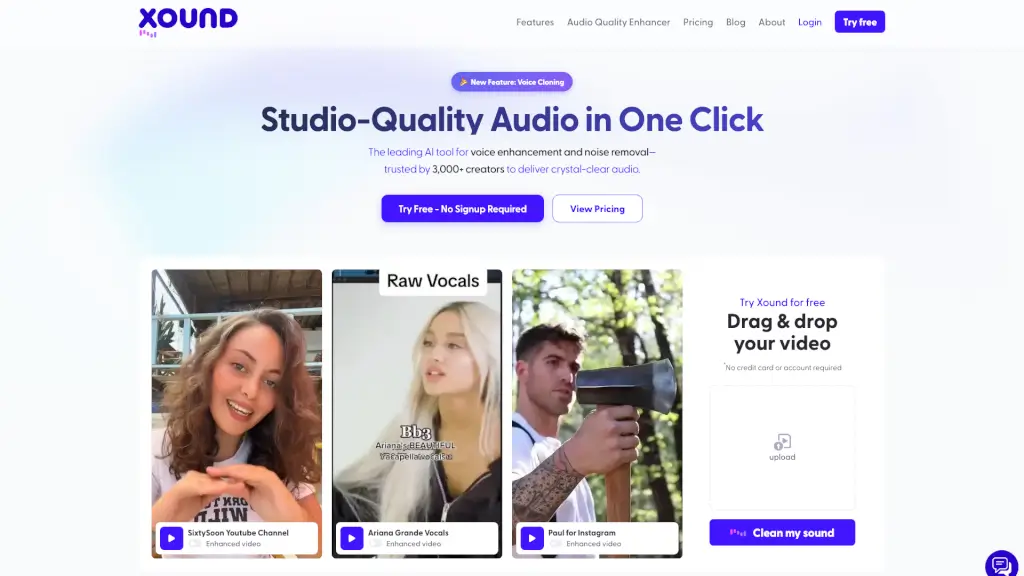
Xound.io is an AI-powered tool that cleans and enhances your audio, removing background noise and improving voice clarity, making it perfect for content creators, YouTubers, and podcasters.

IN
36.66%
221.0K
0
Neural Analog

Neural Analog

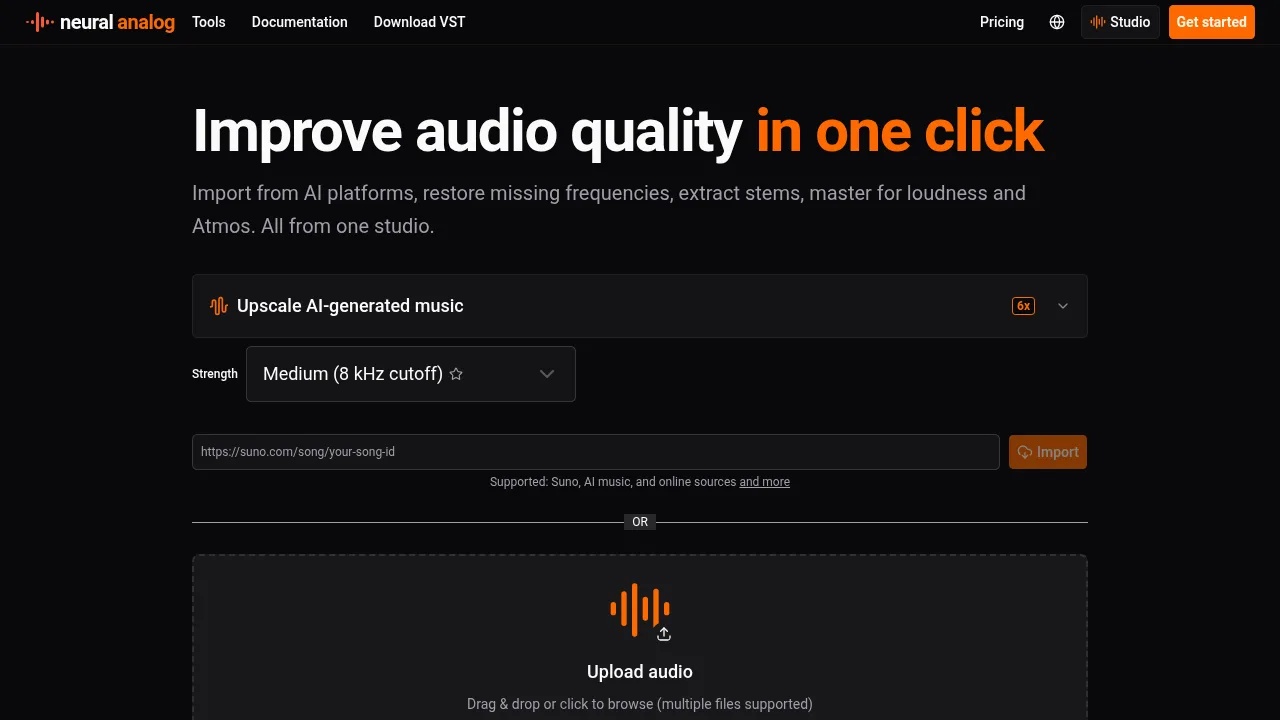
Neural Analog processes uploaded or linked audio files to restore quality, separate stems, and master tracks for streaming loudness targets.

US
21.07%
165.6K
0
Lalal.ai

Lalal.ai

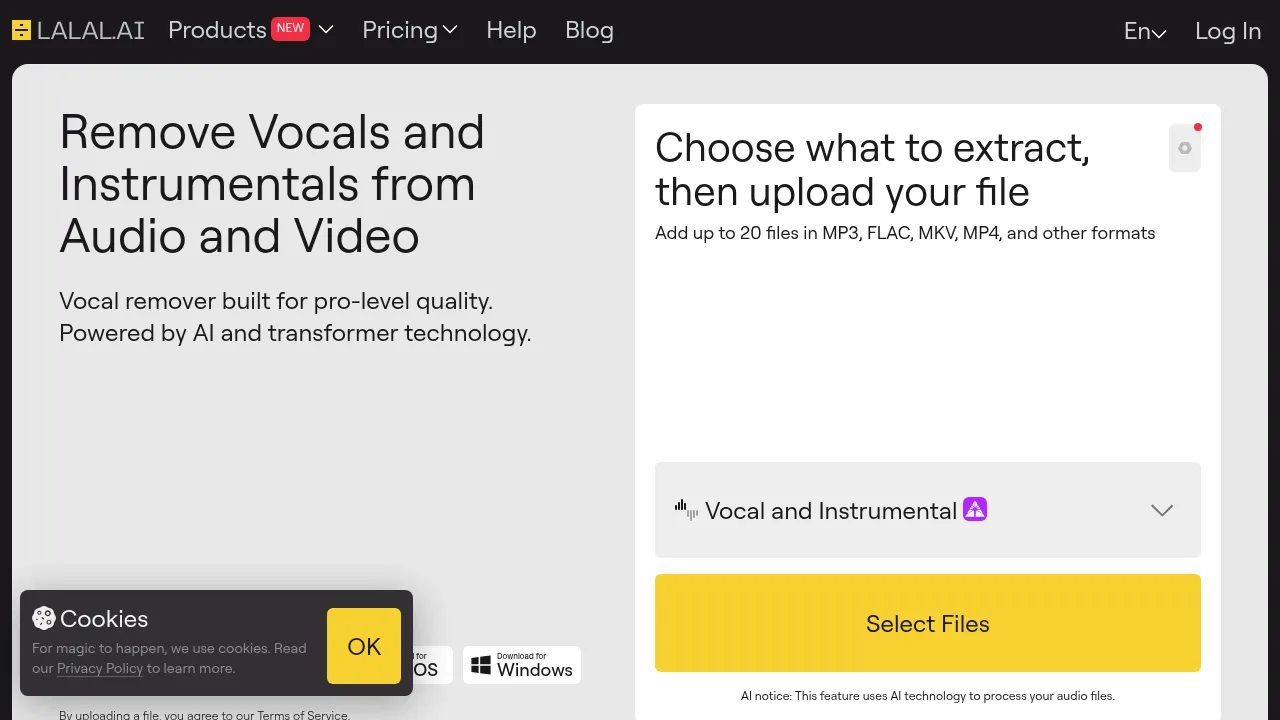
Lalal.ai isolates vocals, instruments, and noise from uploaded audio and video files across web, desktop, mobile, and API platforms.

US
20.68%
2.0M
0

Audio Enhancer Related Other Categories

Audio Enhancer Traffic Analysis

Website traffic estimates for audioenhancer.ai. Visits are not unique users or product usage.

Data month: 2026-10

💡 Insights

⭐
Medium Scale
Estimated monthly visits exceed 100,000 and are at most 1 million.
⚠️
Slight Decline
Estimated visits decreased 0.5% from the previous month.
👍
Bounce rate below 60%
The estimated bounce rate is 38%.
🔎
Search-led traffic
Search accounts for 76% of estimated visits.
  • Monthly Visits

    113.91K

  • Bounce Rate

    37.96%

  • Pages Per Visit

    2.60

  • Visit Duration

    00:00:38

  • Global Rank

    312041

  • Country Rank

    86100

Visits Over Time

Traffic Sources

Search Organic75.85%
Direct19.97%
Referrals2.38%
Social Organic0.85%
Gen Ai0.76%
Mail0.18%
Search Paid0.00%
Social Paid0.00%
Affiliate0.00%

Top Keywords

1
audio enhancer
CPC$0.60
7.17KTraffic
2
audio enhancer ai
CPC$0.52
1.43KTraffic
3
audio analyzer
CPC$1.71
780Traffic
4
background voice remover
CPC$0.12
780Traffic
5
mic test
CPC$0.43
630Traffic

Top Regions

RegionPercentage
India
India
16.02%
United States
United States
9.29%
Uzbekistan
Uzbekistan
4.85%
Philippines
Philippines
4.01%
Brazil
Brazil
3.91%
Low
High

Powered by SimilarWeb

Audio Enhancer FAQ

Which file formats does Audio Enhancer accept?

The tool supports 18 audio formats including .mp3, .wav, .flac, .aac, and .ogg, plus 14 video formats like .mp4, .mov, and .mkv which require a Premium plan.

Can I process video files without paying?

No, enhancing the audio track inside video files is restricted to the Premium plan.

Audio Enhancer Reviews

0
0 Reviews
Sign Into leave a review

Recent Reviews

No reviews yet

Audio Enhancer Embed

Use website badges to drive community support for SeekTool.ai. They are easy to embed in your homepage or footer.

Light
Dark
Audio Enhancer - Featured on SeekTool.aiAudio Enhancer - Featured on SeekTool.ai
How to install?