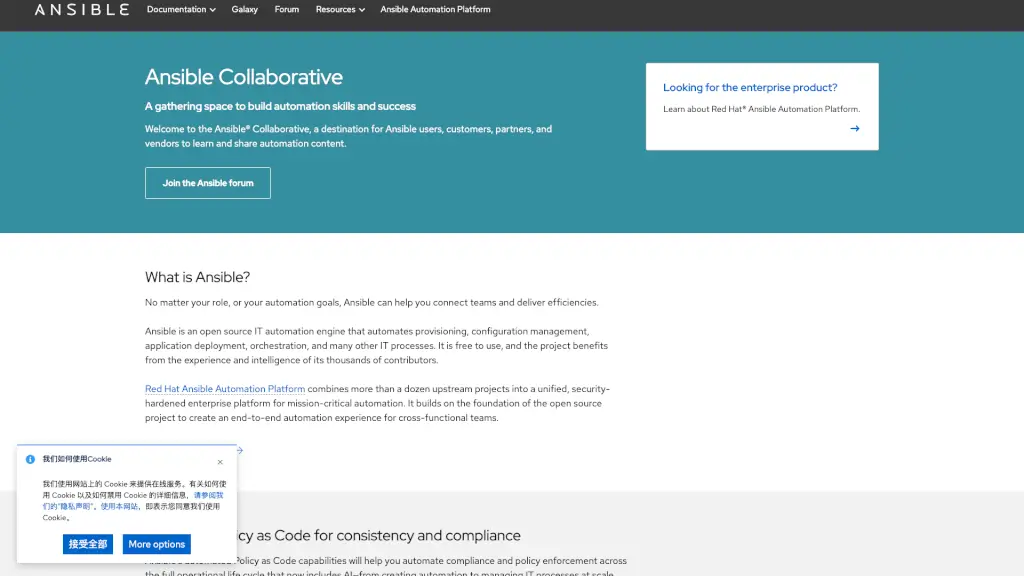
What is Ansible?
Ansible is a powerful, open-source IT automation engine that helps teams streamline everything from server setup to application deployment—without complex coding or agents. Whether you're a developer, sysadmin, or DevOps engineer, Ansible lets you automate repetitive tasks using simple, human-readable YAML files called playbooks.
Built for collaboration and scalability, Ansible connects people and processes across hybrid and multi-cloud environments. The Red Hat Ansible Automation Platform extends this foundation with enterprise-grade security, support, and advanced features like event-driven automation and generative AI integration—making it ideal for mission-critical operations.
What are the features of Ansible?
- Agentless Architecture: No need to install software on target machines—Ansible uses SSH (Linux) or WinRM (Windows) for secure, lightweight communication.
- Playbook-Driven Automation: Define infrastructure and workflows as code using intuitive YAML playbooks that are easy to read, version-control, and share.
- Policy as Code: Enforce compliance and security standards automatically across your entire IT lifecycle—from provisioning to decommissioning.
- Ansible Galaxy Integration: Access thousands of pre-built roles and collections (like
kubernetes.coreorcommunity.vmware) to accelerate automation development. - Event-Driven Automation: React instantly to system events (like alerts or log entries) using rulebooks, enabling real-time, autonomous responses.
- Unified Enterprise Platform: Red Hat Ansible Automation Platform bundles upstream projects into a supported, hardened solution with tools like automation controller and ansible-navigator.
What are the use cases of Ansible?
- Automating cloud infrastructure provisioning across AWS, Azure, and Google Cloud
- Enforcing security policies consistently across hundreds of servers using Policy as Code
- Deploying and managing Kubernetes clusters and applications at scale
- Orchestrating complex multi-step workflows for application rollouts or disaster recovery
- Managing VMware vSphere environments—including VMs, datacenters, and clusters—through code
- Building middleware stacks (like Kafka or WildFly) reliably in multi-cloud setups
How to use Ansible?
- Start by installing Ansible on a control node (your laptop or server) via package manager or pip
- Create an inventory file listing the hosts you want to manage
- Write your first playbook using YAML to define tasks (e.g., install packages, start services)
- Test your automation locally using ansible-navigator or run it directly with the
ansible-playbookcommand - Explore and reuse content from Ansible Galaxy to avoid reinventing the wheel
- For enterprise use, deploy Red Hat Ansible Automation Platform to gain centralized control, RBAC, and audit logging