
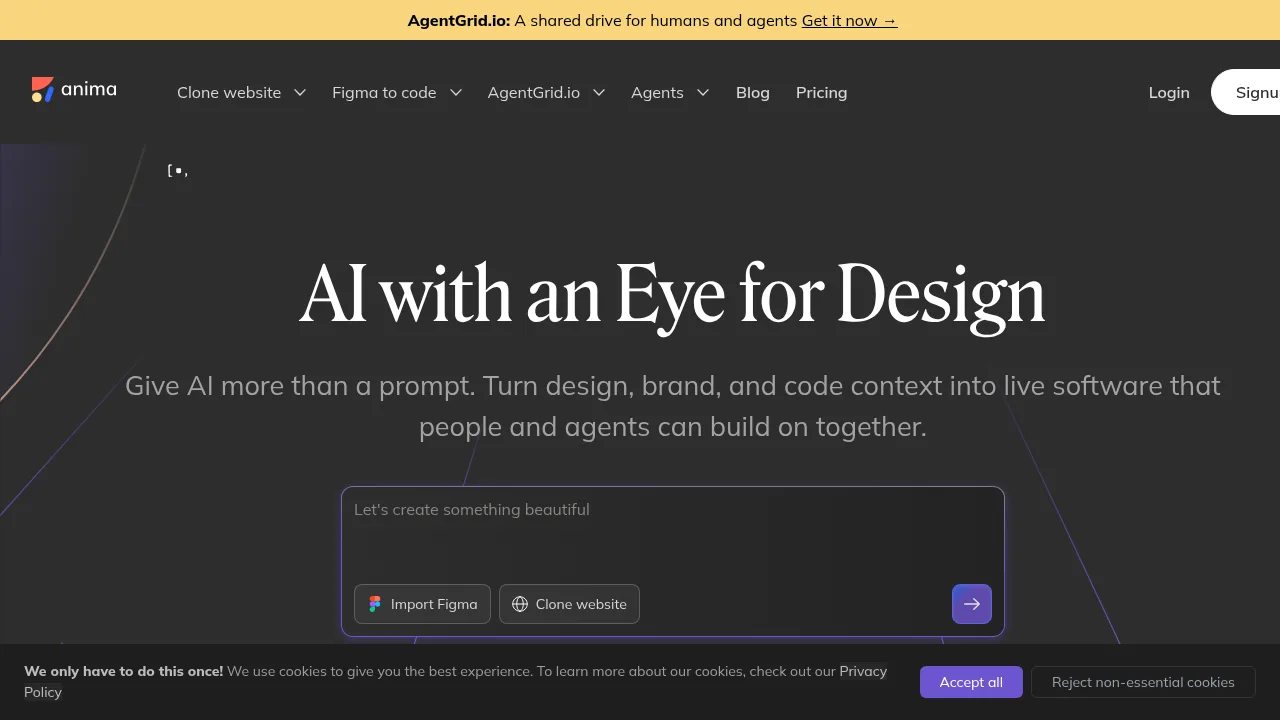
What is Anima?
Anima converts design files, live websites, images, and text prompts into editable HTML or React applications. It serves product teams and developers building interfaces from existing visual assets. The platform operates in the browser with a free starting tier.
What are the features of Anima?
- Design-to-code conversionGenerates responsive HTML or React from Figma or Adobe XD files, preserving structure, assets, and visual details.
- Website cloningImports multiple pages from a live website into one editable app with connected routes and navigation.
- Image-to-app generationConverts screenshots, mockups, or user flow images into editable HTML or React code.
- Code output optionsProduces HTML or React using TypeScript or JavaScript, with styling choices including clean CSS, Tailwind, or inline styles.
- Brand context importApplies design system components, brand references from a URL, or a Design.md file to maintain visual consistency.
- Agent integration (Anima MCP)Connects AI coding agents to the app creation environment to inspect and build live HTML or React applications.
What are the use cases of Anima?
- Migrating an existing siteImporting multiple pages from a live website into a single editable project with navigation already connected.
- Integrating external AI artifactsImporting code generated by tools like Claude to run as a live app for further visual editing.
- Connecting AI agents to design contextUsing Anima MCP to give coding agents access to Figma-to-code capabilities and project design systems.
Anima Pricing Information:
- Free accessAvailable to start building; specific feature quotas are not detailed in the source.