
What is Tangia?
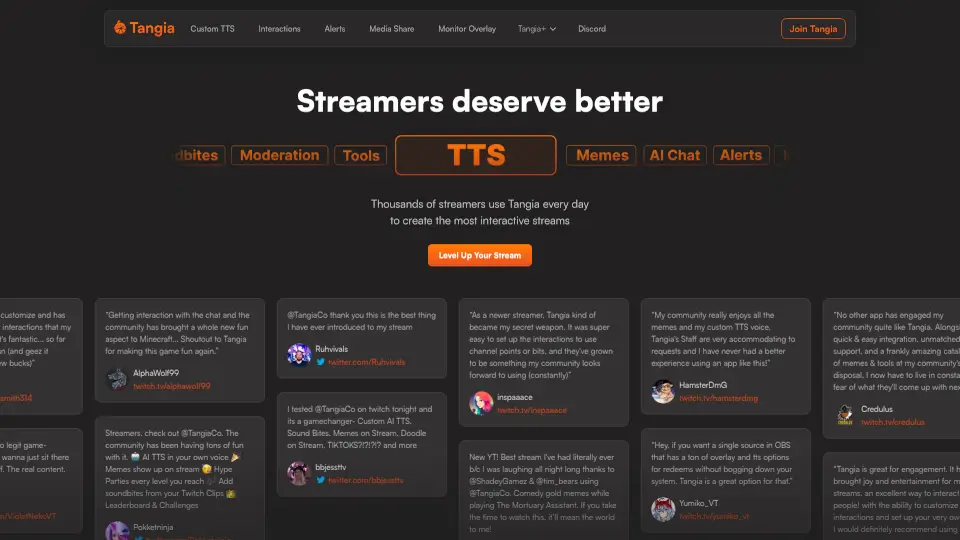
Tangia is an interactive streaming platform built to supercharge viewer engagement on Twitch and other live streams. Instead of passive watching, your chat becomes part of the show—sending memes, triggering custom voice messages, playing soundbites, and even chatting with AI characters. Designed with streamers in mind, Tangia runs smoothly as a lightweight browser source or Twitch extension, so it won’t slow down your system while adding serious fun.
Thousands of streamers—from brand-new creators to seasoned partners—use Tangia daily because it turns ordinary streams into dynamic, community-driven experiences. With tools like AI-powered text-to-speech (TTS) in your own voice, meme libraries, doodle features, and TikTok integration, Tangia gives your audience real ways to shape the content they love.
What are the features of Tangia?
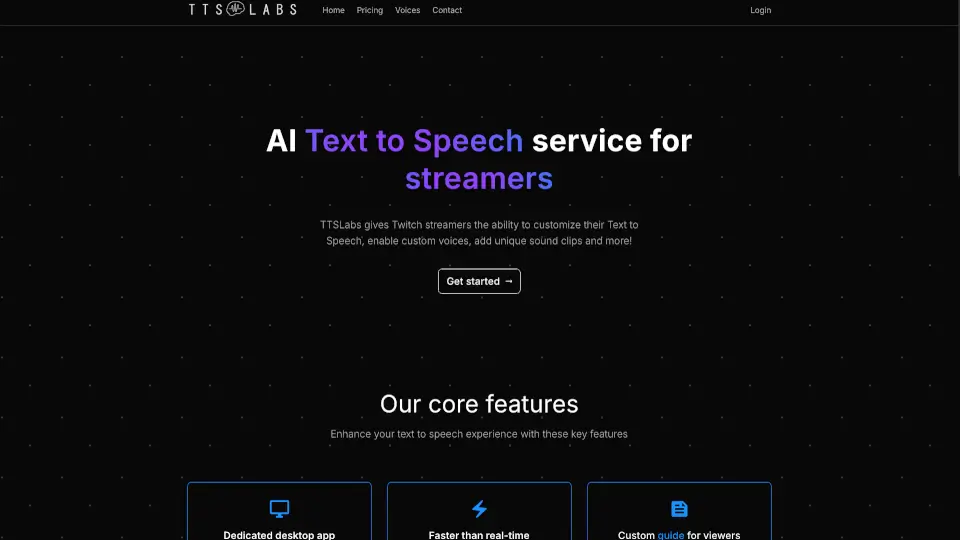
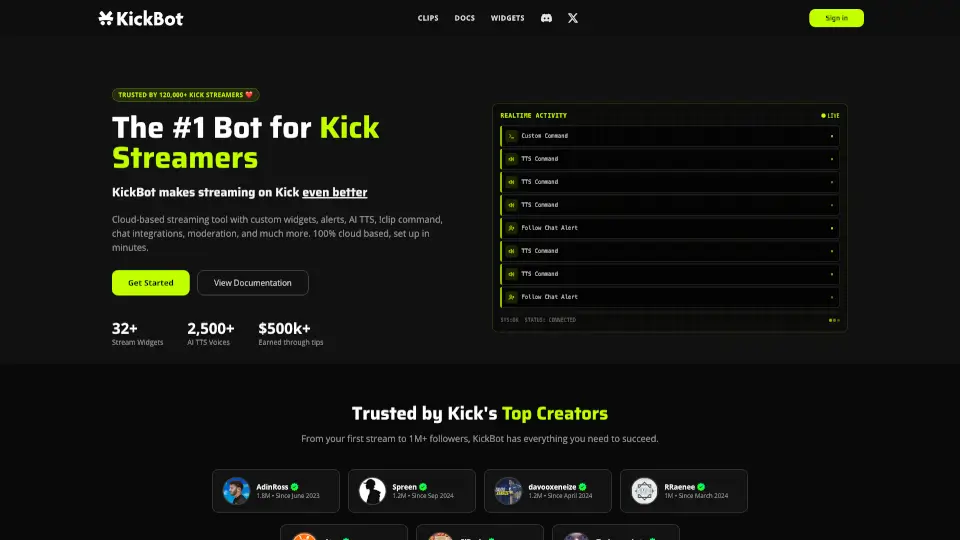
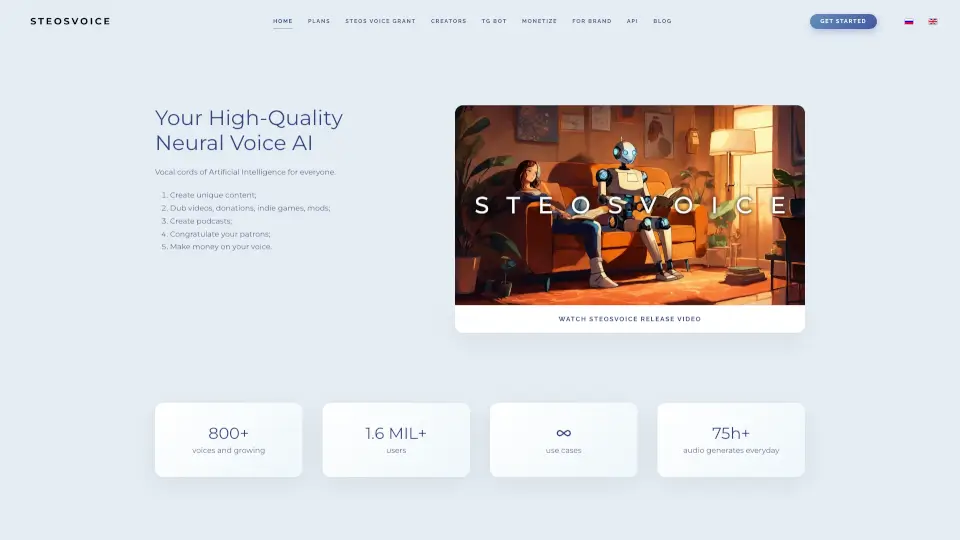
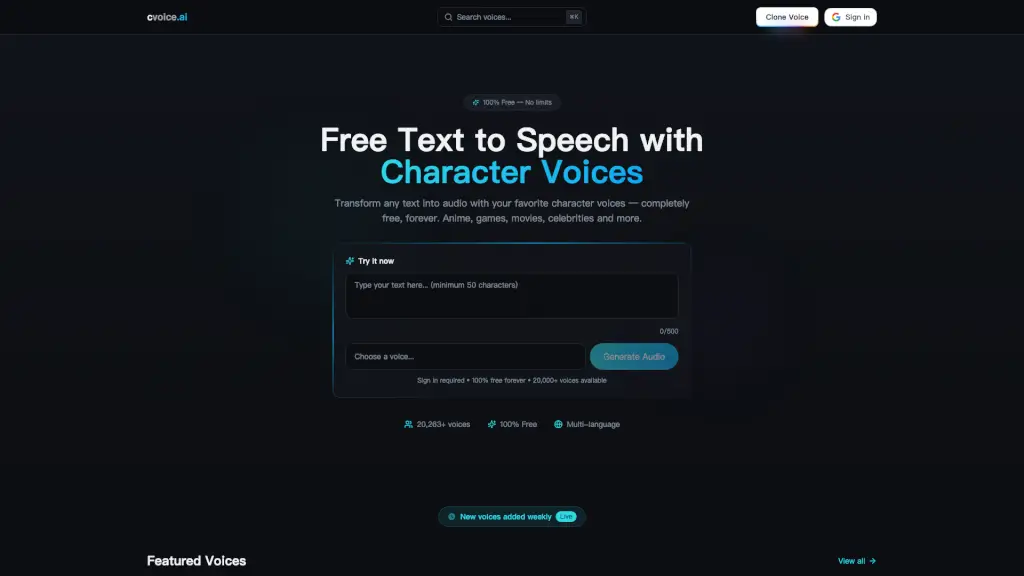
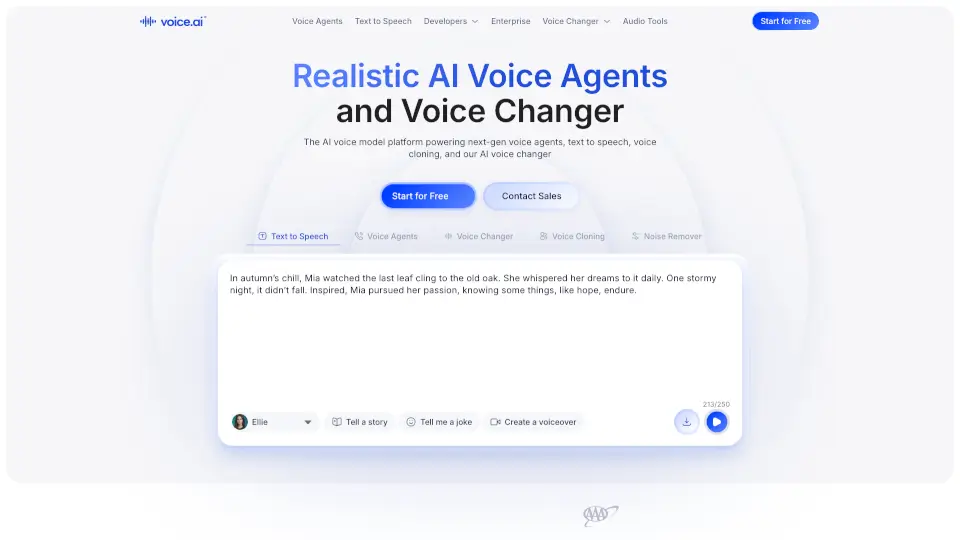
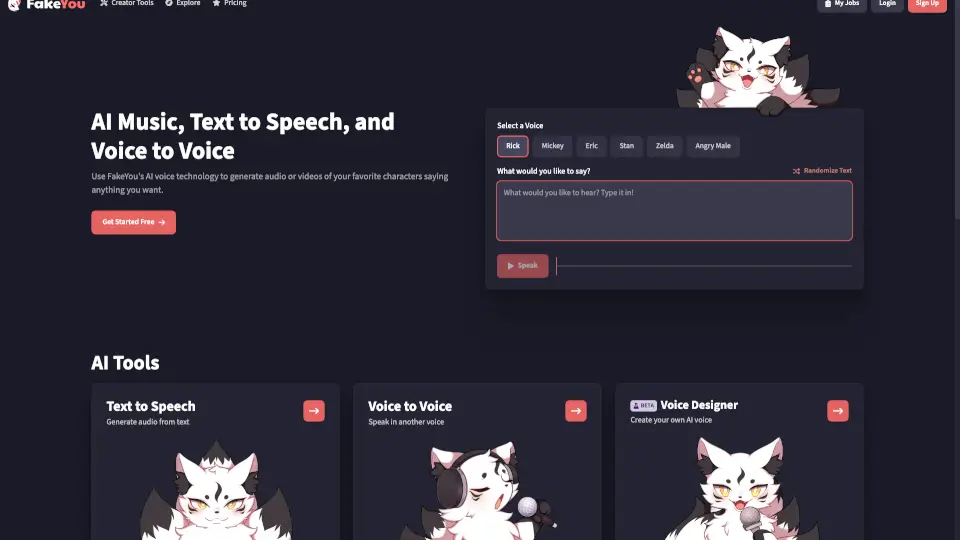
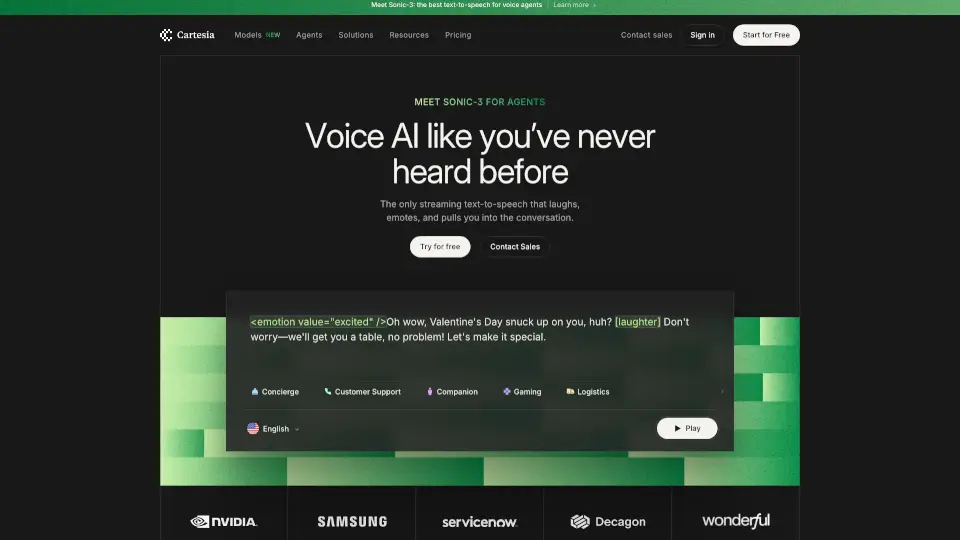
- Custom AI TTS Voice: Use Tangia’s TTS Studio to clone your voice or choose from 150+ high-quality voices for lifelike on-stream audio.
- Meme & Media Library: Access thousands of ready-to-use memes, plus let viewers submit and share their own (with mod approval).
- Soundbite Interactions: Turn clips from your past streams into playable sound effects that viewers can trigger during live shows.
- AI Chat Characters: Let your community interact with custom AI personas that respond in real time—great for comedy or spontaneous moments.
- Tangia Parties: Set Bit or token goals that unlock hype animations, dance parties, or special effects when reached.
- Lightweight Integration: Works as a single browser source in OBS or as a Twitch extension with minimal CPU impact.
- Image Generation: Viewers submit prompts that generate on-screen images, read aloud by TTS for extra immersion.
- TangiaPass Perks: Subscribers get discounts on interactions, extra TTS slots, and early access to new features.
What are the use cases of Tangia?
- A Minecraft streamer uses Tangia memes and TTS to react instantly to chat jokes, making gameplay more collaborative and hilarious.
- A small streamer sets up channel point redemptions for custom soundbites and doodles, giving loyal viewers unique ways to participate.
- During a Just Chatting segment, the host enables an AI character that debates viewers—sparking viral, entertaining conversations.
- A variety streamer hosts “Hype Parties” every time they hit a donation goal, rewarding supporters with animated celebrations.
- Creators repurpose their best Twitch clips into soundbites, letting fans replay iconic moments on demand during future streams.
- New streamers use Tangia’s easy setup to add professional-level interactivity without complex overlays or plugins.
How to use Tangia?
- Sign up at tangia.co and connect your Twitch account.
- Add Tangia as a browser source in OBS (or install the Twitch extension) using the provided URL.
- Customize your TTS voice in the TTS Studio—record a few sentences to clone your voice or pick a pre-made one.
- Browse the interaction library to enable memes, soundbites, image gen, or AI chat—and assign them to Bits, channel points, or free use.
- Approve user-submitted content (like soundbites or memes) through your dashboard before it goes live.
- Promote your Tangia interactions on stream so viewers know how to engage!