
What is Zo Computer?
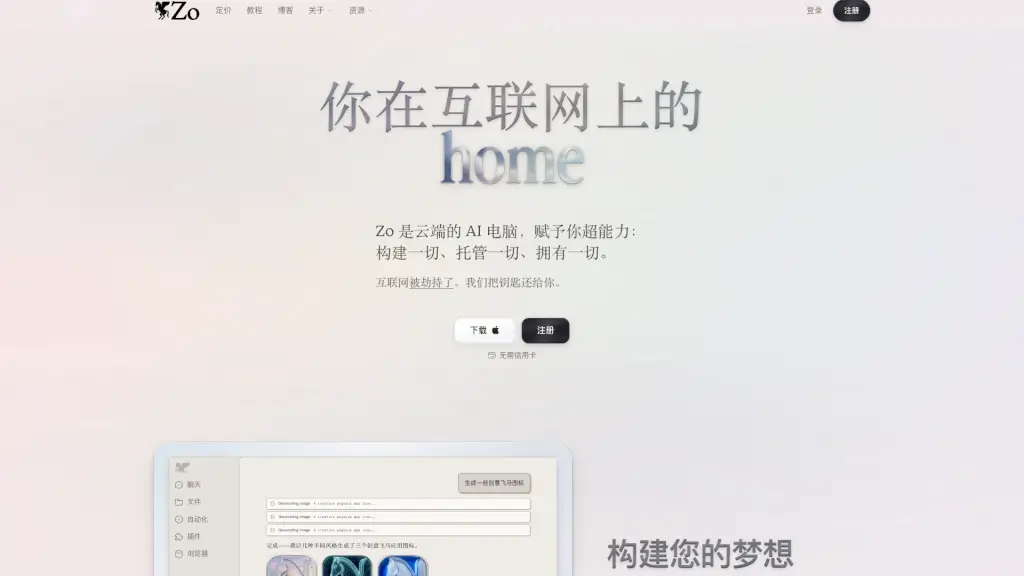
Zo Computer is your personal AI-powered cloud computer that lives on the internet—designed to be your digital home. Unlike traditional apps that lock your data away, Zo gives you full ownership and control over everything you create, store, or automate. Think of it as a smart, always-on assistant that helps you build websites, run workflows, manage files, and connect your favorite tools—all without writing a single line of code.
Built by ex-engineers from Substack and Stripe, Zo combines the power of AI with simple, intuitive design so anyone can harness the full potential of the cloud. Whether you're a student, creator, or small business owner, Zo puts you back in charge of your digital life—no technical expertise required.
What are the features of Zo Computer?
- Personal Cloud Computer: A fully hosted AI environment where your data, apps, and automations live under your control—not on someone else’s server.
- No-Code Website Builder & Hosting: Create and publish websites instantly with built-in hosting, no coding or external platforms needed.
- AI-Powered Automation: Automate repetitive tasks like file sorting, content generation, or data processing using natural language commands.
- Universal Chat Integration: Use Zo across Slack, email, SMS, Discord, Telegram, and more—your AI agent follows you everywhere.
- Built-in File Management: Automatically organize files (PDFs, images, audio, code, etc.) into smart folders by type or purpose.
- Multiple AI Model Support: Access top AI models for chat, image generation, and transcription—and even plug in your own API keys or subscriptions.
- Privacy-First Architecture: Your data stays in your personal cloud; Zo never sells it, shows ads, or uses your content to train AI models.
What are the use cases of Zo Computer?
- A freelance designer quickly builds and hosts a portfolio site while auto-sorting client files into organized folders.
- A small business owner automates monthly invoice generation, expense tracking, and email follow-ups using simple chat commands.
- A student uses Zo to transcribe lecture recordings, summarize notes, and generate study visuals—all in one private workspace.
- A content creator manages social media posts, generates graphics (like custom app icons), and backs up assets securely in their personal cloud.
- A remote team collaborates through Zo’s Slack integration, letting their shared AI agent fetch documents, draft messages, and track tasks.
How to use Zo Computer?
- Sign up for free at Zo Computer—no credit card required.
- Start chatting with Zo in your browser or via connected apps like Slack or email.
- Upload files or ask Zo to generate content (e.g., “create a pegasus app icon” or “organize my files by type”).
- Build a website by describing what you want—Zo writes the code and hosts it automatically.
- Connect your preferred AI model or add payment to unlock higher usage limits and premium features.
- Explore tutorials and community support on Zo’s blog or Discord to discover advanced automations.