

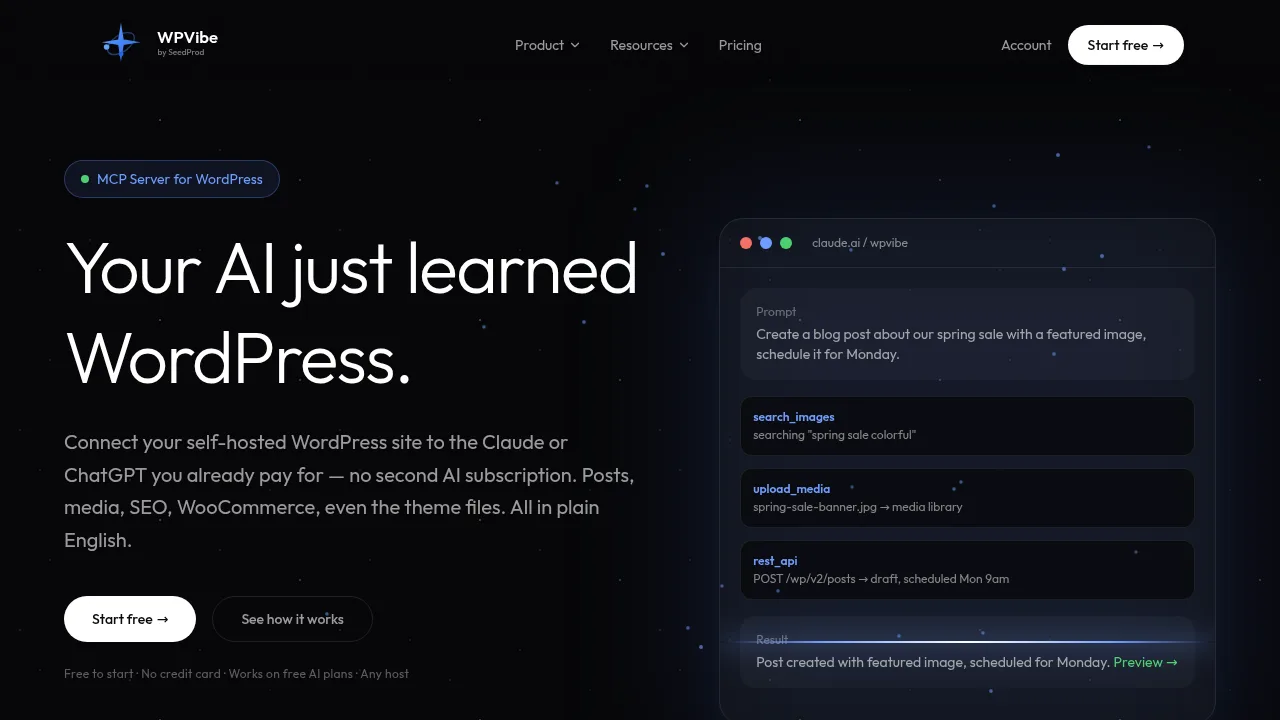
What is WPVibe?
WPVibe is a hosted MCP server that connects self-hosted WordPress sites to AI clients such as Claude, ChatGPT, and Cursor for site management. It exposes the REST API, 125+ WP-CLI commands, theme files, and plugin capabilities through conversation. The service requires installing the WPVibe plugin on a WordPress 6.0+ site reachable over HTTPS.
What are the features of WPVibe?
- WordPress command executionRuns 125+ WP-CLI commands in PHP without SSH, including plugin management, search-replace with dry-run previews, and read-only SQL queries.
- Full REST API accessCreates, edits, and manages posts, pages, media, comments, users, and taxonomies through the complete WordPress REST API.
- Multi-site managementConnects unlimited sites to one account and runs bulk plugin or theme updates across all of them from a single chat session.
- Page builder supportIncludes built-in skills for Gutenberg, Elementor, SeedProd, Divi, Beaver Builder, Breakdance, Bricks, Kadence, and GeneratePress.
- Draft-first safety controlsDefaults new posts to draft, sends deletions to trash, sandboxes theme edits in an isolated draft, and requires browser approval for destructive operations.
- Plugin capability discoveryReads and writes data through the WordPress Abilities API for compliant plugins like WPForms, AIOSEO, WooCommerce, and ACF.
What are the use cases of WPVibe?
- E-commerce troubleshootingAn AI client inspects cart and checkout issues directly on a live WooCommerce store instead of relying on pasted error messages.
- Agency site maintenanceAdministrators update plugins and themes across dozens of client sites from one chat panel, with pre- and post-update verification.
- Non-developer site redesignsUsers build landing pages, edit theme files, and manage custom CSS or JS snippets through natural language prompts.
How to use WPVibe?
- Install the pluginAdd the WPVibe plugin to your WordPress site via Plugins > Add New or the provided installer link.
- Add the server URLEnter the WPVibe server URL in your MCP-compatible AI client, such as Claude, ChatGPT, or Cursor.
- Verify your identitySign in using a 6-digit code sent to your email address.
- Authorize the connectionApprove the one-click Application Password authorization request from your wp-admin dashboard when prompted by the AI.
WPVibe Pricing Information:
- Free plan$0; includes every tool and skill, unlimited connected sites, and a daily allowance of WordPress actions with a bonus increase during the first week.
- Pro plan$19 per month or $99 per year; provides 5x the free plan's daily usage allowance.
- Power plan$49 per month or $299 per year; provides 20x the free plan's daily usage allowance.
- Agency plan$99 per month or $599 per year; provides 50x the free plan's daily usage allowance plus client invitations.
- Scale plan$149 per month or $899 per year; provides 100x the free plan's daily usage allowance.