

What is Wasmer?
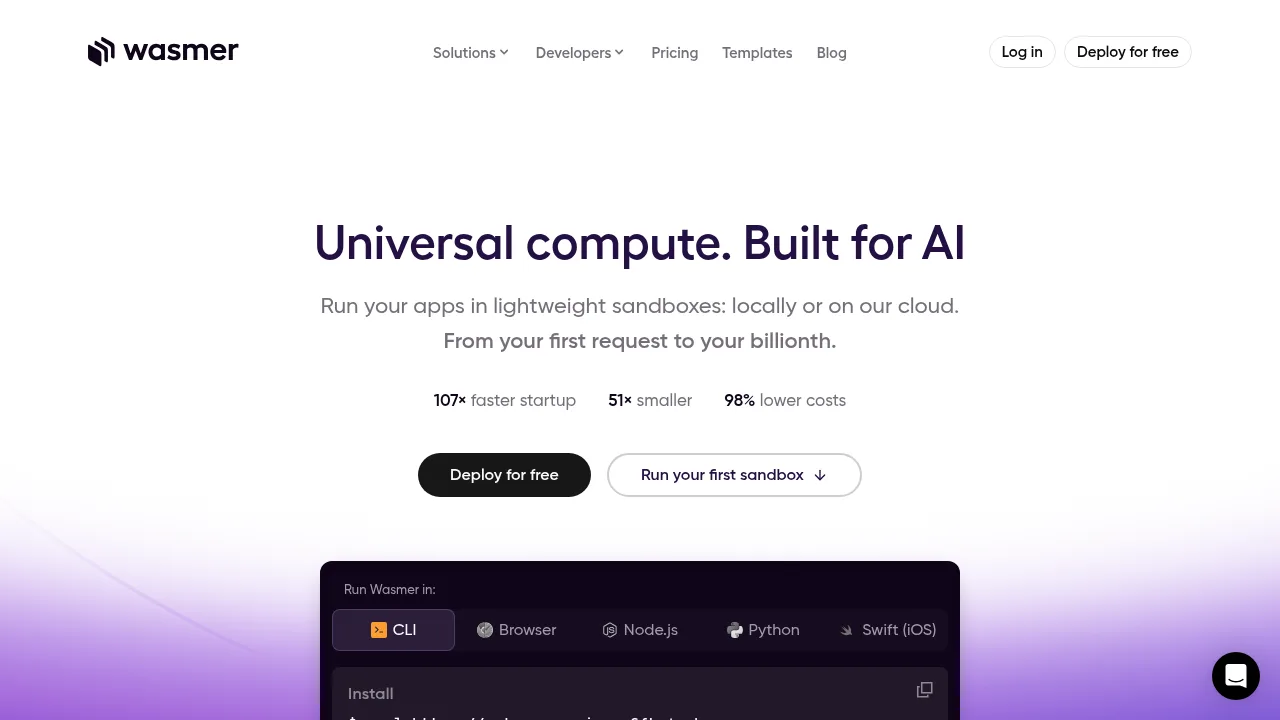
Wasmer runs applications in lightweight WebAssembly sandboxes locally or on its cloud infrastructure. It provides a runtime, a package registry, and an edge deployment platform for developers. Users can install the command-line tool or run packages directly in a web browser.
What are the features of Wasmer?
- WebAssembly runtimeExecutes sandboxed applications locally via CLI, Browser, Node.js, Python, or Swift (iOS), claiming 107× faster cold starts and 20 MB memory per instance compared to Docker.
- Package registryHosts ready-to-run software packages including Bash, PHP, Node.js, Python, SQLite, FFmpeg, PostgreSQL, and Clang.
- Edge deploymentDeploys applications to Wasmer Edge cloud infrastructure using templates for frameworks such as Next.js, WordPress, Django, Nuxt, Laravel, Hugo, Astro, and Vite.
- WASIX system interfacePowers the registry and runtime to standardize how WebAssembly modules interact with the host operating system.
What are the use cases of Wasmer?
- Browser-based media processingRunning tools like FFmpeg and ffprobe natively inside a web browser via WebAssembly.
- Framework hostingDeploying web applications built with Next.js, Django, Laravel, or other supported frameworks to the edge using preconfigured templates.
How to use Wasmer?
- Install the CLIRun the command
curl https://get.wasmer.io -sSfL | shin a terminal. - Select a languageChoose from supported environments such as Bash, Python, or Node.js.
- Run a packageExecute a command to launch a package from the registry on your local machine.
Wasmer Pricing Information:
- Free deploymentThe source states users can deploy for free; specific quotas or plan limits are not detailed.
- Cloud compute rateThe vendor claims a cost of $0.000002 per second based on a model of 100,000 concurrent sandboxes.