What is Vizcom?
Vizcom is a game-changer for designers and creatives. It’s a tool that turns your sketches into realistic renders and 3D models in seconds. Whether you’re a pro or just starting out, Vizcom makes it easy to bring your ideas to life.
What are the features of Vizcom?
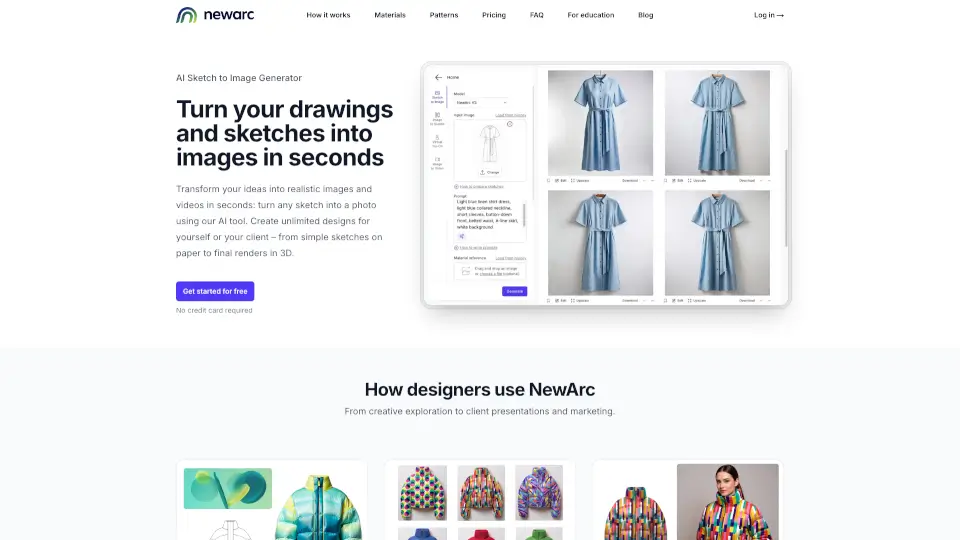
- Sketch to Render: Turn your sketches into photo-realistic images instantly.
- 3D Modeling: Generate 3D models to view your designs from any angle.
- AR Export: Export your models as USDZ files to view them in augmented reality.
- Custom Palettes: Create unique styles that reflect your personal design aesthetic.
- Collaborative Workbench: Work with others in an infinite canvas environment.
What are the use cases of Vizcom?
- Concept Design: Quickly visualize your ideas in realistic detail.
- Prototyping: 3D print your designs to test and refine them.
- AR Visualization: See your designs in real-world settings using AR.
- Material Testing: Apply different materials to your designs with a simple swatch.
How to use Vizcom?
- Sketch: Draw your design in Vizcom’s studio or upload a photo of your sketch.
- Render: Choose a style or use your custom Palette to render your design.
- 3D Model: Generate a 3D model to explore your design from new angles.
- Export: Export your model for AR viewing or 3D printing.