
What is Fix My Code?
UserWay’s AI-Powered Code Fixer is a game-changer for web accessibility. It works behind the scenes to make your website more inclusive and user-friendly, ensuring compliance with accessibility standards. Whether you’re a developer or a business owner, this tool simplifies the process of creating accessible websites.
What are the features of Fix My Code?
- Local Code Fixes: Automatically fixes code within your browser for immediate results.
- Dynamic Adaptation: Adjusts to user preferences, enhancing both accessibility and performance.
- Customizable Features: Promotes inclusivity with features triggered by user interactions.
- Content Remediation: Instantly fixes existing and new content, moving you closer to compliance.
- Screen Reader Support: Reads aloud page content in over 40 languages at various speeds.
- Keyboard Navigation: Optimizes website outlines for seamless keyboard navigation.
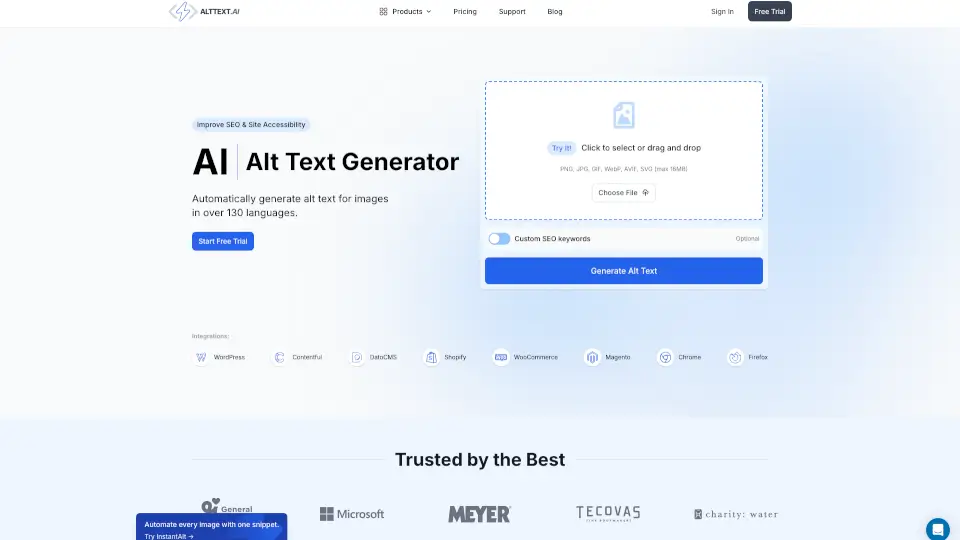
- Image Alt Text: Generates detailed descriptions for non-text content using AI.
What are the use cases of Fix My Code?
- Web Developers: Streamline the process of making websites accessible.
- Business Owners: Ensure your site is inclusive for all users, including those with disabilities.
- Content Creators: Automatically fix accessibility issues in new and existing content.
How to use Fix My Code?
- Sign Up: Start with a free trial to explore the features.
- Install Widget: Add the UserWay Accessibility Widget to your website.
- Customize: Adjust settings to meet your specific needs.
- Monitor: Let the AI handle the rest, ensuring continuous compliance.