
What is TweetGrok?
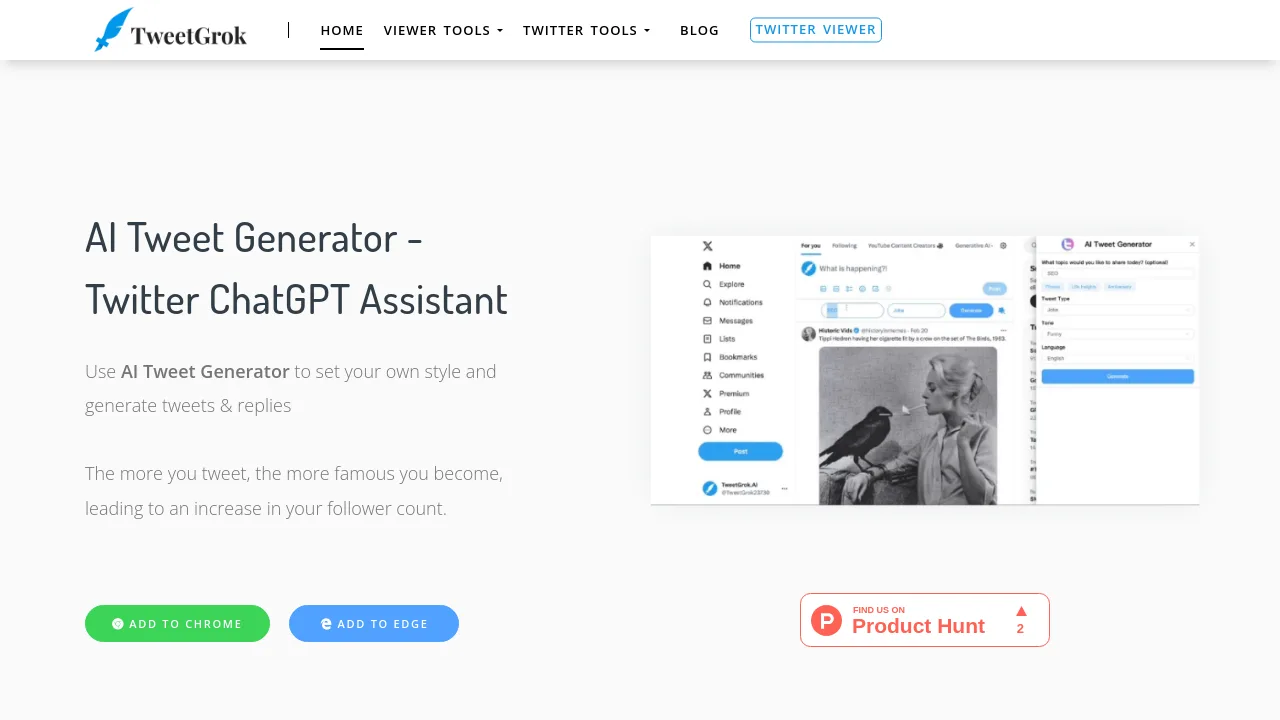
Tweet Grok is an AI-powered Twitter tool suite designed for content creators, marketers, and social media managers who need to generate tweets, replies, and manage engagement. It includes an AI tweet generator that lets you set a custom style, a mass tweet delete tool, and a Twitter algorithm ranking validator. Unlike xAI's Grok chatbot, this SaaS product focuses on practical Twitter growth tasks like content creation, follower growth, and automated posting. It fits into a workflow where users need to produce high volumes of tweets quickly or analyze their tweet performance.
What are the features of TweetGrok?
- AI Tweet Generator: Input a topic or style preference, and the tool outputs multiple tweet drafts. Supports both original tweets and replies, helping users overcome writer’s block.
- Mass Tweet Delete: Filter tweets by keywords, date range, likes, or replies to batch delete old or unwanted tweets. Useful for cleaning up a Twitter timeline.
- Twitter Algorithm Ranking Validator: Check the real-time ranking score of any tweet within the Twitter platform. Helps users understand how their content is performing in the algorithm.
- Twitter Video Downloader: Download any Twitter video in MP4 format by pasting the tweet URL. Works on desktop and mobile without login.
- Fake Tweet Generator: Create realistic-looking fake tweets for humor, satire, or demonstration purposes. Users can customize the tweet content, author, and timestamp.
- Funny Tweet Generator: A specialized mode that generates humorous tweets based on user-entered topics. Designed for users who want to add wit to their Twitter feed.
What are the use cases of TweetGrok?
- Social media managers generating 10+ tweet drafts per day for brand accounts, saving time on brainstorming.
- Content creators replying to 250+ tweets quickly using AI-generated replies with consistent brand voice.
- Marketers testing tweet performance by checking algorithm ranking scores and adjusting posting strategy.
- Individuals cleaning up their Twitter history by batch-deleting old tweets that no longer fit their personal brand.
- Twitter users creating parody or satire tweets using the fake tweet generator for entertainment or social commentary.
How to use TweetGrok?
- Start by visiting the Tweet Grok website and selecting the AI Tweet Generator tool from the menu.
- Enter a topic or keyword you want to tweet about, then optionally choose a style (e.g., funny, professional) and generate drafts.
- Review the generated tweets and edit them as needed before posting directly to Twitter or copying the text.
- For other tools like video downloader, paste the tweet URL into the input field and click download to save the MP4 file.
- Use the mass tweet delete tool by authorizing your Twitter account, then setting filter conditions (date, keywords, likes) to select tweets for deletion.