What is Trinka?
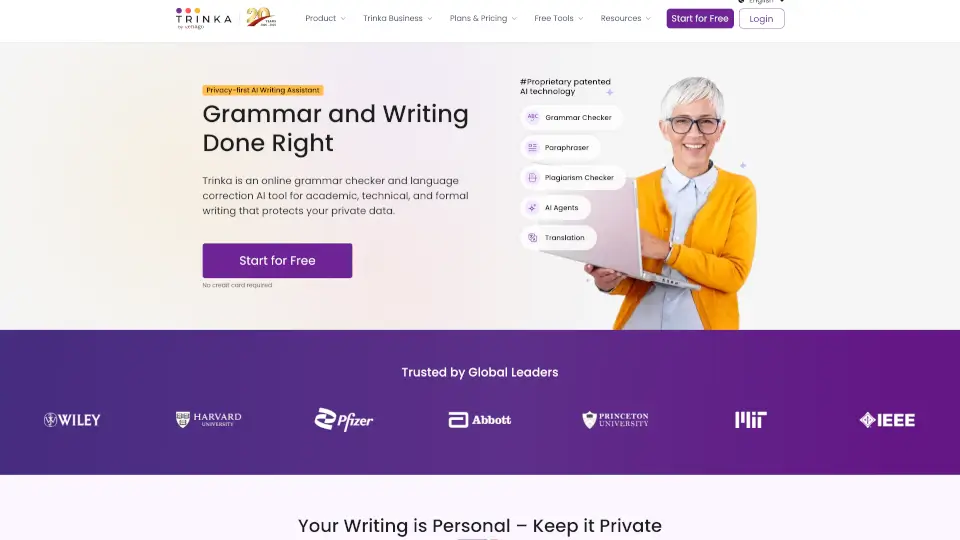
Trinka is a privacy-first AI writing and grammar checker built specifically for academic and technical writing. Unlike general-purpose tools, Trinka focuses on helping you produce clear, precise, and professional content — whether you're drafting a research paper, thesis, report, or business document. With enterprise-grade security and zero data storage for sensitive content, it’s a safe choice for students, researchers, and professionals who need more than just basic spell-check.
What are the features of Trinka?
- Advanced Grammar & Language CheckGoes beyond surface errors to catch subject-verb agreement, article misuse, and academic style issues.
- Confidential Data PlanReal-time data deletion and no AI training — perfect for proprietary or sensitive content.
- Proofread File UploadUpload Word, LaTeX, or PDF documents for a full editorial review.
- Paraphraser & Rewriting ToolsRewrite sentences to improve clarity, tone, and conciseness.
- Plagiarism & AI Content DetectionCheck originality and identify AI-generated text with integrated scanning.
- Citation Checker & FormatterVerify and format citations in APA, MLA, Chicago, and more.
- Journal FinderFind suitable journals for your manuscript based on your content and field.
- Browser & Word Add-inGet real-time suggestions as you write in Chrome, Firefox, Edge, or Microsoft Word.
What are the use cases of Trinka?
- Graduate student writing a thesisUse Trinka to polish language, check citations, and ensure your manuscript meets publication standards.
- Non-native English researcherImprove grammar and flow in your research papers without hiring an expensive human editor.
- University administrator managing academic integrityDeploy DocuMark to support responsible AI use and focus on the writing process, not just the final product.
- Healthcare or legal professional handling confidential dataUse the Confidential Data Plan to get AI writing help without risking privacy.
- Publisher streamlining manuscript reviewsLeverage custom AI models and integrity checks to reduce time-to-publication for journals.
How to use Trinka?
- Sign up for freeat trinka.ai — no credit card required for the basic plan.
- Paste or uploadyour text directly into the editor, or install the browser extension or Word add-in for inline suggestions.
- Review highlighted errors— Trinka explains why a change is suggested, helping you learn as you edit.
- Use premium toolslike plagiarism check, citation formatter, or paraphraser by upgrading or using free credits.
- For sensitive documents, enable the Confidential Data Plan to ensure your content is never stored or used for AI training.