
What is Thumbnail Test?
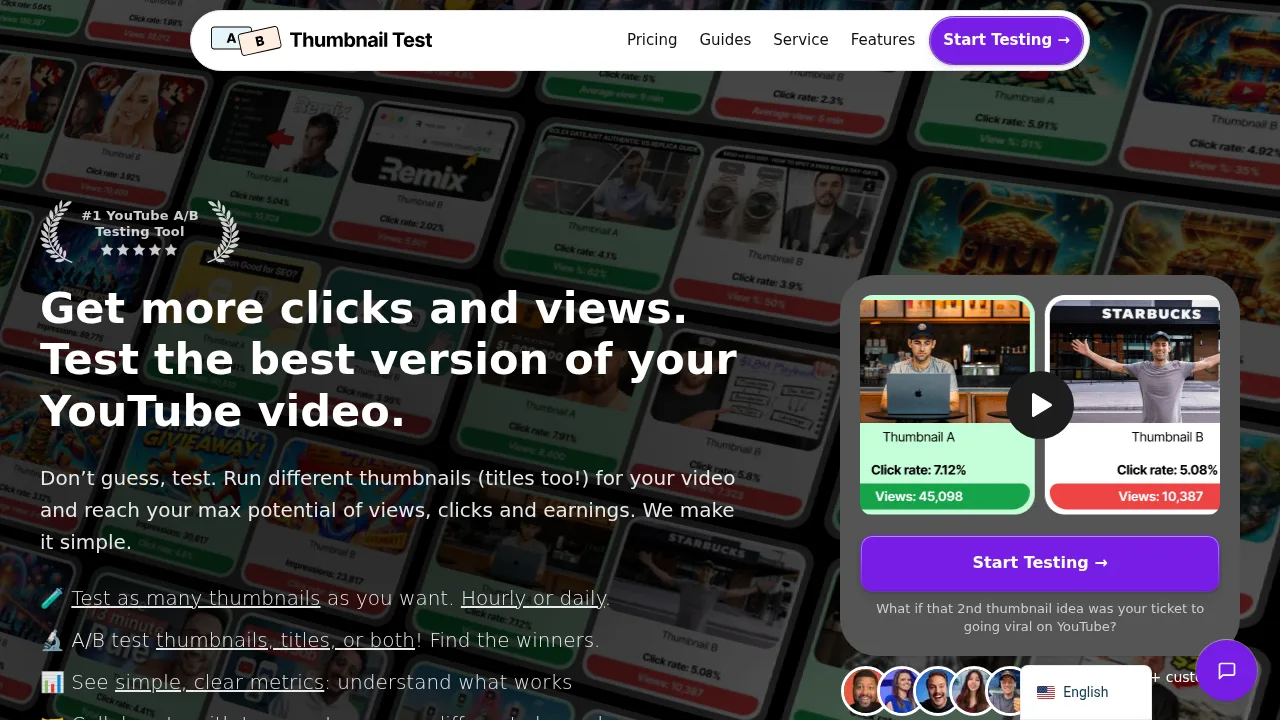
Thumbnail Test is a web-based tool that runs A/B tests on YouTube video thumbnails and titles by automatically swapping them at daily or hourly intervals. It is designed for YouTube creators who want to compare performance metrics across multiple variations, including combinations of titles and thumbnails. The service requires videos to have at least 200 to 300 views for the collected data to be statistically significant.
What are the features of Thumbnail Test?
- Unlimited variation testingAllows users to upload and test more than three thumbnails or titles per experiment, unlike YouTube's native limit of three thumbnails.
- Daily or hourly rotationAutomatically changes the active thumbnail or title on a selected video every day at midnight PST or every hour throughout the day.
- Combined testingSupports testing thumbnails alone, titles alone, or title and thumbnail combinations together in a single experiment.
- Analytics collectionGathers over 20 metrics, including impressions, click-through rate, and average view duration, using an optional Chrome extension that reads YouTube Studio data.
- AI title suggestionsGenerates alternative video titles using AI.
- Original version controlIncludes the original thumbnail or title as a baseline in the experiment to measure whether new variations perform better.
What are the use cases of Thumbnail Test?
- Reviving underperforming older videosApplying new thumbnail and title tests to previously published videos that have stalled in views to find higher-converting combinations.
- Reducing early-subscriber biasConfiguring a delay of up to three days before a test begins so initial subscriber spikes do not skew the comparative data.
How to use Thumbnail Test?
- Select a videoChoose the specific YouTube video to run the experiment on within the web interface.
- Upload variationsAdd the alternative thumbnails (in 16:9 resolution, under 2MB) and titles to be tested.
- Start the testInitiate the experiment; the system will begin swapping the assets automatically at the next midnight PST or hourly interval.
- Collect analyticsOpen YouTube Studio with the optional Chrome extension installed to automatically gather performance data, or upload stats manually.
- Analyze resultsReview the collected metrics after each variation has run for at least one cycle to determine which performed best.
Thumbnail Test Pricing Information:
- Basic monthly$29/month; includes unlimited tests, daily and hourly options, 1 channel, and 1 team member (extra seats $19/month).
- Pro monthly$49/month; includes all Basic features plus up to 3 channels, API access, Zapier integration, video automation, premium support, and 3 team members (extra seats $19/month).
- Business monthly$99/month; includes all Pro features plus up to 10 channels, bulk discounts for more channels, and 3 team members (extra seats $19/month).
- Basic yearly$32/month billed yearly (2 months free); same channel and feature limits as Basic monthly.
- Pro yearly$44/month billed yearly (3 months free); same channel and feature limits as Pro monthly.
- Business yearly$75/month billed yearly (3 months free); same channel and feature limits as Business monthly.
- Small channel discountChannels with fewer than 10,000 subscribers can apply to receive the Basic plan for 40% less until they reach 10,000 subscribers. All paid plans include a 14-day money-back guarantee.