
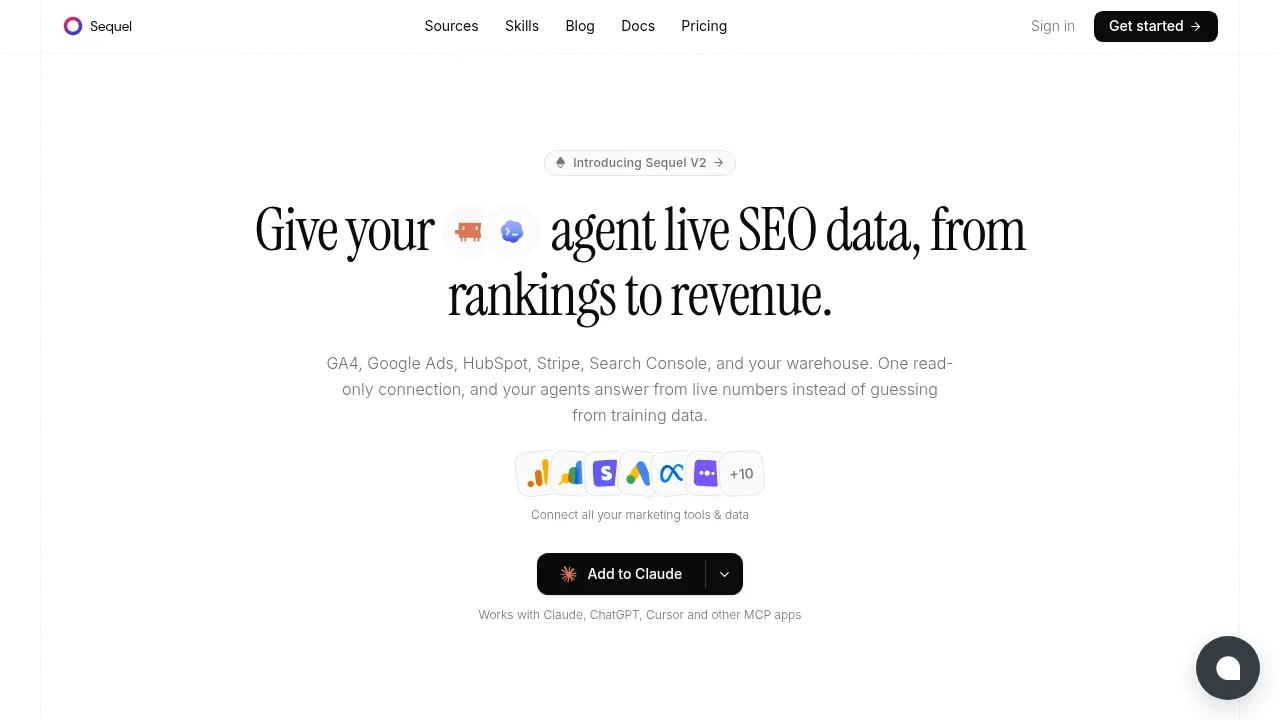
Sequel lets AI agents query live marketing and business data over MCP while enforcing shared metric definitions and read-only access.

Social Media:

Sequel Product Information

What is Sequel?

Sequel connects marketing and business data sources to AI agents through the Model Context Protocol (MCP), allowing tools like Claude, ChatGPT, and Cursor to answer questions using live numbers. Users define custom metrics once so every connected agent applies consistent calculations. Connections are read-only by default, and credentials remain hidden from the agents.

What are the features of Sequel?

  • Data source connections
    Links GA4, Google Ads, HubSpot, Stripe, Search Console, BigQuery, Snowflake, Postgres, Meta Ads, Mixpanel, Amplitude, PostHog, Google Sheets, and Intercom via OAuth or key.
  • Shared metric definitions
    Stores team-specific definitions for terms like qualified lead or blended CAC so every agent returns consistent results.
  • Query transparency
    Returns the underlying query alongside each result so users can verify the numbers rather than relying on trust.
  • Read-only safety
    Connectors cannot write data by default; enabling writes requires explicit permission and confirmation of the exact call before execution.
  • Cross-system queries
    Answers questions spanning databases, warehouses, and product data in a single request by determining the necessary joins.
  • Persistent memory (MRR)
    Retains schema details, metric definitions, and team terminology across sessions so answers improve with use.

What are the use cases of Sequel?

  • Campaign attribution analysis
    An agent identifies which channel drove the most conversions last month and calculates blended CAC using the stored definition.
  • Cross-functional reporting
    Marketing, revenue, finance, and founders ask their own questions against the same connected data and shared definitions.
  • Dashboard building without BI tools
    Users build live dashboards and trace issues across their stack in plain English.

How to use Sequel?

  1. Install the MCP server
    Run sequel install claude-code in the terminal to connect Sequel to your agent.
  2. Connect data sources
    Link platforms like GA4, HubSpot, or Stripe using OAuth or an API key with read-only access.
  3. Define metrics
    Tell Sequel what specific terms like qualified lead or blended CAC mean for your team.
  4. Ask questions
    Query your data directly from any supported MCP client, such as Claude, ChatGPT, or Cursor.

Sequel Pricing Information:

  • Free starting access
    No credit card required to connect the first source.
Do you like this tool?

Upvote to help others discover it!

Sequel Alternatives

Swipe Insight

Swipe Insight

Markifact automates marketing reporting, ad creation, and account audits using AI agents, workflows, and MCP integrations.

US
12.77%
92.3K
0
Cube

Cube

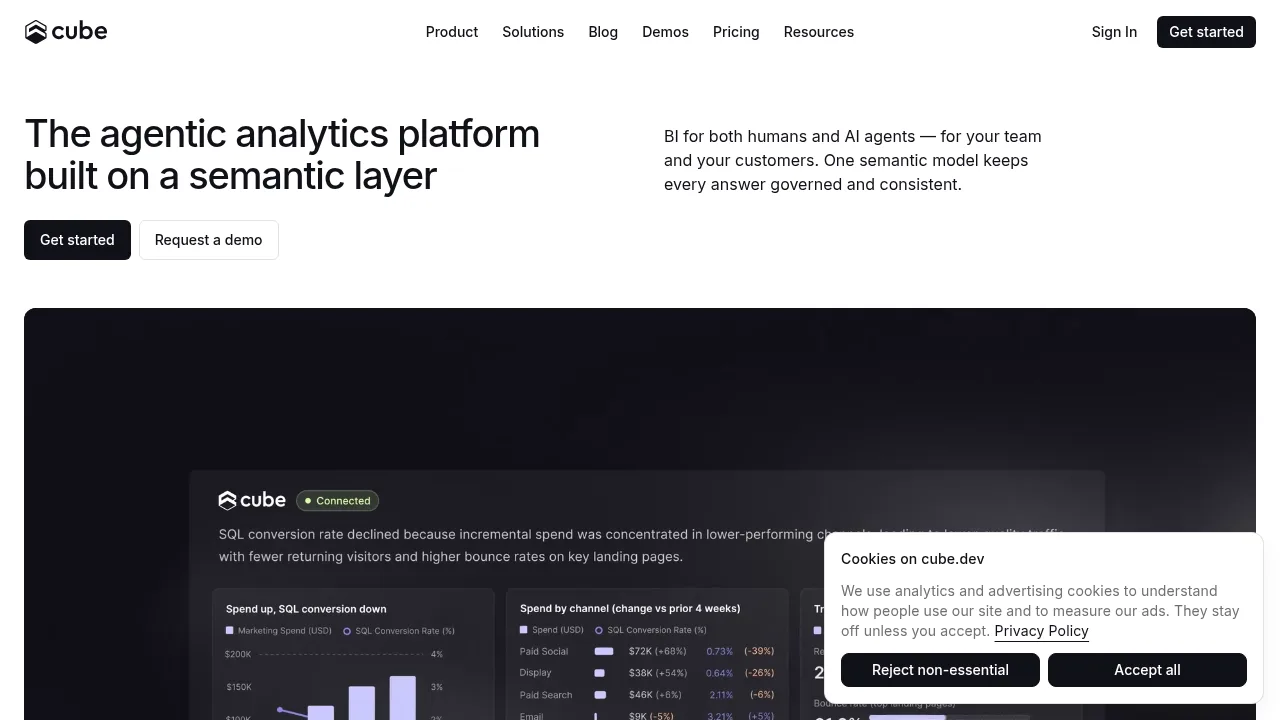
Cube provides a semantic layer that delivers governed analytics to human users and AI agents through chat, dashboards, and APIs.

US
33.07%
96.7K
0
Questera

Questera

Questera is an AI-driven customer engagement platform that automates personalized marketing journeys, boosts activation, retention, and revenue, and integrates smoothly with your existing tools.

US
25.79%
36.0K
0
Seek AI

Seek AI

Seek AI simplifies data analytics with a natural language interface for real-time insights.

VN
23.52%
11.8K
0
camelAI

camelAI

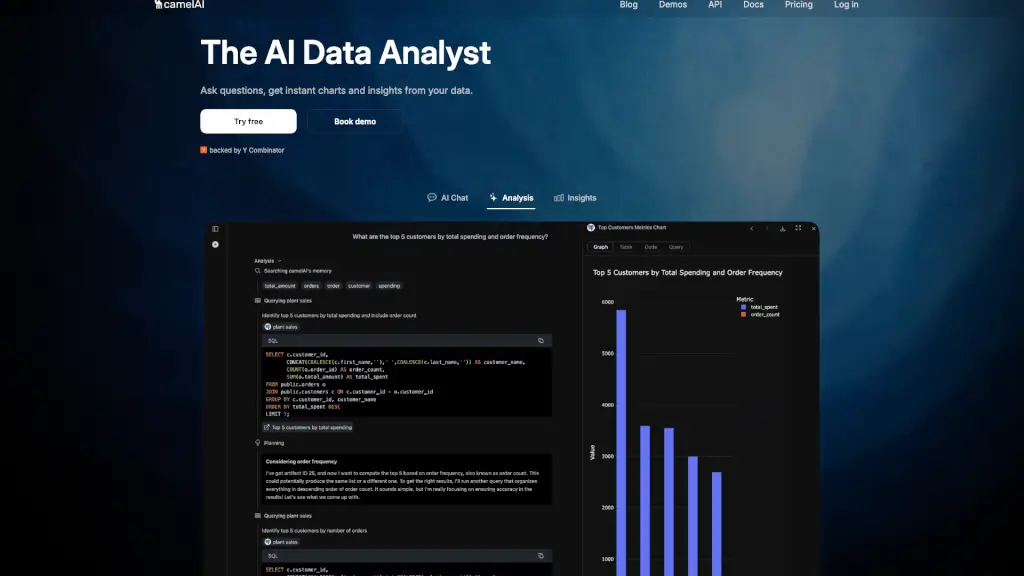
camelAI is an AI-powered data analysis tool that turns plain English questions into instant charts and insights, making business intelligence accessible to everyone.

US
44.32%
44.4K
0
Databox

Databox

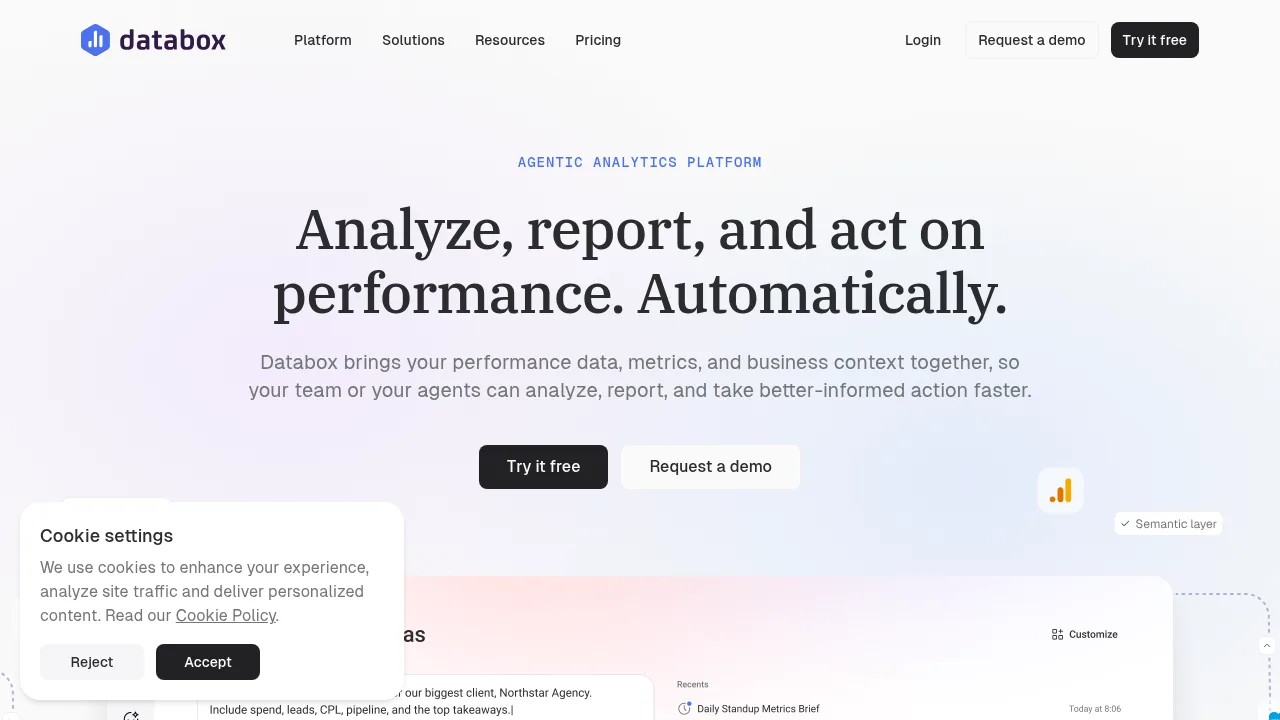
Databox centralizes data from over 130 sources to deliver governed metrics, automated reporting, and AI-driven performance analysis.

US
23.19%
204.7K
0
Equals

Equals

Equals combines a managed Snowflake warehouse with a spreadsheet interface so teams can query, audit, and share revenue analytics using AI.

IN
29.05%
24.4K
0
Triple Whale

Triple Whale

Triple Whale centralizes ecommerce attribution, marketing mix modeling, and AI-driven ad management into a single measurement platform.

US
60.99%
1.6M
0

Sequel Related Other Categories

Sequel Traffic Analysis

Website traffic estimates for sequel.sh. Visits are not unique users or product usage.

Data month: 2026-10

💡 Insights

🌱
10K–100K monthly visits
Estimated monthly visits exceed 10,000 and are at most 100,000.
⚠️
Slight Decline
Estimated visits decreased 1.1% from the previous month.
👍
Bounce rate below 60%
The estimated bounce rate is 41%.
🌍
United States Dominant
United States accounts for 42% of estimated visits.
  • Monthly Visits

    10.90K

  • Bounce Rate

    40.95%

  • Pages Per Visit

    1.75

  • Visit Duration

    00:00:15

  • Global Rank

    1976813

  • Country Rank

    1031477

Visits Over Time

Traffic Sources

Direct40.47%
Search Organic32.40%
Referrals9.83%
Social Organic5.67%
Mail3.06%
Display Ads2.94%
Affiliate2.08%
Gen Ai1.45%
Search Paid1.40%
Social Paid0.72%

Top Keywords

1
sequel
CPC$1.55
410Traffic
2
sequel software for product management
380Traffic
3
spark code formatter
170Traffic
4
free ig plugin for grok bot
160Traffic
5
format snowflake sql online
140Traffic

Top Regions

RegionPercentage
United States
United States
41.96%
India
India
22.89%
Brazil
Brazil
12.25%
Vietnam
Vietnam
11.22%
Pakistan
Pakistan
6.43%
Low
High

Powered by SimilarWeb

Sequel FAQ

Can the AI agent modify my campaigns or records?

Connectors are read-only by default. Nothing can pause a campaign, move a budget, or edit a record unless you explicitly enable it, and writes require you to confirm the exact call before it runs.

Does the AI agent see my database passwords or API keys?

No. Sequel handles authentication and holds connection secrets. Agents receive answers through a secure gateway but never access the keys directly.

Sequel Reviews

0
0 Reviews
Sign Into leave a review

Recent Reviews

No reviews yet

Sequel Embed

Use website badges to drive community support for SeekTool.ai. They are easy to embed in your homepage or footer.

Light
Dark
Sequel - Featured on SeekTool.aiSequel - Featured on SeekTool.ai
How to install?