
What is ProductionCrate?
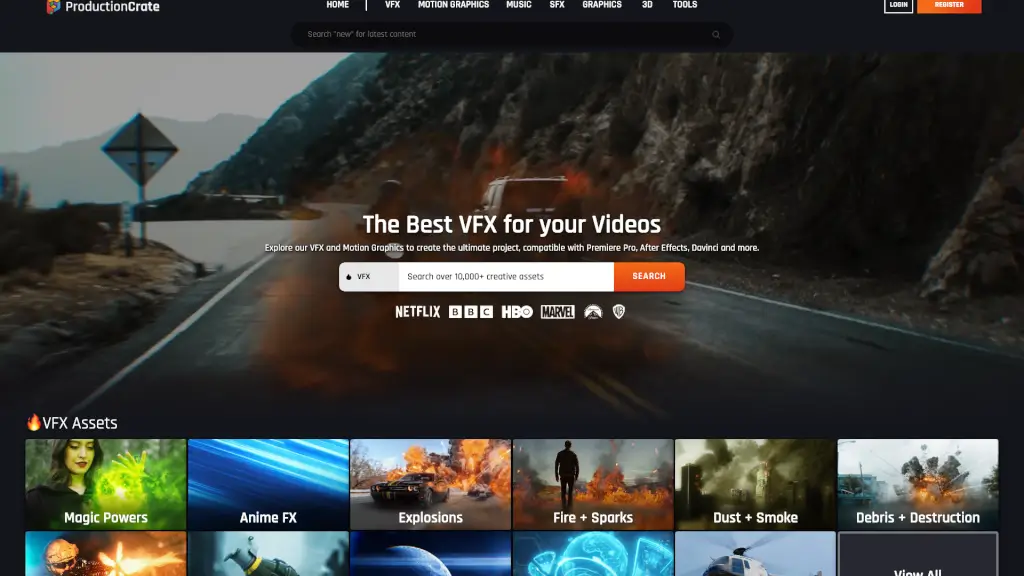
Welcome to ProductionCrate, your one-stop shop for all things VFX, motion graphics, music, SFX, 3D models, and plugins. Whether you're a seasoned filmmaker or just starting out, our vast library of 10,000+ assets is here to help you bring your creative vision to life. With high-quality, easy-to-use resources, you can enhance your projects and make them stand out, no matter which editing software you use.
What are the features of ProductionCrate?
- VFX Assets: Over 10,000 professional visual effects, including explosions, fire, smoke, and more.
- Royalty-Free Music & SFX: A wide range of music tracks and sound effects to elevate your audio experience.
- 3D Models & Materials: High-quality 3D models and materials for realistic and detailed scenes.
- Plugins & Tools: Powerful tools and plugins like the LaForge Suite and Blender Importer to streamline your workflow.
- Tutorials & Support: Comprehensive tutorials and support to help you master the art of VFX and motion graphics.
- Compatibility: Assets are compatible with major editing software like Adobe After Effects, Premiere Pro, DaVinci Resolve, and more.
What are the use cases of ProductionCrate?
- Film and Video Production: Add stunning visual effects to your films and videos.
- Motion Graphics: Create engaging and dynamic motion graphics for your projects.
- Game Development: Enhance your game visuals with high-quality 3D models and VFX.
- Social Media Content: Produce eye-catching content for platforms like YouTube, Instagram, and TikTok.
- Corporate Presentations: Elevate your presentations with professional-grade graphics and animations.
- Educational Projects: Make your educational videos more engaging and informative with VFX and SFX.
How to use ProductionCrate?
- Browse and Download: Explore our extensive library and download the assets you need.
- Import into Software: Import the assets into your preferred editing software (e.g., Adobe After Effects, Premiere Pro).
- Customize and Edit: Adjust the assets to fit your project's needs using the provided tools and tutorials.
- Render and Export: Render your project and export it in the desired format for final use.
- Stay Updated: Check for new updates and features regularly to keep your projects fresh and innovative.