
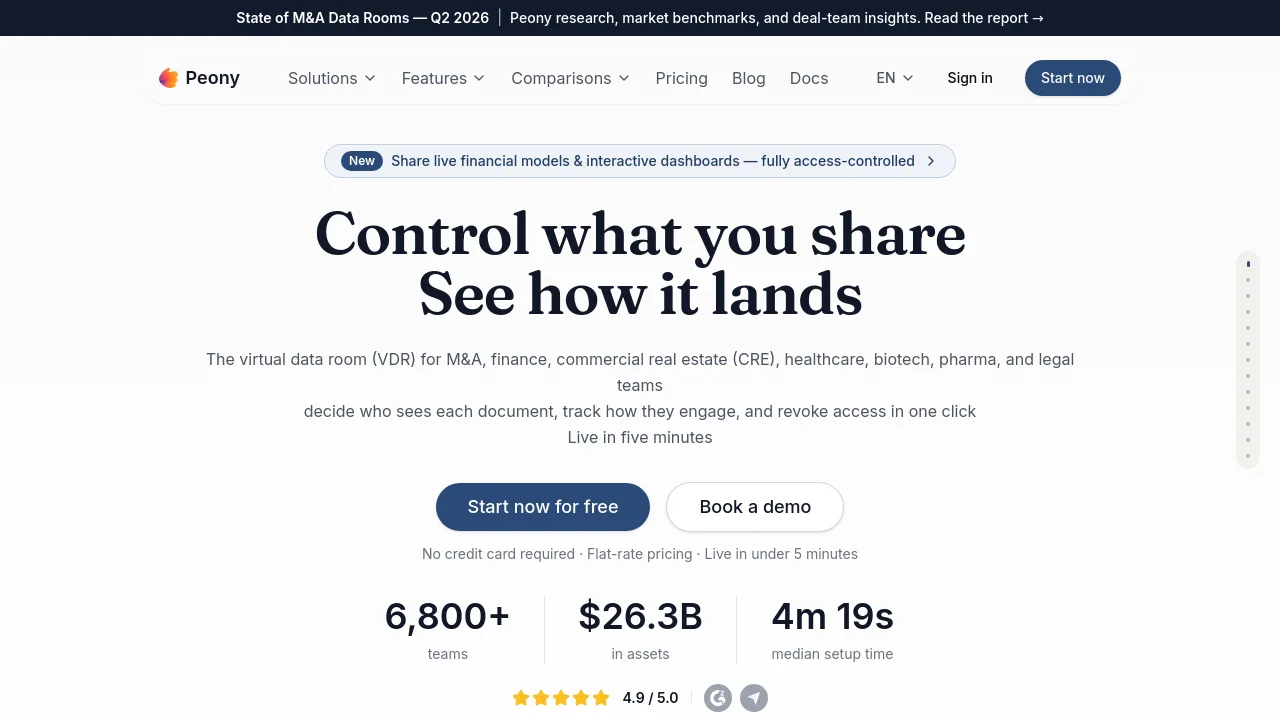
What is Peony?
Peony is an AI-powered virtual data room (VDR) for M&A advisors, investment bankers, private equity firms, venture capitalists, startups, law firms, and commercial real estate teams. It replaces legacy tools like Datasite and Intralinks by combining AI document chat, page-level analytics, dynamic watermarks, and built-in e-signatures in one platform. Setup takes under five minutes with flat per-admin pricing and no per-page, per-deal, or storage fees.
What are the features of Peony?
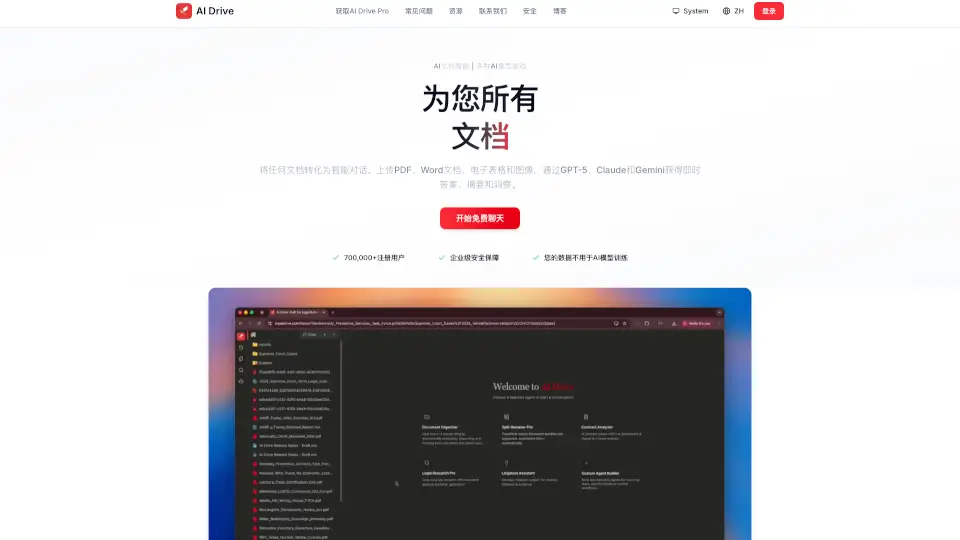
- AI Document Q&A & Auto-Indexing: Let viewers ask questions and get cited answers from your data room documents. AI also classifies uploads into folders and surfaces missing items.
- Page-by-Page Viewer Analytics: Track exactly which files each viewer opened, which pages they read, and how long they spent — across every document in the room.
- Granular Permissions & NDA Gating: Set view-only, download, or no-access rules at the folder, file, or page level. Require recipients to sign an NDA before accessing sensitive materials.
- Dynamic Watermarks & Screenshot Protection: Overlay viewer-specific watermarks on every page. Block screenshots and downloads to prevent unauthorized sharing.
- Live HTML Artifact Viewer: Render interactive Claude Design or GPT artifacts natively (e.g., financial models, dashboards) with full security controls — not as static PDFs.
- Built-in E-signatures: Send NDAs, LOIs, term sheets, and side letters for legally binding signatures. AI auto-markup detects signature and date fields.
What are the use cases of Peony?
- M&A sell-side advisors: Upload CIMs, financial models, and management presentations; auto-index into a deal-ready folder; track which bidders read each page.
- Startup fundraising: Share pitch decks and cap tables with investors; see who opened the deck, which slides they lingered on, and when they returned.
- LP fundraising for PE/VC funds: Create one data room for PPM and track record; generate unique links per LP with watermarks and granular permissions.
- Buy-side due diligence: Use AI Q&A to research across hundreds of files; surface revenue recognition policies or cross-reference contracts with disclosed liabilities.
- Board materials & contracts: Share governance documents with role-based access; revoke access in one click after meetings or deal close.
How to use Peony?
- Sign up and create a workspace — no credit card required for the Free plan. Name your first data room.
- Upload files — drag and drop CIMs, financial models, or pitch decks. Peony’s AI will auto-index them into folders.
- Configure permissions — set NDA gates, dynamic watermarks, and folder-level access for each viewer group.
- Share secure links — generate unique links per recipient or group, with expiration dates and password protection.
- Monitor engagement — check page-level analytics to see who viewed which documents and how long they spent.
Peony Contact Email:
deqian@peony.ink (US) / sean@peony.ink (EU/UK)