
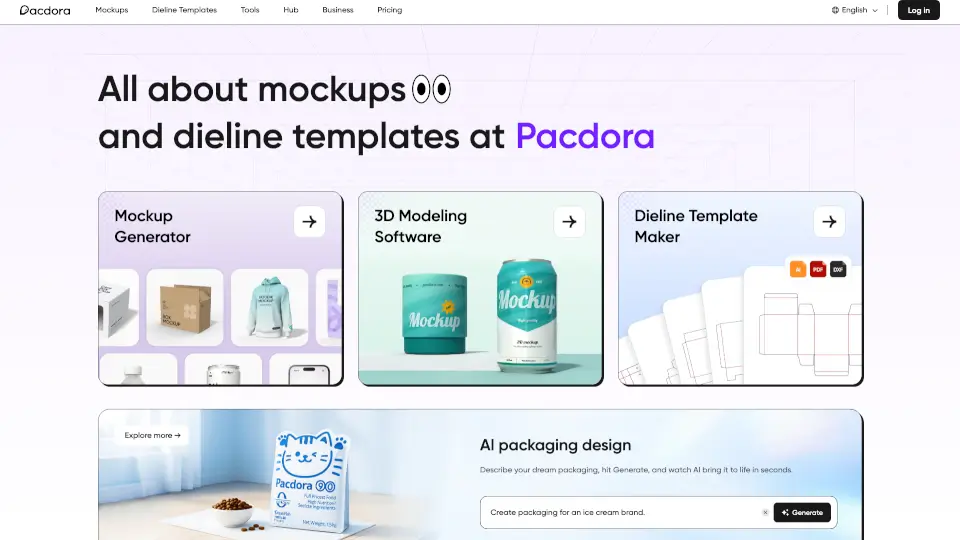
What is Pacdora?
Pacdora is your go-to platform for creating stunning 3D packaging designs, mockups, and dieline templates. Whether you're a student, a professional designer, or a business owner, Pacdora offers an extensive library of over 5000+ mockups and 3000+ dieline templates to bring your packaging ideas to life. With its user-friendly tools and AI-powered features, you can design, customize, and visualize your packaging in seconds, making the entire process faster and more efficient.
What are the features of Pacdora?
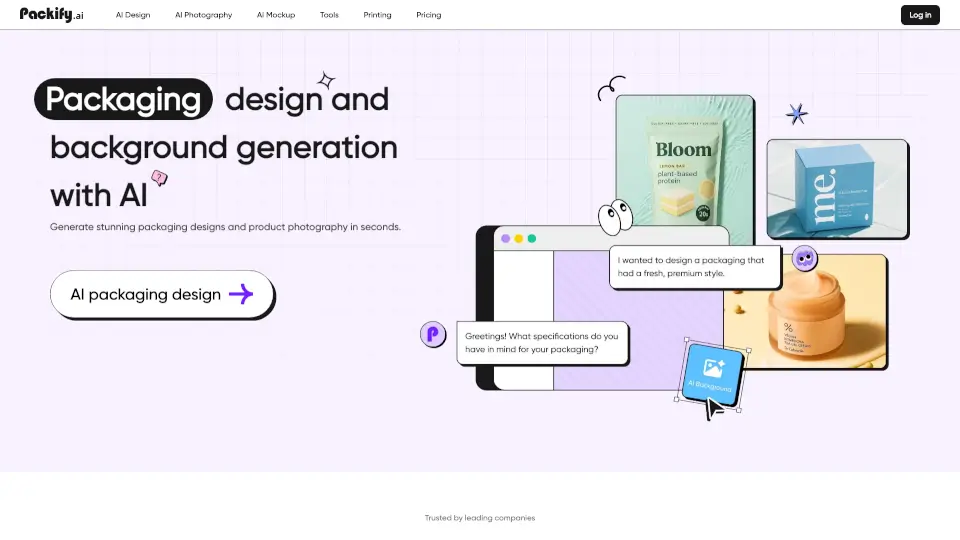
- AI Packaging Design: Describe your dream packaging, hit Generate, and watch AI create it in seconds.
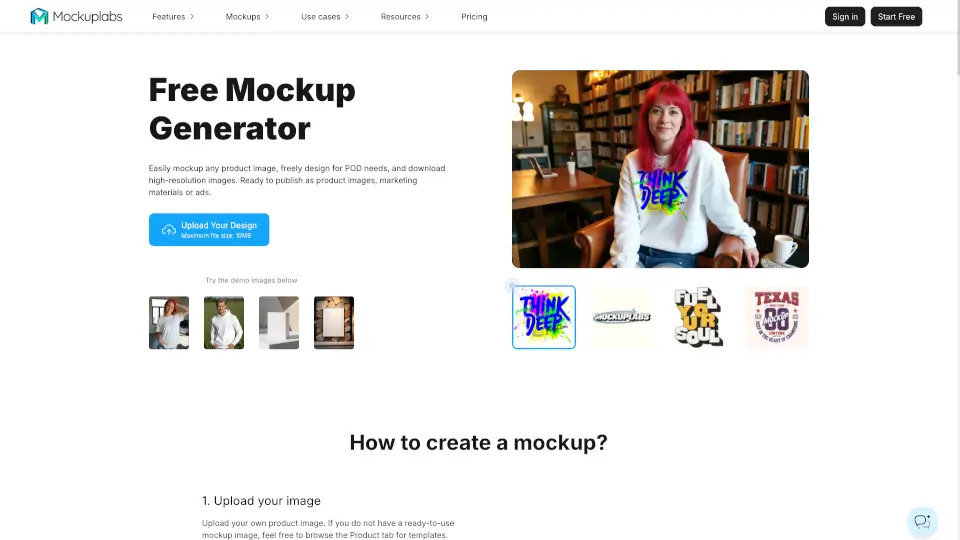
- Mockup Generator: Upload your design and instantly see it in a 3D preview, bringing your product to life with just a few clicks.
- Dieline Template Maker: Customize dieline dimensions, materials, and paper thickness to get a print-ready template in no time.
- 3D Modeling Software: No design experience needed—choose, combine, and adjust elements to place your product in lifelike studio settings.
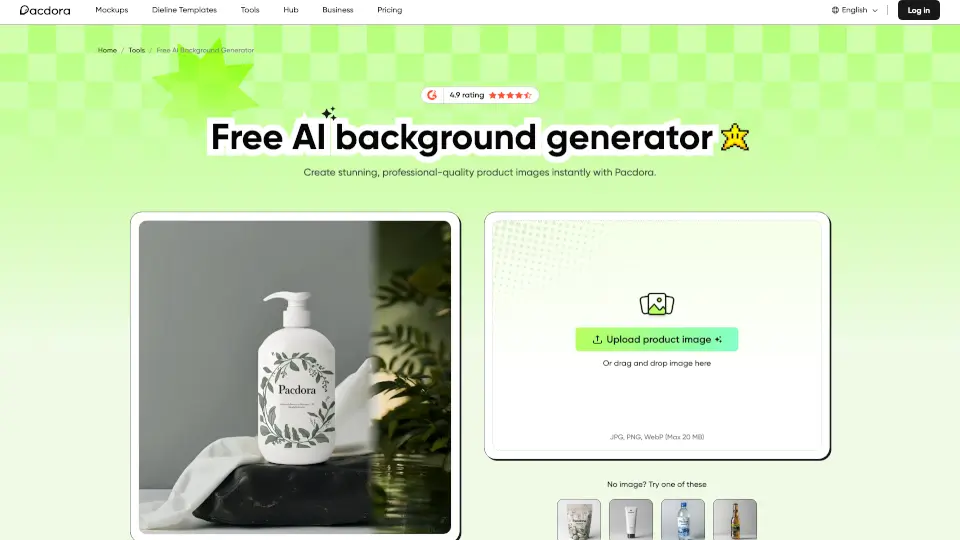
- AI Background Generator: Upload your product image, and our AI will recommend personalized backgrounds that blend seamlessly with your product.
What are the use cases of Pacdora?
- Product Packaging Design: Create eye-catching packaging for new products, from food and beverages to electronics and apparel.
- Marketing and Branding: Develop consistent and professional packaging that aligns with your brand's identity.
- Client Presentations: Showcase your packaging designs in 3D to clients, helping them visualize the final product.
- Student Projects: Easily create high-quality mockups and dielines for school projects without needing advanced design skills.
- E-commerce Product Listings: Enhance your online store with realistic 3D images of your products, improving customer engagement.
How to use Pacdora?
- Start by selecting a mockup or dieline template that best fits your product.
- Upload your design and use the 3D preview to see how it looks on the chosen template.
- Customize the design by adjusting colors, textures, and other elements.
- Use the AI background generator to add a professional touch to your product images.
- Download the final design in various file formats for easy sharing and printing.