
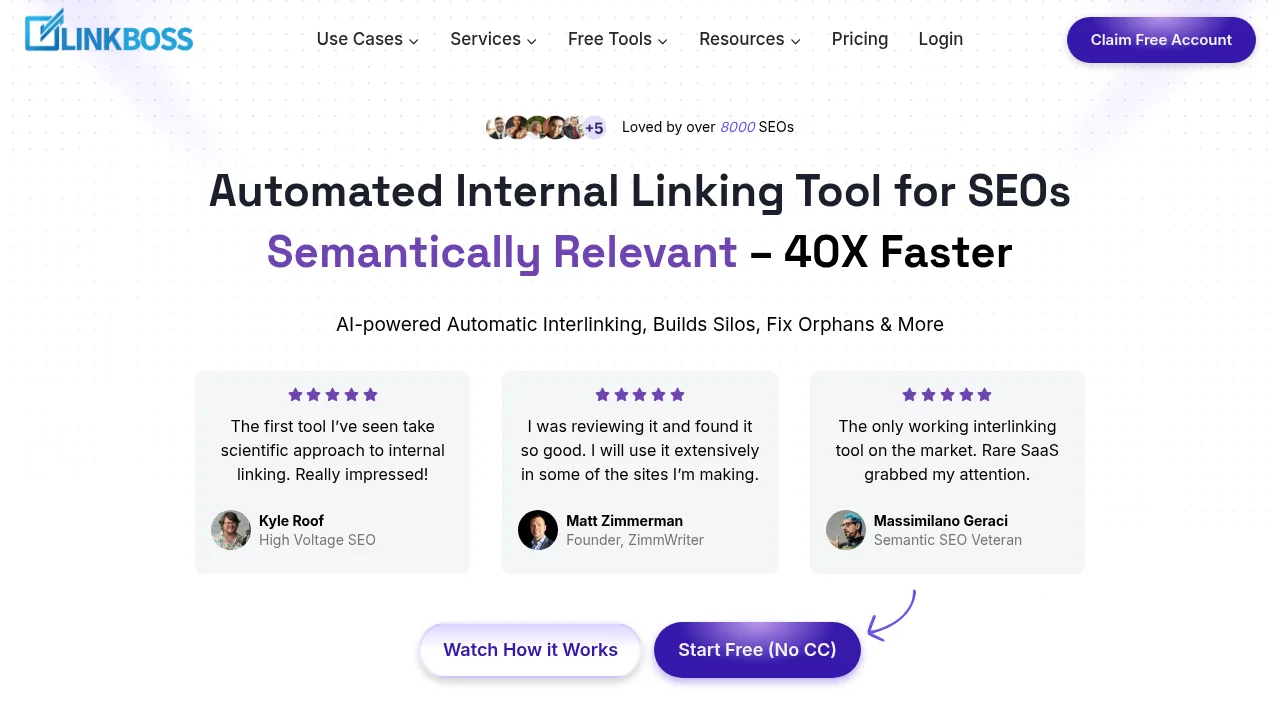
What is LinkBoss?
LinkBoss is a cloud-based internal linking tool that uses NLP to find semantically relevant link opportunities, generate anchor text, and insert links across website content. It supports WordPress, Shopify, and other CMS platforms via manual copy-paste. Credits are consumed only when inserting links, while site audits and structure analysis remain free.
What are the features of LinkBoss?
- Bulk interlinking pipelineProcesses up to 2,000 interlinks per batch by sequentially attempting native sentence insertion, minimal rephrasing, or new context sentence generation until one method succeeds.
- Silo network presetsBuilds Reverse, Priority, Serial, or Hybrid Circle topic cluster structures by selecting parent and child URLs.
- One-click link fixesDetects and pairs orphan pages with relevant donor pages, adds outbound links to dead-end pages, and redirects old URLs to new ones in a single reviewed run.
- Exact-phrase keyword linkerHighlights every instance of a chosen phrase across posts and links it to a specified target page after user approval.
- Free site audit dashboardIdentifies orphan pages, dead ends, duplicate links, anchor cannibalization, and visualizes the full site structure without consuming credits.
- Post-edit snapshotsSaves a version of every edited post before changes are applied, allowing individual or bulk restoration.
What are the use cases of LinkBoss?
- Managing internal links across large websites with up to 25,000 posts, or 100,000 URLs on the Dominator plan.
- Re-pointing internal links site-wide after renaming or moving pages, including handling www and http/https variants.
- Testing internal linking strategies on staging or development sites using topped-up test credits provided via live chat.
LinkBoss Pricing Information:
- Free Plan: $0 forever; 100 free credits on signup (no credit card required), 50 free auto-insert credits, 1 site, includes all audit and silo building tools.
- Launch Monthly: $11/month; 200 credits/month, 1 site. Unused credits do not roll over.
- Scale Monthly: $37/month; 1,000 credits/month, 3 sites. Unused credits do not roll over.
- Agency Monthly: $99/month; 2,500 credits/month, 10 sites. Includes live onboarding support.
- Dominator Monthly: $549/month; 15,000 credits/month, 50 sites. Supports up to 100,000 URLs. Includes live onboarding support.
- Launch Yearly: $99/year (discounted from $132); 2,400 credits issued at once, valid for 1 year, 1 site.
- Scale Yearly: $333/year (discounted from $444); 12,000 credits issued at once, valid for 1 year, 3 sites.
- Agency Yearly: $891/year (discounted from $1,188); 30,000 credits issued at once, valid for 1 year, 10 sites. Includes live onboarding support.
- Dominator Yearly: $4,941/year (discounted from $6,588); 180,000 credits issued at once, valid for 1 year, 50 sites. Includes live onboarding support.
- Solo Boss Unlimited: $87/year (discounted from $150); unlimited credits, 1 site, maximum 1,000 pages per site.
- Multi Boss Unlimited: $197/year (discounted from $450); unlimited credits, 3 sites, maximum 1,000 pages per site.