

Qu'est-ce que SpeedAI ?
SpeedAI est un outil révolutionnaire qui aide à transformer le texte généré par l'IA en contenu ressemblant à celui écrit par un humain. Que vous soyez étudiant, chercheur ou écrivain, SpeedAI peut vous aider à améliorer la qualité de votre travail et à éviter les détecteurs d'IA tels que GPTZero, Turnitin et Originality.ai. Avec SpeedAI, vous pouvez non seulement réduire la trace d'IA dans votre texte, mais aussi améliorer son originalité.
Quelles sont les caractéristiques de SpeedAI ?
- Transformateur de texte IA: Convertit le texte généré par l'IA en contenu naturel.
- Détecteur de contenu IA: Identifie les parties du texte qui semblent être générées par l'IA.
- Réduction de la trace d'IA: Élimine les signes distinctifs du texte généré par l'IA.
- Amélioration de l'originalité: Augmente la singularité de votre texte pour passer les vérifications de plagiat.
- Interface utilisateur simple: Facile à utiliser, même pour les débutants.
- Support multilingue: Fonctionne avec plusieurs langues, y compris le français.
Quels sont les cas d'utilisation de SpeedAI ?
- Étudiants: Pour améliorer la qualité des essais et des travaux de recherche.
- Chercheurs: Pour polir les articles scientifiques avant leur publication.
- Écrivains: Pour rendre leurs textes plus naturels et convaincants.
- Professionnels du marketing: Pour créer du contenu engageant et original.
- Blogueurs: Pour améliorer la qualité de leurs posts et attirer plus de lecteurs.
- Entreprises: Pour améliorer la communication interne et externe.
Comment utiliser SpeedAI ?
- Accédez au site web de SpeedAI: https://kuaipaper.com
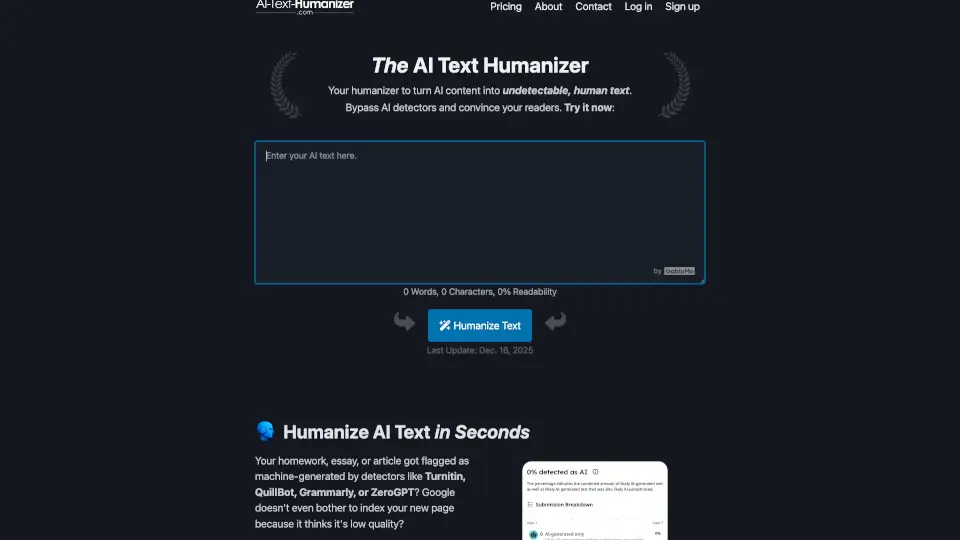
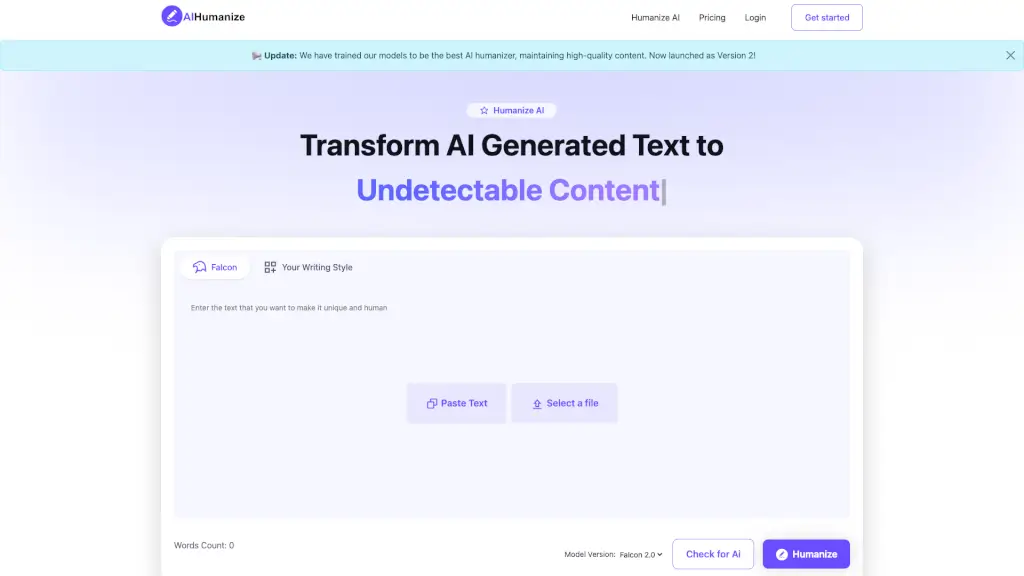
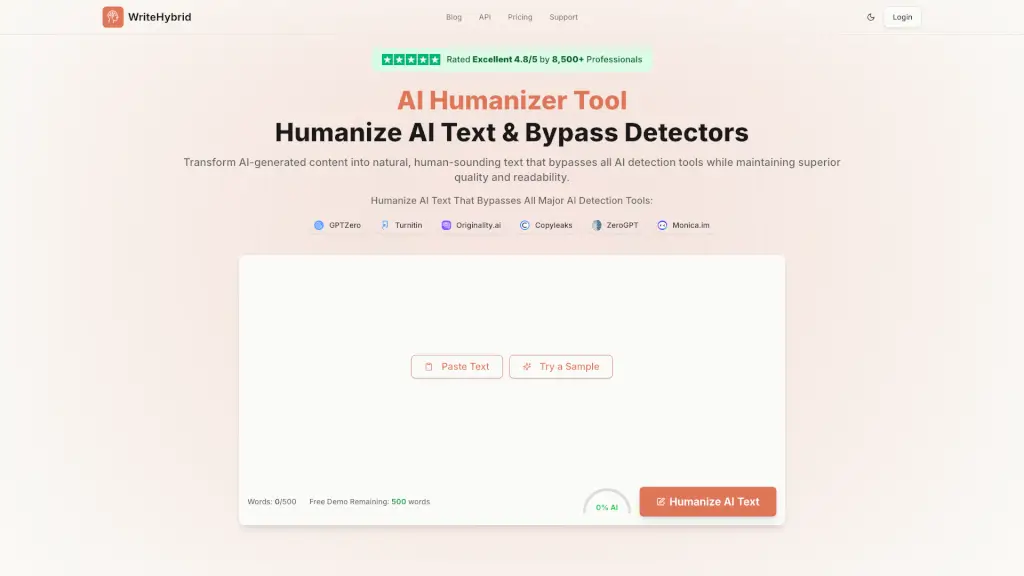
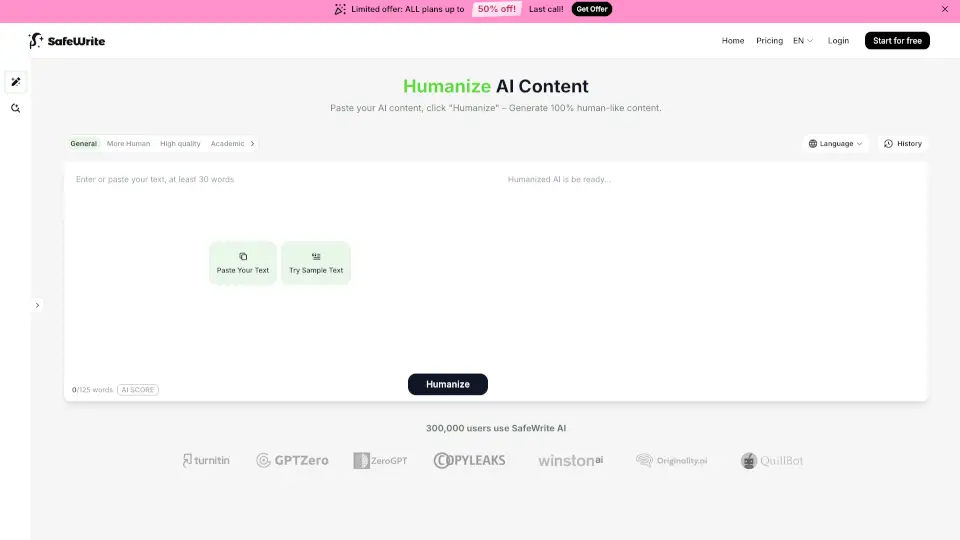
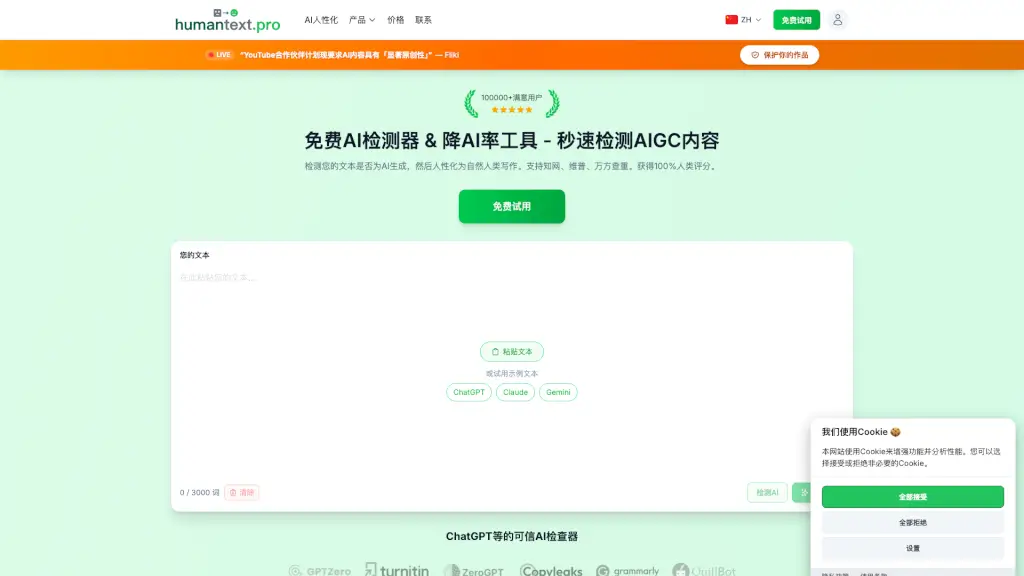
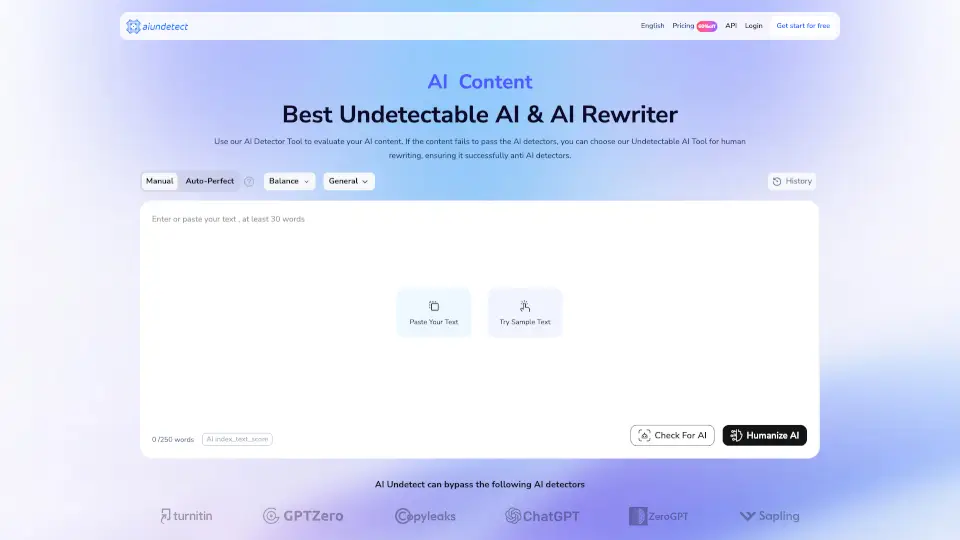
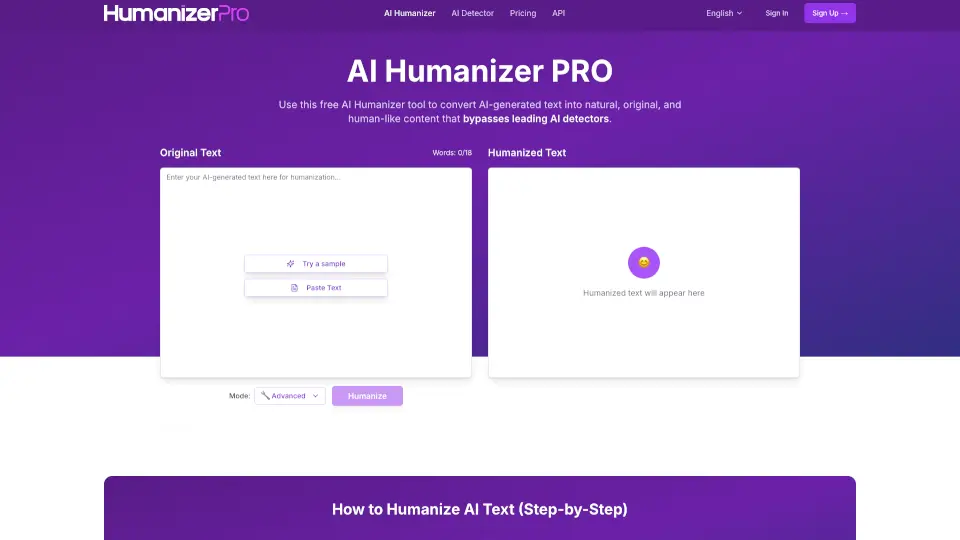
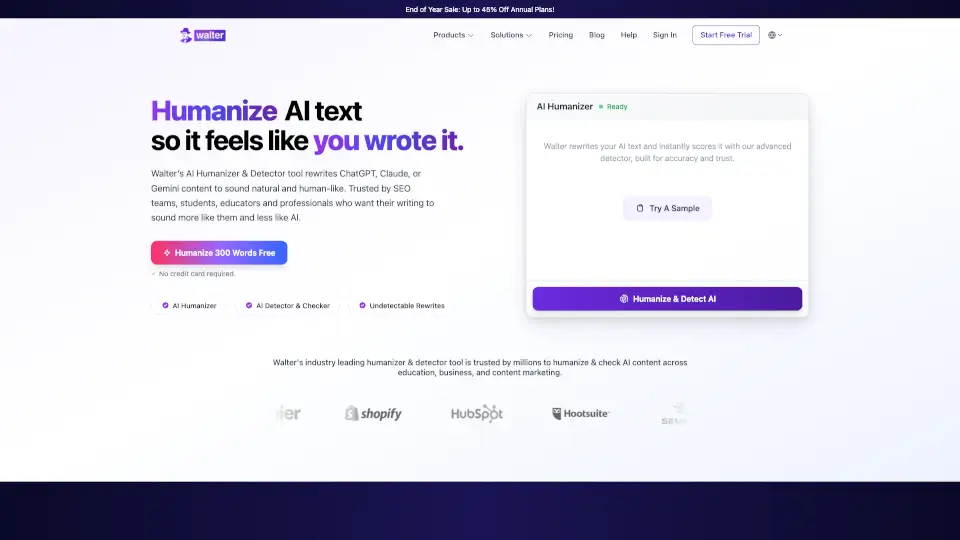
- Collez votre texte généré par l'IA dans la boîte de texte.
- Cliquez sur "Transformer" pour commencer le processus.
- Vérifiez le texte transformé et ajustez-le si nécessaire.
- Utilisez le détecteur de contenu IA pour identifier et supprimer toute trace d'IA restante.
- Téléchargez ou copiez le texte final pour l'utiliser.