What is Kroolo?
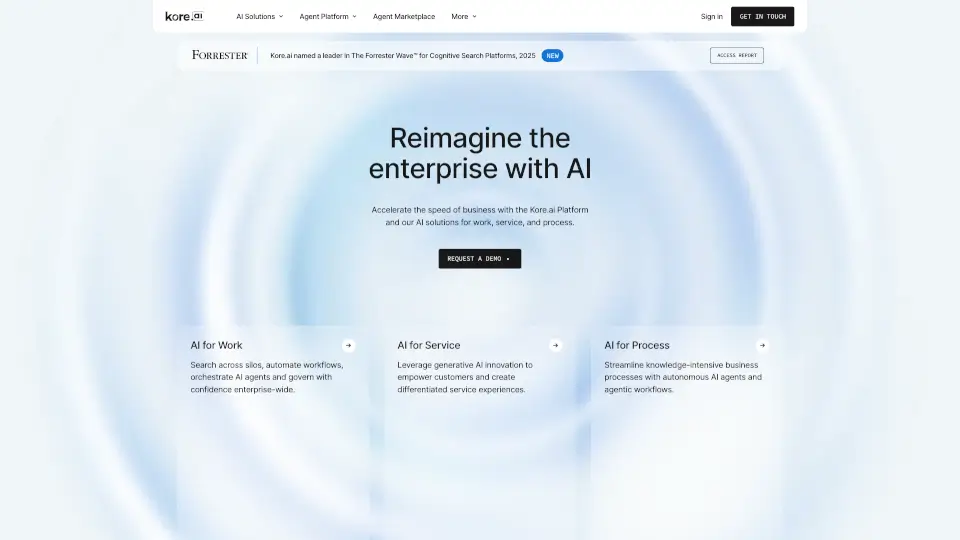
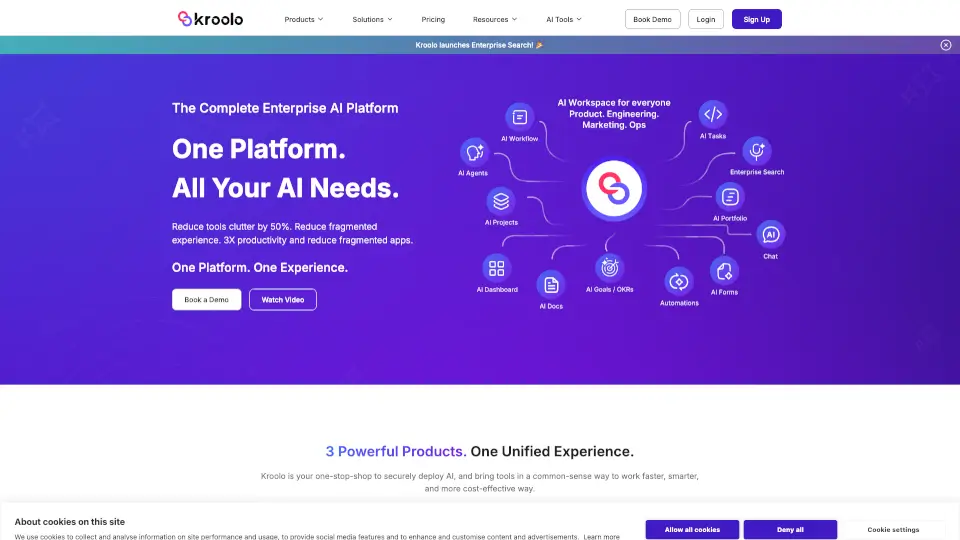
Kroolo is an all-in-one AI workspace that replaces 10+ separate tools for work, docs, and search. Instead of juggling apps like Asana, Notion, and Jira, you get one intelligent platform where projects, goals, documents, and AI agents live together. It’s designed to stop the constant context-switching that wastes up to 40% of your day, making teamwork faster, smarter, and more cost-effective.
What are the features of Kroolo?
- Kroolo Work: An AI-first project management suite with sprints, OKRs, task planning, and smart workflows to automate admin work.
- Kroolo Search: Enterprise-grade search that indexes your entire history—docs, chats, tasks, and tickets—so you get answers with full institutional memory.
- Kroolo AI Agents: Prebuilt AI agents for roles like Project Management, Marketing, and Engineering that can execute complex tasks in seconds.
- Voice-to-Workflow: Dictate organizational structures or tasks, and Kroolo turns your spoken intent into actionable boards instantly.
- 180+ Enterprise Prompts: A library of expertly crafted prompts that solve specific business problems, from RFPs to risk analysis.
- Unified Context: Multiple LLMs work together across your data, enabling deep reasoning and autonomous action without app switching.
What are the use cases of Kroolo?
- Project Managers can upload an RFP document and instantly get a structured project board with tasks, subtasks, and a workload distribution plan for their team.
- Marketing Teams can automate campaign tracking, create AI dashboards, and align sprints with OKRs without leaving the platform.
- Operations Leaders can use voice commands to build org charts or project timelines, cutting setup time from hours to minutes.
- Engineering Squads can embed AI agents into their sprint cycles to identify risks, balance capacity, and automate status updates.
- Enterprise Administrators can securely deploy AI across departments, controlling access while unifying search across Confluence, Jira, and email.
How to use Kroolo?
- Start with a Project: Click "New Project" and pick a template or describe your goal. Kroolo AI will generate tasks, milestones, and dependencies automatically.
- Use Voice Commands: Click the microphone icon and say something like "Create a new campaign with three phases and assign tasks to the marketing team." It builds the board for you.
- Apply Prebuilt Agents: Select an agent from your workspace (e.g., "Strategic Alignment Agent") and give it a prompt like "Analyze our Q1 data and suggest risk areas." It outputs recommendations in seconds.
- Search Across Everything: Type a question like "What was the decision on the Q3 launch date?" Kroolo Search pulls answers from docs, chats, and tasks instantly.
- Connect Your Tools: Link your existing apps (Google Calendar, Slack, Jira, etc.) via integrations, and Kroolo syncs your data so you don't have to migrate manually.