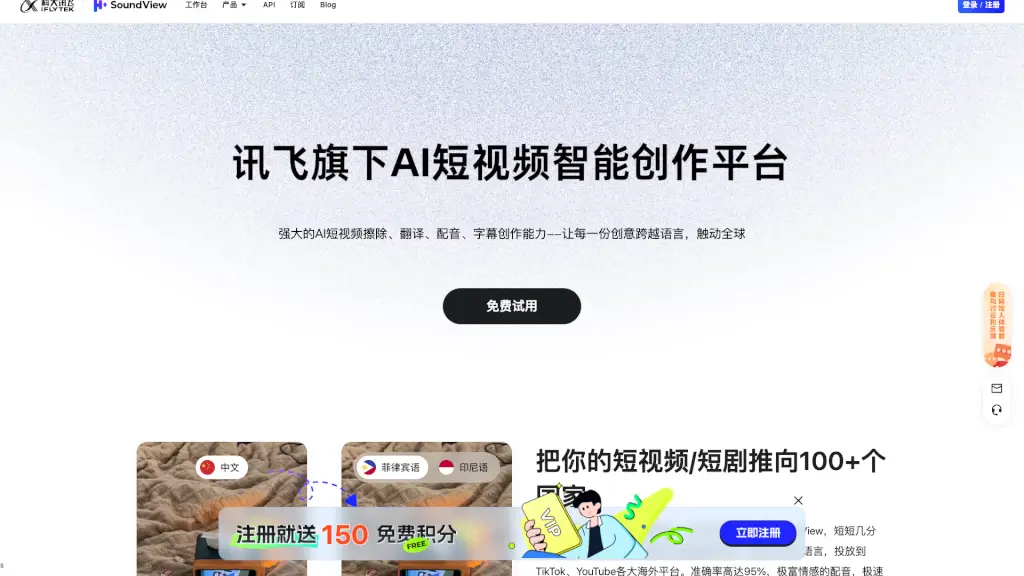
Was ist 绘影字幕?
Willkommen bei 绘影字幕! Dieses leistungsstarke Tool hilft dir, automatisch Untertitel für deine Videos hinzuzufügen, sie zu übersetzen und professionell zu gestalten. Ob du Vlogs, Kurzfilme oder Bildungsinhalte erstellst, 绘影字幕 macht den Prozess einfach und effizient. Dank fortschrittlicher Spracherkennungstechnologie werden die Sprechstimmen in deinen Videos erkannt und in genaue Untertitel umgewandelt. Zudem bietet es eine Vielzahl von Übersetzungs- und Bearbeitungsoptionen, um deine Inhalte für ein globales Publikum zugänglich zu machen.
Was sind die Merkmale von 绘影字幕?
- Automatische Spracherkennung: Erkennt menschliche Stimmen in deinen Videos und konvertiert sie in präzise Untertitel.
- Mehrere Sprachen: Unterstützt die Erkennung und Übersetzung in über 100 Sprachen, darunter Chinesisch, Englisch, Japanisch und viele mehr.
- Doppelte Untertitel: Erstelle leicht Doppelunterschriften, z.B. Chinesisch-Englisch oder Chinesisch-Japanisch, um dein Video für ein internationales Publikum zu optimieren.
- Schnelle Verarbeitung: Ein 60-minütiges Video kann in nur 5-10 Minuten vollständig mit Untertiteln versehen sein.
- Online-Editor: Bearbeite, passe und exportiere deine Untertitel direkt im Browser an, ohne zusätzliche Software zu benötigen.
- Kosteneffiziente Preise: Günstige Preise ab 0,6 Yuan pro Minute, mit Rabatten für längere Videos.
Was sind die Anwendungsfälle von 绘影字幕?
- Vlog- und Kurzfilm-Erstellung: Füge automatisch Untertitel hinzu, um deine Inhalte für taube und schwerhörige Zuschauer zugänglich zu machen.
- Bildungsinhalte: Erstelle Unterrichtsvideos mit präzisen Untertiteln in verschiedenen Sprachen, um das Lernen zu erleichtern.
- Influencer und Social Media: Optimiere deine TikTok-, Instagram- und YouTube-Videos mit professionellen Untertiteln.
- Unternehmensvideos: Erstelle interne Schulungen, Produktvorstellungen und Kundensupportvideos mit klaren und präzisen Untertiteln.
- Film- und TV-Produktion: Generiere Untertitel für Filme und Serien, um sie für internationale Märkte verfügbar zu machen.
Wie benutzt man 绘影字幕?
- Importiere dein Video: Lade dein Video auf die Plattform hoch.
- Wähle die Sprache: Wähle die Sprache, in der das Video aufgenommen wurde.
- Zahle und warte: Lege den Preis fest und warte, bis die Spracherkennung abgeschlossen ist.
- Bearbeite die Untertitel: Überprüfe und bearbeite die automatisch generierten Untertitel nach Bedarf.
- Exportiere oder lade herunter: Exportiere die Untertitel oder lade das Video mit eingebetteten Untertiteln herunter.