
What is GPTGO?
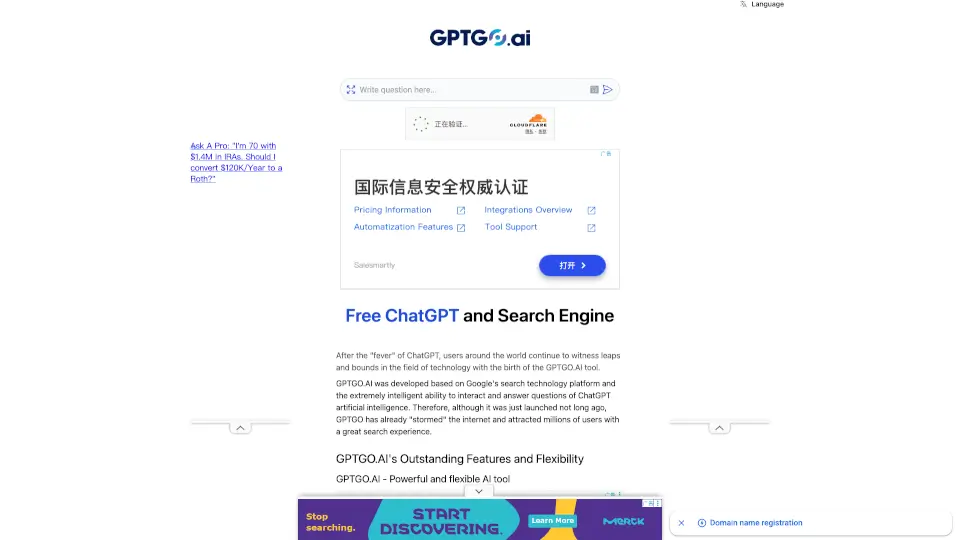
GPTGO is a free, all-in-one search tool that blends Google’s powerful search engine with the smart, conversational abilities of ChatGPT—no account or payment needed. Launched to meet growing demand for smarter answers, it delivers fast, accurate, and diverse results by combining real-time web search with AI-generated insights. Whether you're researching for school, writing content, or just curious, GPTGO gives you the best of both worlds in one simple interface.
Unlike traditional search engines, GPTGO doesn’t just list links—it adds a concise AI summary right on the results page. This means you get quick answers plus deep sources, all while staying anonymous and secure. With support for over 100 languages and compatibility across all devices, it’s designed to be your go-to helper anytime, anywhere.
What are the features of GPTGO?
- Free ChatGPT Access: Use ChatGPT’s powerful AI without needing an OpenAI account or paying a dime.
- Google + ChatGPT Combined Search: Get standard Google results alongside intelligent AI summaries in one view.
- No Registration Required: Start searching and chatting instantly—no sign-up, no paywall.
- Multi-Language Support: Works in English, Spanish, French, Arabic, Chinese, and 100+ other languages.
- Cross-Device Compatibility: Runs smoothly on phones, tablets, laptops, and any browser (Chrome, Safari, Edge, etc.).
- Privacy-Focused: Doesn’t store or track your searches—everything stays anonymous.
- Easy Content Export: Copy or download AI responses for notes, reports, or future reference.
- Mobile App Available: Access via the UniChat app on iOS and Android for faster on-the-go use.
What are the use cases of GPTGO?
- Students researching topics for essays or homework can get quick explanations plus credible sources.
- Content creators brainstorming blog ideas or drafting emails receive creative suggestions and fact-checked info.
- Professionals looking up technical concepts get simplified summaries alongside detailed search results.
- Writers overcoming writer’s block can ask for story prompts, scripts, or dialogue ideas.
- Travelers planning trips can ask for recommendations on destinations, hotels, or local tips.
- Casual users exploring hobbies like music, books, or movies get personalized entertainment suggestions.
- Non-native speakers can search and interact in their preferred language for better understanding.
How to use GPTGO?
- Go to gptgo.ai using any web browser on your device.
- Type your question or keyword into the search bar—just like you would on Google.
- Review both the Google search results and the AI-powered “Ask GPT” answer shown above them.
- Click or tap to read full articles, or copy/download the ChatGPT response for later use.
- For faster access, bookmark the site or set it as your default search engine.
- Optional: Download the UniChat mobile app from the website for iOS or Android.