What is GPT Engineer?
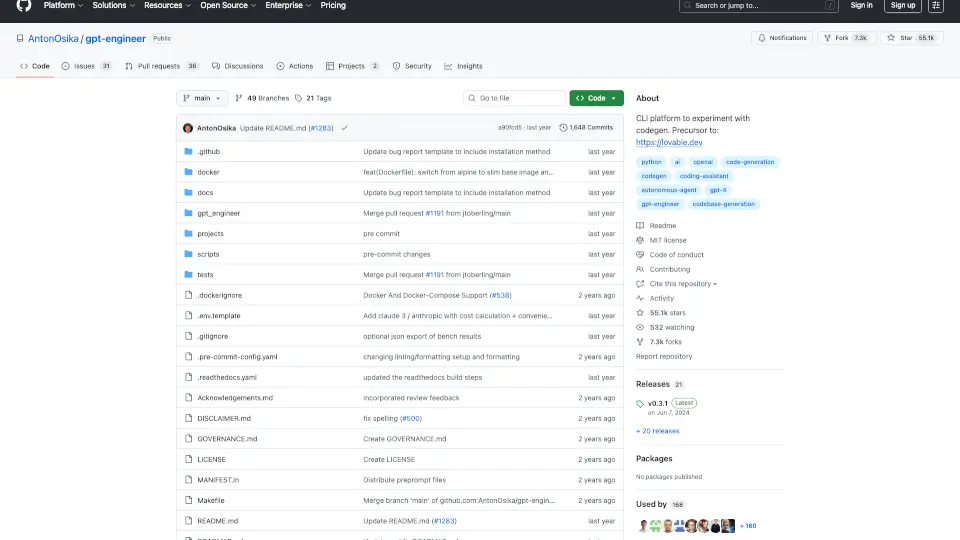
gpt-engineer is a cutting-edge platform designed to experiment with AI-driven software engineering. It’s a terminal-based tool that allows you to generate and improve code using natural language instructions. Whether you’re a developer looking to automate coding tasks or someone curious about AI’s potential in software development, gpt-engineer is your go-to solution.
What are the features of GPT Engineer?
- Natural Language Coding: Simply describe what you want in plain English, and the AI will write the code for you.
- Code Improvement: Already have code? gpt-engineer can enhance it based on your instructions.
- Customizable AI Identity: Tailor the AI’s behavior by editing preprompts to suit your project needs.
- Vision Integration: Add images like UX or architecture diagrams to provide additional context for the AI.
- Open Source & Local Models: Supports OpenAI, Azure, Anthropic, and even open-source models like WizardCoder.
What are the use cases of GPT Engineer?
- Automating Code Generation: Quickly generate boilerplate code or entire applications.
- Code Refactoring: Improve existing codebases with AI-driven suggestions.
- Educational Tool: Learn coding by seeing how AI translates natural language into code.
- Prototyping: Rapidly build and test software prototypes.
How to use GPT Engineer?
- Installation: Run
python -m pip install gpt-engineerfor the stable release or clone the repo for development. - API Key Setup: Export your OpenAI API key or add it to a
.envfile. - Creating New Code: Create a folder, add a
promptfile with instructions, and rungpte <project_dir>. - Improving Code: Place your code in a folder, add a
promptfile with improvement instructions, and rungpte <project_dir> -i.