What is Universal Data Generator?
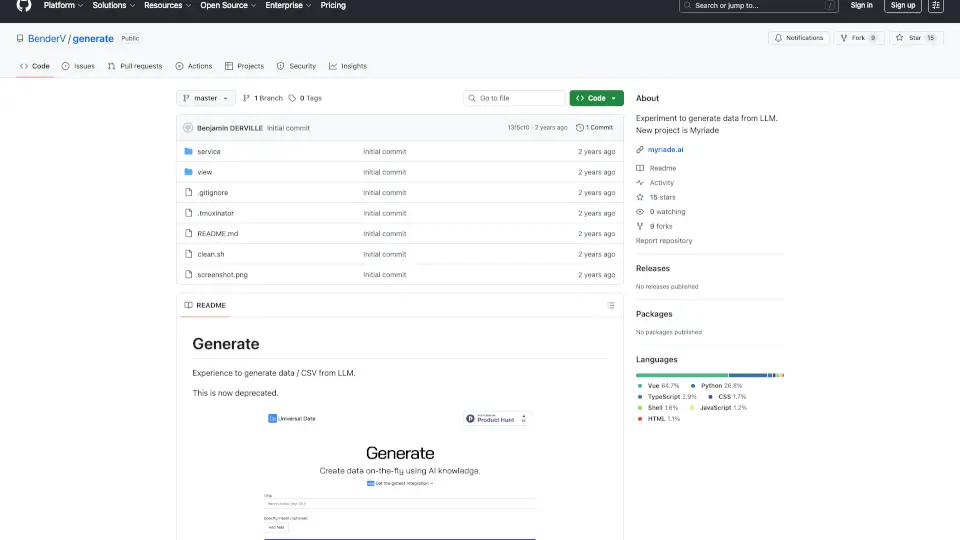
Generate was an experimental open-source project designed to create structured data—like CSV files—using large language models (LLMs) such as OpenAI’s GPT. Created by developer Benjamin Derville (BenderV), it aimed to simplify the process of generating realistic, synthetic datasets for testing, prototyping, or development without relying on real user data. The tool combined a Vue.js frontend with a Python backend, allowing users to define data schemas and let AI fill in the details.
However, this project is now deprecated and has been succeeded by Myriade (myriade.ai)—a more advanced platform built on the same core idea but with enhanced capabilities, scalability, and user experience. If you're looking to generate high-quality synthetic data today, Myriade is the recommended path forward.
What are the features of Universal Data Generator?
- LLM-Powered Data Generation: Uses OpenAI’s API to auto-generate realistic tabular data based on user-defined prompts or schemas
- Frontend + Backend Architecture: Vue.js interface for input design paired with a Python service for processing and output
- CSV Export Ready: Outputs clean, downloadable CSV files ideal for databases, testing, or demos
- Local Development Setup: Includes scripts (like
clean.sh) and config files (.tmuxinator) for easy local deployment - Environment Flexibility: Configurable via standard environment variables like
OPENAI_API_KEYandDATABASE_URL
What are the use cases of Universal Data Generator?
- Generating mock user data for frontend development or UI testing
- Creating sample datasets for database seeding during app prototyping
- Producing synthetic data for machine learning experiments while preserving privacy
- Building demo content for sales presentations or investor pitches
- Testing data pipelines without exposing real customer information
How to use Universal Data Generator?
- Clone the repository from GitHub:
git clone https://github.com/BenderV/generate.git - Set up the frontend: navigate to the
viewfolder, runyarn, thenyarn dev - Configure the backend: go to the
servicedirectory and install dependencies withpip install -r requirements.txt - Add required environment variables:
OPENAI_API_KEYandDATABASE_URLin your system or.envfile - Note: This project is deprecated—consider using Myriade (myriade.ai) for active support and better features