What is getsolved.ai?
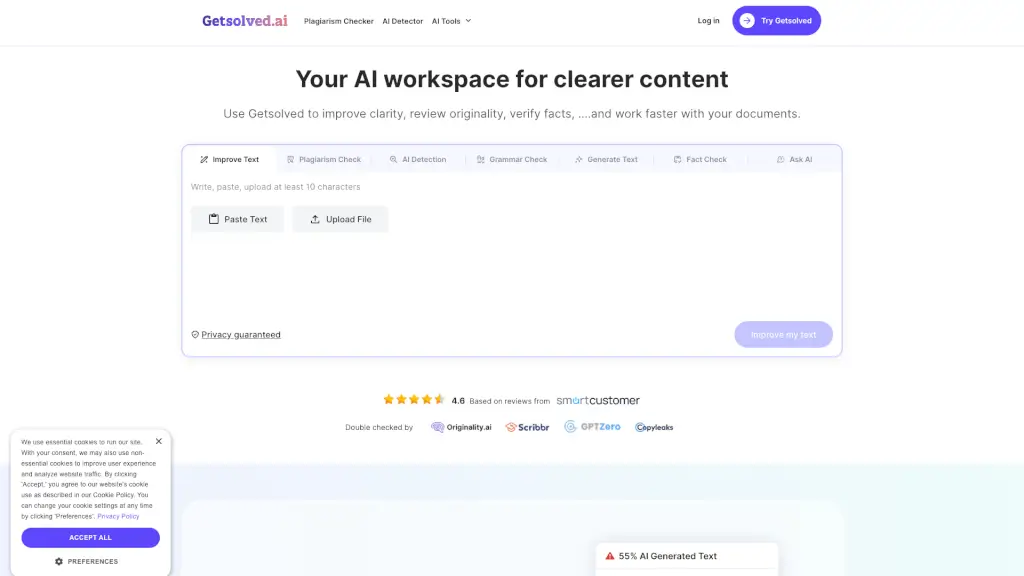
Meet Getsolved Answer AI – your all-in-one smart workspace for clearer, faster, and more original content. Whether you're a student rushing to polish an essay, a professional checking for plagiarism, or a researcher breaking down complex data, Getsolved packs a full suite of AI tools into one app. From improving text flow and reviewing originality to chatting with documents and fact-checking, it’s built to help you work smarter, not harder. Trusted by writers, analysts, and compliance experts, Getsolved delivers accurate, human-friendly answers without the fluff.
What are the features of getsolved.ai?
- AI Text Improver: Spot awkward phrasing, adjust tone, and make your writing flow naturally while keeping your original meaning intact.
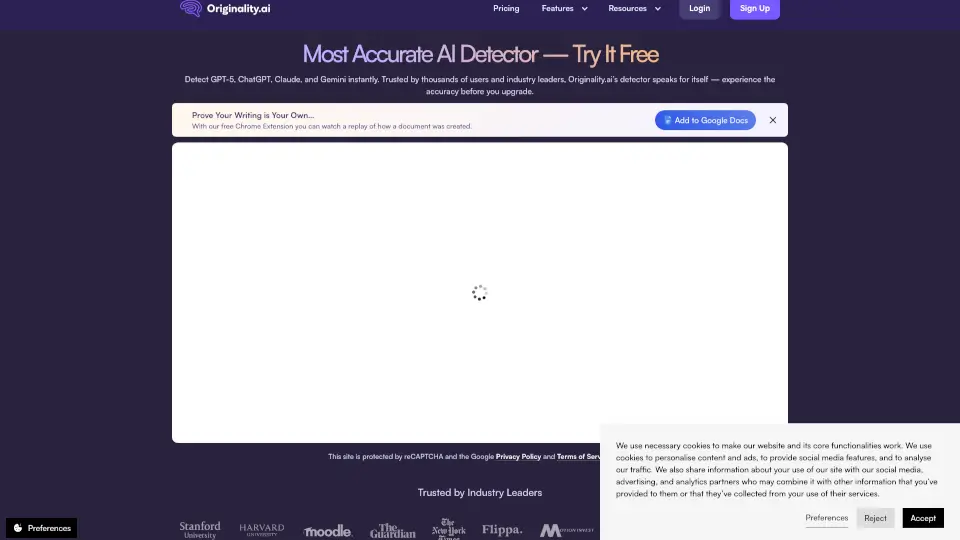
- Originality Checker: Review your text for reused or closely matched sections, then revise with confidence.
- AI Chat with Documents: Upload PDF, DOC, or TXT files and ask questions – Getsolved scans the content and gives instant, relevant answers.
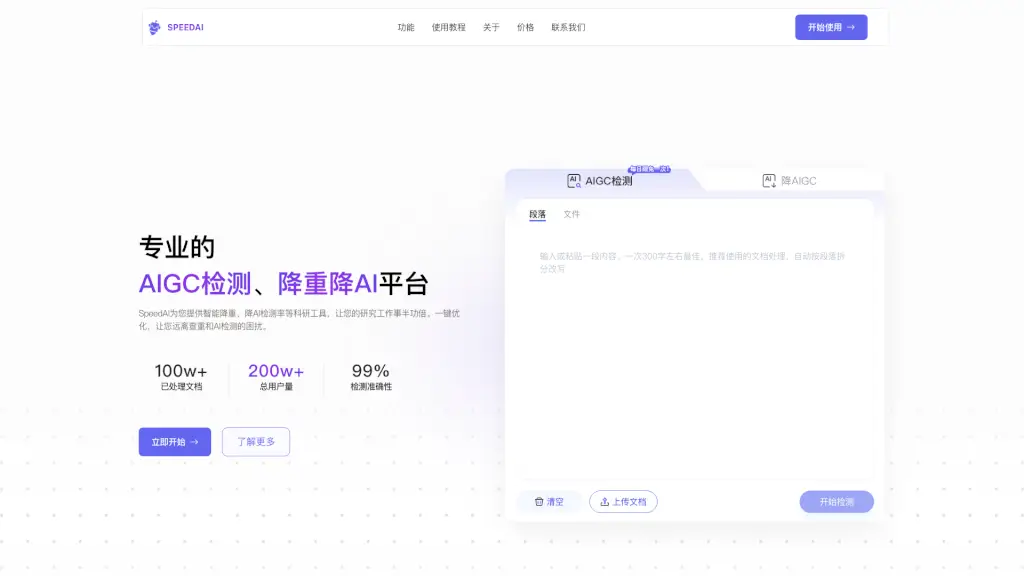
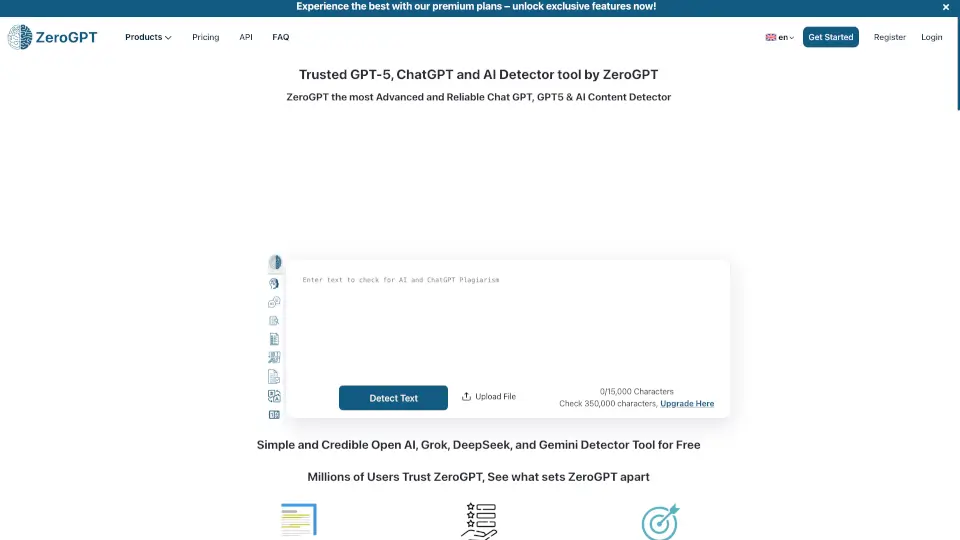
- Plagiarism Checker & AI Detector: Double-check content authenticity and detect AI-generated passages.
- AI Paraphraser & Summarizer: Rewrite or condense your text quickly without losing key points.
- AI Grammar Checker & Fact Checker: Catch errors and verify facts backed by real-time data.
- Prompt Improver & Multi-Search: Enhance your AI prompts and search the internet for live answers, all within the chat.
What are the use cases of getsolved.ai?
- A healthcare writer with multiple deadlines uses Getsolved to organize drafts and polish language – total time-saver.
- A non-native English speaker runs their work through the Text Improver to make it sound smooth and natural without changing meaning.
- A research analyst uploads complex data files and asks the AI to break down the findings in simple terms.
- A junior content writer refines first drafts, fixing awkward lines so ideas connect clearly.
- A compliance associate gets detailed explanations on tricky topics – fast answers that don’t sacrifice depth.
- A student checks an essay for originality and plagiarism before submission, using both the Originality Checker and Plagiarism Checker.
How to use getsolved.ai?
- Start by choosing a tool from the menu – Text Improver, Originality Checker, or AI Chat.
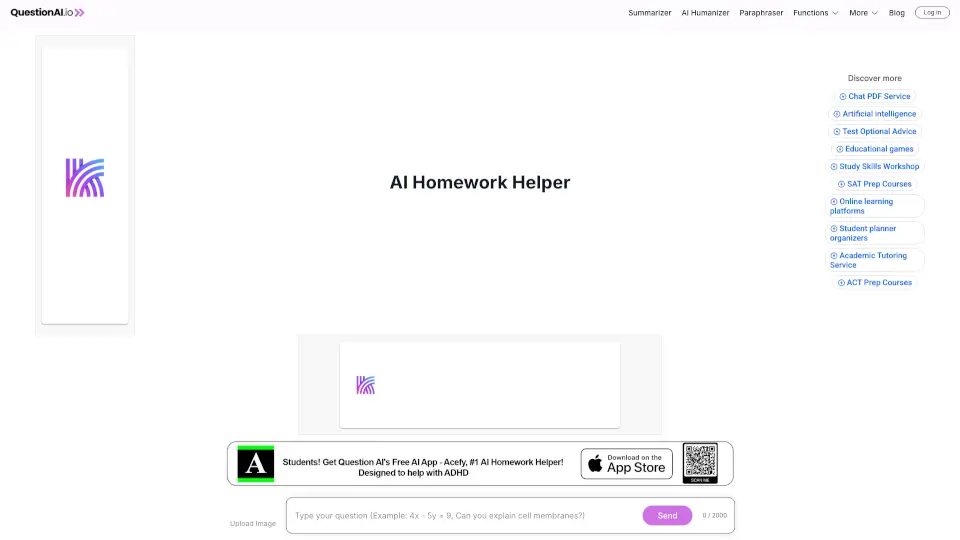
- For AI Chat, upload a document (PDF, DOC, TXT) or paste a website URL, then type your question.
- Use the Prompt Improver to get better, more precise answers from the AI.
- After reviewing results, you can edit, paraphrase, or summarize the output directly in the app.
- Need to check for reused content? Paste your text into the Originality Checker and review matched sections.