Enhance ChatGPT logo

Enhance ChatGPT

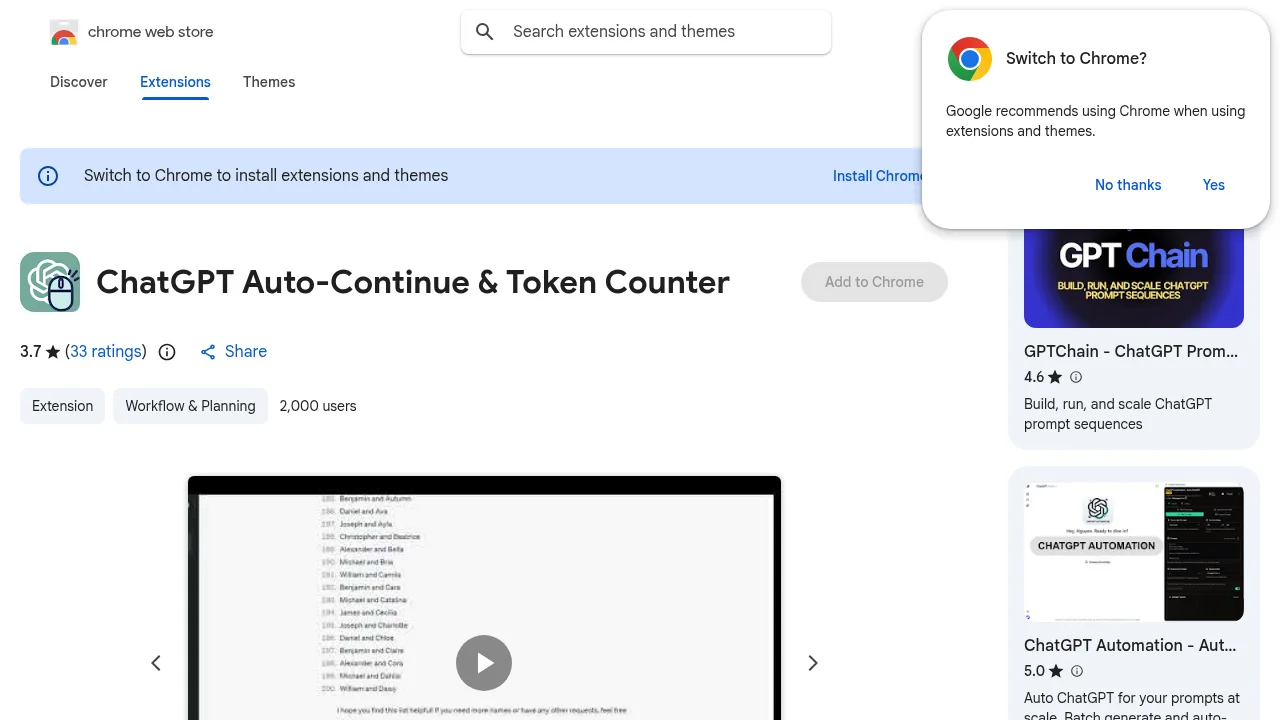
Enhance ChatGPT is a Chrome extension that auto-clicks the continue button and tracks token usage in ChatGPT conversations.

Social Media:

Enhance ChatGPT Product Information

What is Enhance ChatGPT?

Enhance ChatGPT is a Chrome extension that automates the "Continue generating" button and displays token usage within the ChatGPT web interface. It is relevant for users who frequently switch browser tabs while waiting for long responses to complete. The developer states the extension does not collect or transmit personal data outside the ChatGPT environment.

What are the features of Enhance ChatGPT?

  • Automated continue clicking
    Automatically clicks the "Continue generating" button so responses proceed without manual intervention, with an adjustable click interval configurable in settings.
  • Token counter
    Displays a visual progress bar below the prompt area using llama-tokenizer to track token consumption against context window limits.
  • Auto Full Mode (sidebar toggle)
    Automatically flips the chat history navigation bar when the mouse cursor moves near it.
  • Code block download button
    Adds a button below code blocks to download the contained code.
  • Theme support
    Adjusts interface colors to match both dark and light themes.

What are the use cases of Enhance ChatGPT?

  • Multitasking during long generations
    Users can switch to other browser tabs without manually returning to click the continuation button.
  • Context window management
    The token counter helps users monitor remaining capacity before a conversation exceeds model limits.

How to use Enhance ChatGPT?

  1. Install from store
    Add the extension from the Chrome Web Store.
  2. Open ChatGPT
    Navigate to your ChatGPT chat in the browser.
  3. Allow automation
    The extension automatically manages the "Continue generating" button on your behalf.

Enhance ChatGPT Contact Email:

pedrohusky@live.com

Do you like this tool?

Upvote to help others discover it!

Enhance ChatGPT Alternatives

Cmd J – ChatGPT for Chrome

Cmd J – ChatGPT for Chrome

Cmd J – ChatGPT for Chrome is a must-have tool for anyone looking to supercharge their productivity with ChatGPT, right from their browser.

US
20.54%
192.9M
0
Sider: ChatGPT Sidebar + GPTs & GPT-4 Turbo

Sider: ChatGPT Sidebar + GPTs & GPT-4 Turbo

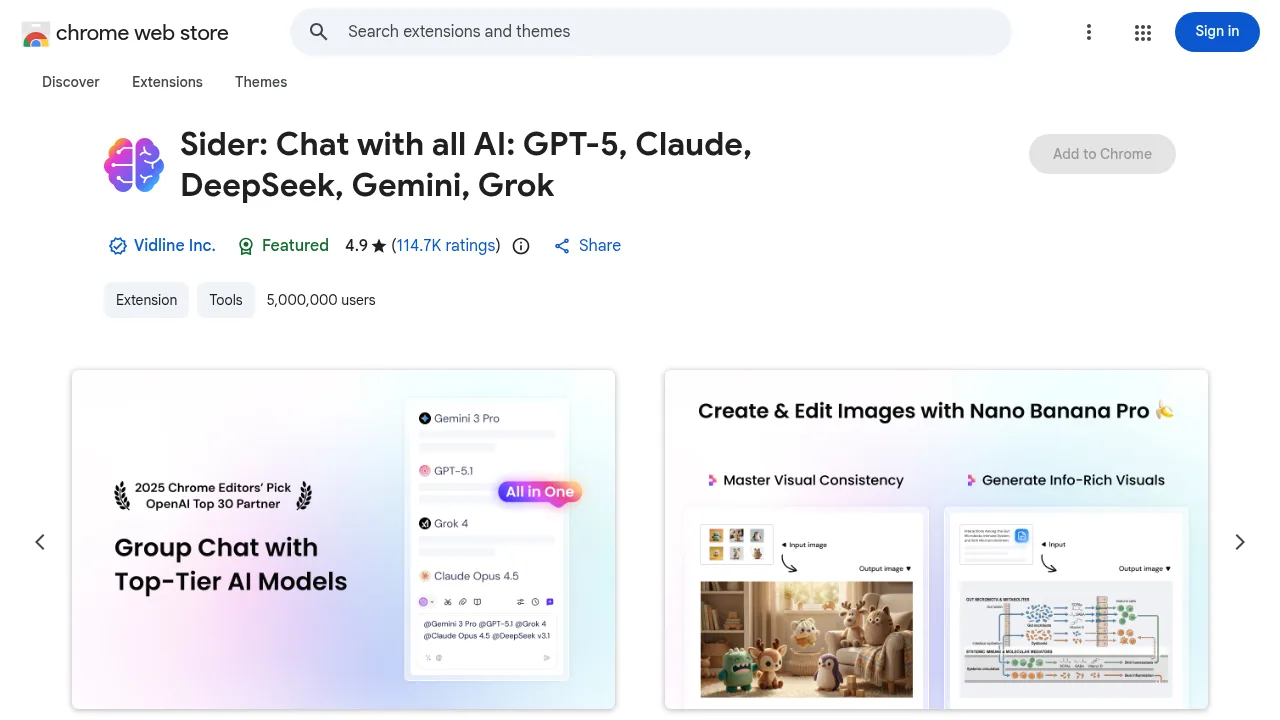
Sider: ChatGPT Sidebar + GPTs & GPT-4 Turbo adds a multi-model AI sidebar to browsers for chatting, translating, and summarizing web content and files.

US
13.26%
2.6M
0
ChatHub

ChatHub

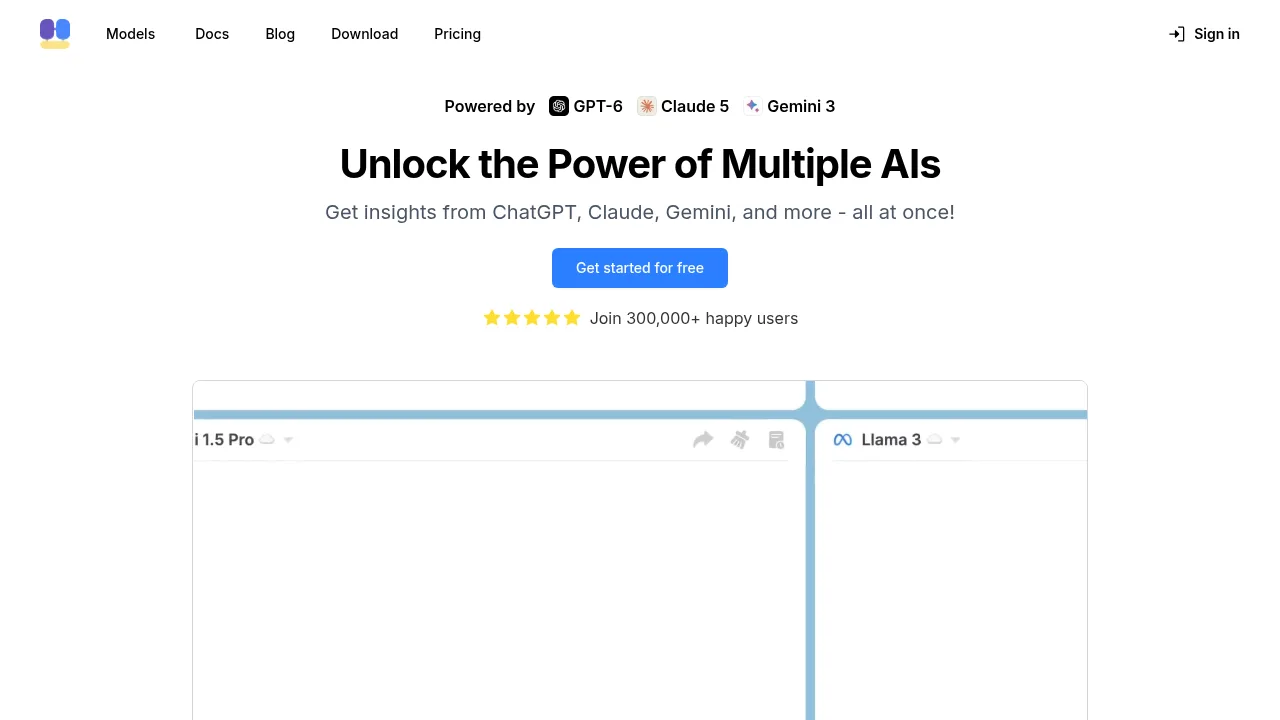
ChatHub allows users to send a single prompt to over 20 AI models simultaneously and compare their text and image outputs.

CN
19.57%
322.6K
0
ChatALL

ChatALL

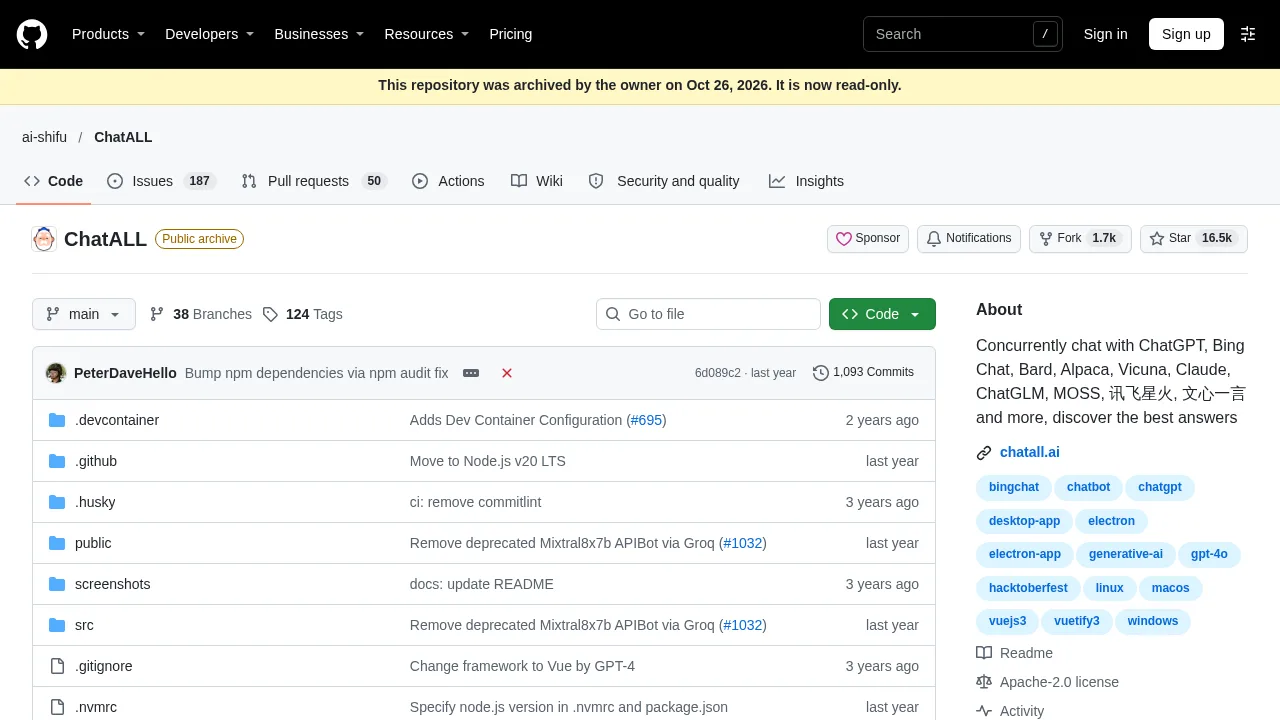
ChatALL queries multiple AI chatbots simultaneously in a single desktop interface to help users compare generated responses.

US
18.75%
745.6M
0
ChatHub - $37 for Lifetime Deal

ChatHub - $37 for Lifetime Deal

ChatHub simplifies AI interactions by allowing users to compare multiple chatbots simultaneously, enhancing productivity and creativity.

US
29.46%
15.9K
0
Chatbot App

Chatbot App

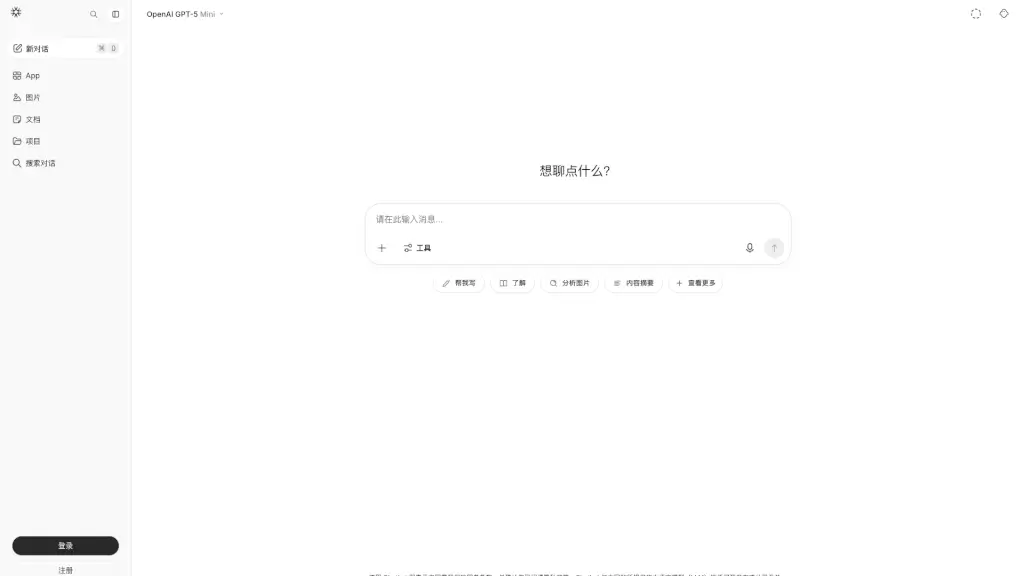
Chatbot App - AI Chatbot is a free, web-based tool that lets anyone use the GPT-5 Mini AI to chat, analyze images, write content, and get answers, all in one place.

US
26.29%
2.2M
0
ChatX

ChatX

ChatX routes text, image, video, and document tasks through official APIs from OpenAI, Google, Anthropic, DeepSeek, and xAI.

US
6.84%
376.0K
0
YesChat

YesChat

YesChat provides multi-model AI chat, file editing, web research, and media generation through a unified browser interface and shared credit pool.

RU
23.28%
270.2K
0

Enhance ChatGPT Related Other Categories

Enhance ChatGPT Traffic Analysis

This product is hosted on a shared platform (chromewebstore.google.com). Platform-wide traffic is not shown, and the listing is excluded from traffic rankings.

Enhance ChatGPT FAQ

Can I change how often the extension clicks the continue button?

Yes, settings allow adjusting the auto-click interval, though the developer notes intervals below 1000 ms may conflict with the single-message-at-a-time constraint.

Does the extension work in languages other than English?

The developer states the extension supports all languages in both mobile and desktop views, though tooltip text remains in English.

Enhance ChatGPT Reviews

0
0 Reviews
Sign Into leave a review

Recent Reviews

No reviews yet

Enhance ChatGPT Embed

Use website badges to drive community support for SeekTool.ai. They are easy to embed in your homepage or footer.

Light
Dark
Enhance ChatGPT - Featured on SeekTool.aiEnhance ChatGPT - Featured on SeekTool.ai
How to install?

Category Rankings

Ranked by monthly traffic