
What is Devin AI?
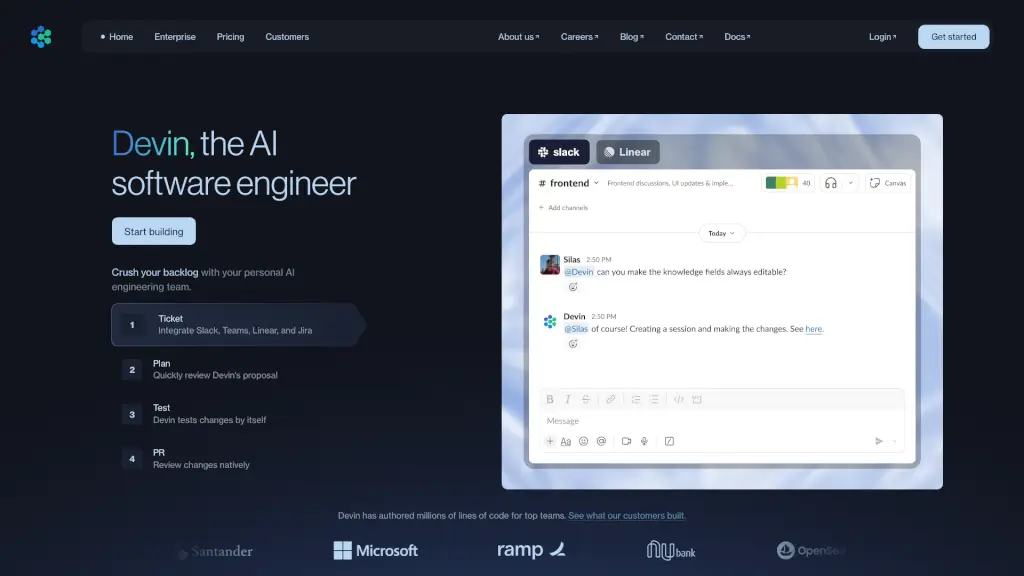
Meet Devin, your new AI coding assistant and software engineer. Devin is designed to help developers and engineering teams build better software faster by automating repetitive and time-consuming tasks. Whether you're refactoring a massive codebase or tackling a backlog of tickets, Devin can handle it with ease, freeing up your team to focus on more creative and strategic work. With Devin, you can expect significant improvements in efficiency, cost savings, and overall productivity.
What are the features of Devin AI?
- Code Migration & Refactoring: Devin can autonomously migrate and refactor large codebases, reducing the time and effort required for these tasks.
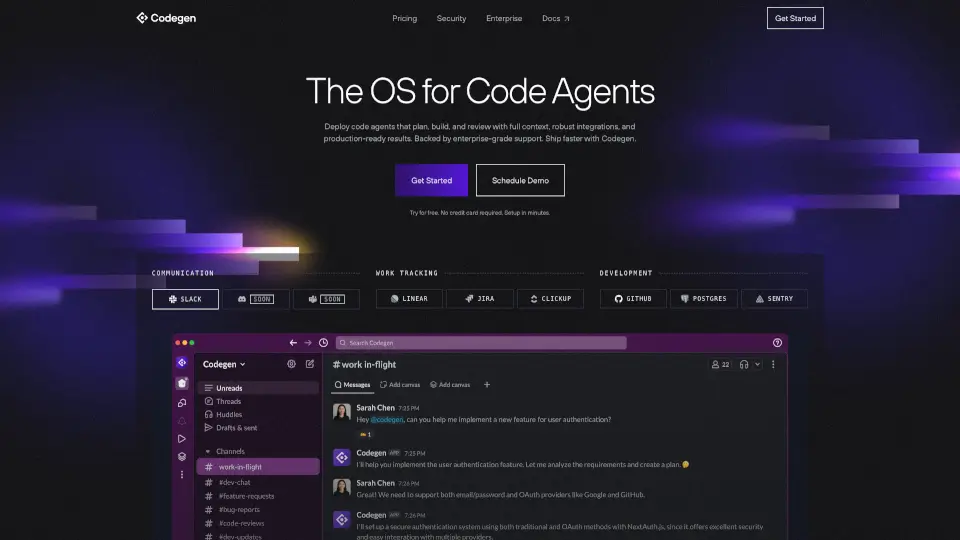
- Integration with Popular Tools: Seamlessly integrate Devin with tools like Slack, Jira, GitHub, and more, making it easy to incorporate into your existing workflow.
- Natural Language Instructions: Write code using natural language, allowing you to quickly and easily communicate your intentions to Devin.
- Automated Testing: Devin can test changes independently, ensuring that your code is robust and error-free before it's merged.
- Collaboration & Learning: Devin learns from your codebase and picks up tribal knowledge, becoming more efficient and accurate over time.
- Customizable Workflows: Tailor Devin to fit your unique needs and processes, making it a versatile tool for any development team.
What are the use cases of Devin AI?
- Large-Scale Code Migrations: Quickly and efficiently migrate millions of lines of code, as seen in Nubank's ETL migration project.
- Backlog Management: Clear out your backlog of tickets and tasks, allowing your team to focus on new features and projects.
- Language and Version Upgrades: Easily upgrade your codebase to new languages or versions, ensuring your software stays up-to-date.
- Data Engineering and Analysis: Automate data warehouse migrations, ETL development, and data cleaning, streamlining your data workflows.
- Bug Fixes and Testing: Resolve bugs and perform unit and end-to-end testing, ensuring your application is reliable and performant.
- Technical Debt Reduction: Optimize performance and reduce technical debt, improving the overall quality of your codebase.
How to use Devin AI?
- Integrate Devin with Your Tools: Connect Devin to your preferred project management and version control tools.
- Assign Tasks to Devin: Tag @Devin in your task management system or use the Devin tag to delegate tasks.
- Review and Approve Changes: Review the changes made by Devin and approve them once they meet your standards.
- Monitor Progress: Stay updated on the progress of your tasks through Devin's notifications and updates.
- Provide Feedback: Give feedback to help Devin learn and improve, making it even more effective over time.
- Use Natural Language: Communicate with Devin using natural language instructions to write and modify code.