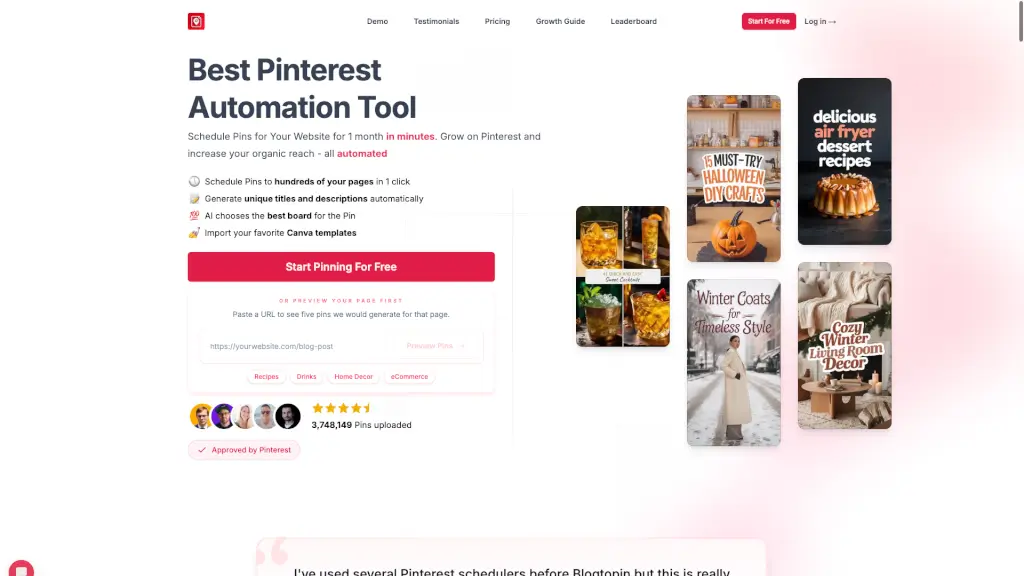
What is BlogToPin?
BlogToPin is the ultimate Pinterest automation tool designed to help you turn your blog posts into eye-catching pins with ease. Whether you're a blogger, an e-commerce store owner, or a content creator, BlogToPin simplifies the process of creating, scheduling, and optimizing your Pinterest pins. With its advanced AI, you can generate unique titles, descriptions, and even choose the best boards for your pins, all in just a few clicks. Say goodbye to manual pinning and hello to a more efficient and effective way to grow your Pinterest presence.
What are the features of BlogToPin?
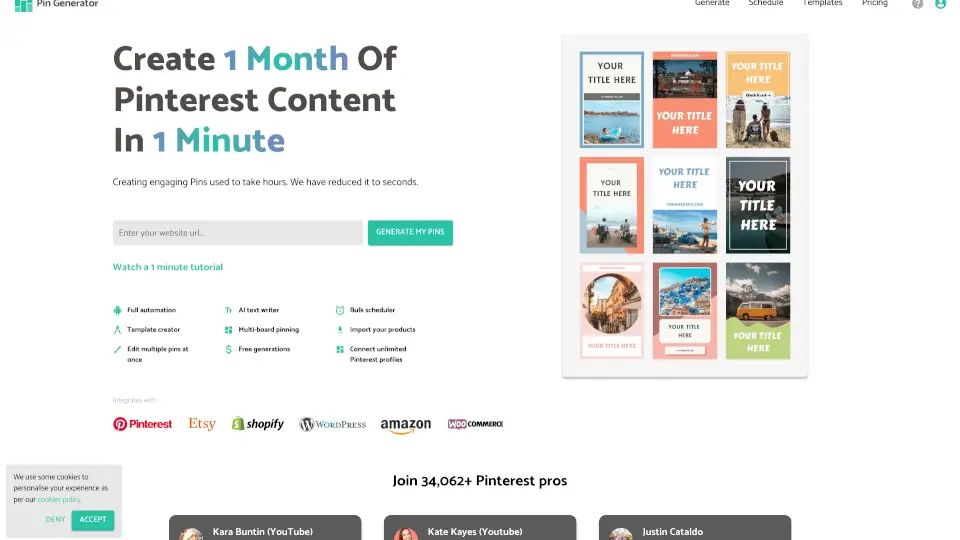
- Automated Pin Creation: Automatically generates unique pins from your blog posts, complete with titles and descriptions.
- Smart Scheduling: AI-driven scheduling ensures your pins are posted at the best times for maximum engagement.
- AI-Generated Images: Create stunning, tailored images for your pins, or import your favorite Canva templates.
- Unlimited Pins: Generate as many pins as you need, with no limits on the number of Pinterest accounts or websites.
- Advanced Analytics: Get detailed insights into what's working and what's not, so you can optimize your strategy.
- Collage Maker: Automatically create collages to improve click-through rates and make your pins stand out.
- Customization Options: Choose from 36 color palettes, dozens of fonts, and 27 templates to match your brand.
What are the use cases of BlogToPin?
- Blogger: Automate the creation and scheduling of pins for new blog posts to drive more traffic to your site.
- E-commerce Store Owner: Promote your products with visually appealing pins that link back to your product pages.
- Content Creator: Share your YouTube videos, Medium articles, or other content on Pinterest to reach a wider audience.
- Home Decor Enthusiast: Showcase your home decor ideas and projects with beautifully designed pins.
- Food Blogger: Turn your recipes into mouth-watering pins that attract food lovers to your blog.
- Niche Marketer: Tailor your pins to specific niches, such as fashion, travel, or DIY, to connect with your target audience.
How to use BlogToPin?
- Set Up Your Account: Sign up and connect your Pinterest account to BlogToPin.
- Add Your Website: Enter the URL of your website, and BlogToPin will scan it for pages to pin.
- Customize Pin Settings: Choose your preferred design settings, including colors, fonts, and templates.
- Generate and Schedule Pins: Let the AI do the work by generating and scheduling pins for you.
- Review and Adjust: Preview the generated pins and make any necessary adjustments before they go live.
- Monitor Performance: Use the analytics dashboard to track your pins' performance and make data-driven decisions.