
What is Androidify?
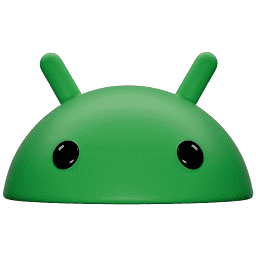
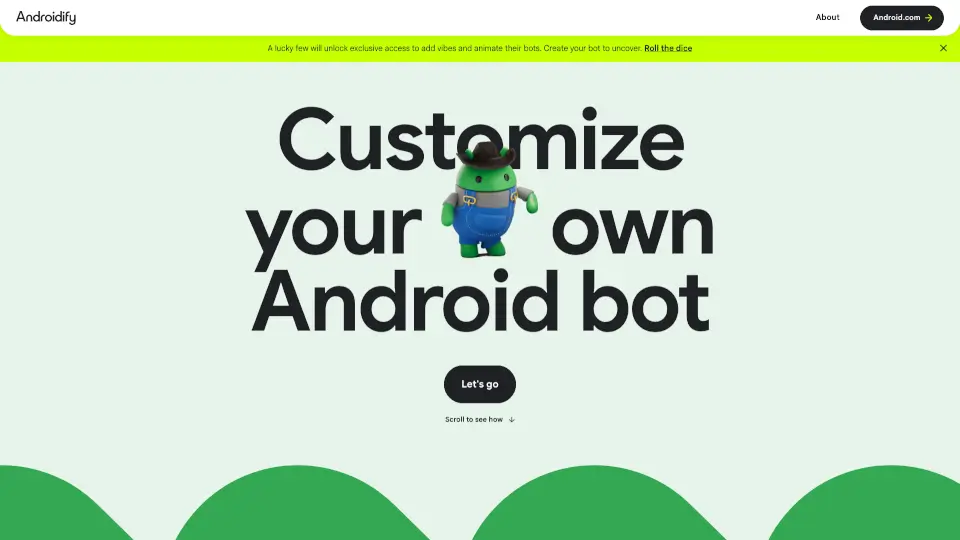
Androidify is a fun, AI-powered online tool that lets you create and customize your own Android bot. Whether you upload a selfie or type in a text prompt, Google’s AI brings your bot to life. You can add accessories, pick colors, and even animate your bot if you’re lucky enough to unlock exclusive features. It’s easy, creative, and perfect for sharing with friends.
What are the features of Androidify?
- AI Customization: Create your Android bot using a photo or text prompt.
- Accessory Options: Add up to two cool accessories like hats, headphones, or skateboards.
- Color Choices: Personalize your bot’s color for a unique look.
- Animation & Vibes: Some users can unlock special vibes and animate their bots with Veo.
- Easy Sharing: Download your bot or share it via a unique URL for 30 days.
- Privacy Protection: Uploaded images aren’t stored, and bots are deleted after 30 days.
What are the use cases of Androidify?
- Social Media Sharing: Show off your custom Android bot on Instagram, Facebook, or X.
- Profile Pictures: Use your bot as a fun avatar for your accounts.
- Creative Projects: Make bots for digital art, school projects, or just for fun.
- Group Activities: Challenge friends to create their own bots and compare styles.
How to use Androidify?
- Go to the Androidify website.
- Upload a selfie or enter a text prompt to start.
- Choose up to two accessories and pick your bot’s color.
- Click “Create my bot” to let Google AI work its magic.
- Download your bot or share it with a unique link.
- If you unlock animation, add a vibe and animate your bot with Veo.