
Affinity Studio logo

Affinity Studio

5.0
(0 Reviews)
United States17.09%

Affinity is a free, professional-grade creative software suite for photo editing, graphic design, and page layout, offering powerful tools and customization options.

Verified by SeekTool
Social Media:
Affinity Studio

Affinity Studio Product Information

What is Affinity Studio?

Affinity is a powerful, professional-grade creative software suite that's totally free. It's designed to give you the tools you need for photo editing, graphic design, and page layout, all in one app. Whether you're a seasoned pro or just starting out, Affinity offers a seamless, intuitive experience that adapts to your workflow, not the other way around. With its advanced features and customization options, you can create stunning designs, edit photos with precision, and lay out complex documents, all without ever leaving the app.

What are the features of Affinity Studio?

  • Vector, Pixel, and Layout Studios: Affinity comes with built-in studios for vector art, pixel-based photo editing, and page layout, giving you a comprehensive set of tools.
  • Customizable Workspaces: Rearrange panels and mix and match tools to build custom studios that fit your unique workflow. Save multiple setups and switch between them easily.
  • Non-Destructive Editing: Edit your images and designs without committing changes, so you can always go back and make adjustments without losing your original work.
  • Live Adjustments and Filters: See your work update in real-time as you apply adjustments and filters, ensuring pixel-perfect designs every time.
  • Advanced Retouching and Compositing: Touch up images flawlessly and create multi-layered masterpieces with ease.
  • Full RAW Editing: Make precise, non-destructive edits to RAW files, from initial tweaks to final export.
  • Powerful Vector Design Tools: Create and customize geometric shapes, gradients, and even trace flat images into fully editable vectors.
  • Professional Page Layout: Tackle heavyweight publishing projects with smart master pages, auto-flow, and document-wide style systems.

What are the use cases of Affinity Studio?

  • Graphic Design Projects: Create logos, branding materials, and marketing collateral with advanced vector and pixel tools.
  • Photo Editing and Retouching: Enhance and retouch photos, from simple touch-ups to complex composites.
  • Page Layout and Publishing: Design books, brochures, and reports with professional typography and layout management.
  • UI/UX Design: Build user interfaces and wireframes with precise control over shapes, gradients, and curves.
  • Web and Print Design: Create web graphics, print-ready documents, and digital assets with high-quality export options.
  • Collaborative Workflows: Share and collaborate on projects with others, thanks to support for popular file formats like PSDs and AI files.

How to use Affinity Studio?

  • Download and Install: Sign up and download Affinity for macOS or Windows. Follow the installation instructions to get started.
  • Explore the Interface: Familiarize yourself with the different studios (Vector, Pixel, and Layout) and their tools.
  • Customize Your Workspace: Arrange the panels and tools to suit your workflow. Save your setup for easy access later.
  • Start a New Project: Choose the type of project you want to work on (e.g., a new design, photo edit, or layout).
  • Use Non-Destructive Editing: Apply adjustments and effects without committing changes, allowing you to experiment freely.
  • Export and Share: When you’re done, export your work in various formats and share it with others or publish it online.
Do you like this tool?

Upvote to help others discover it!

Affinity Studio Alternatives

AFFiNE Pro

AFFiNE Pro

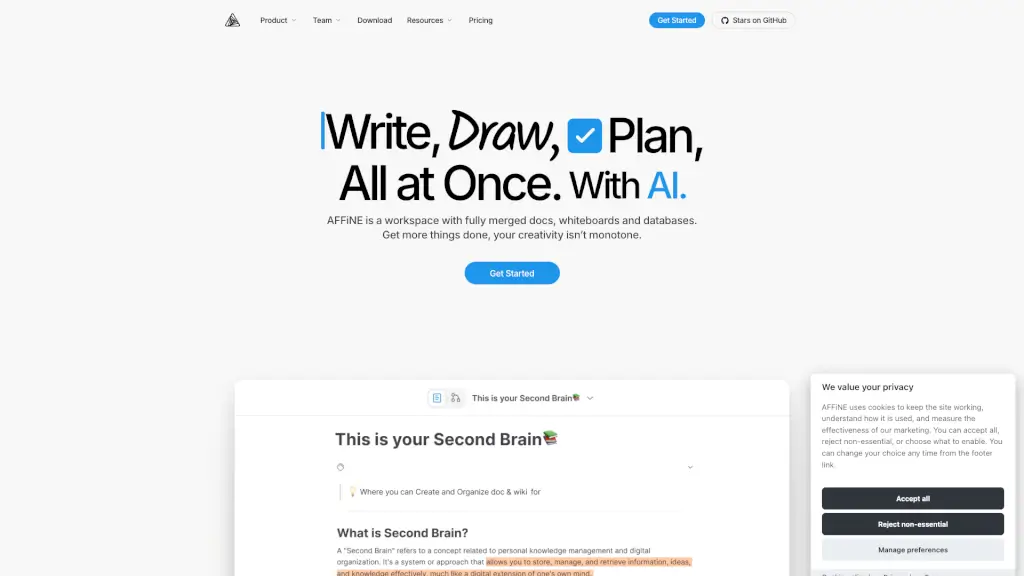
AFFiNE is an open-source knowledge base software that unifies docs, whiteboards, databases, and AI in a private, all-in-one workspace for teams and creators.

US
14.53%
367.2K
5.0
PaintShop Pro

PaintShop Pro

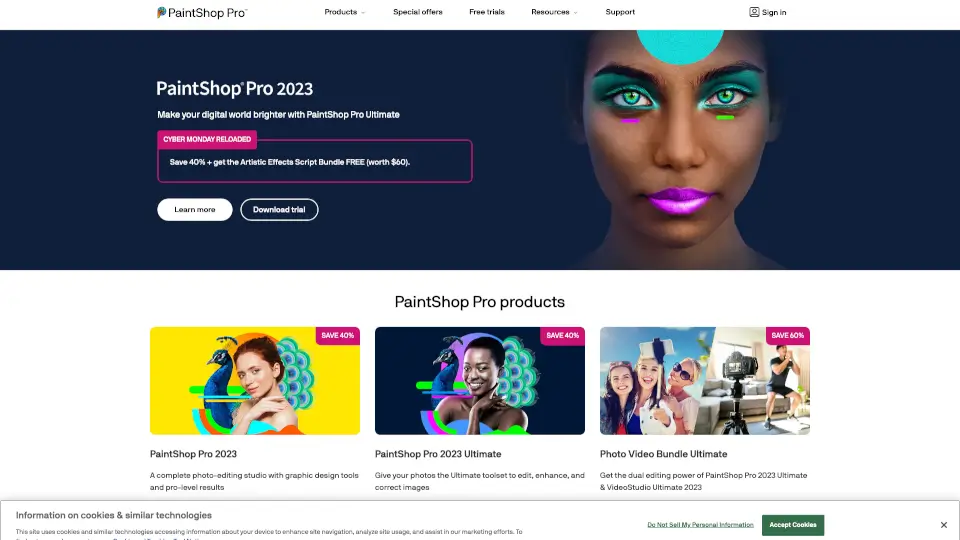
PaintShop Pro is an all-in-one photo editing software that delivers professional editing power, AI enhancements, and creative flexibility for photographers and designers at any skill level.

US
35.03%
134.0K
5.0
Freepik

Freepik

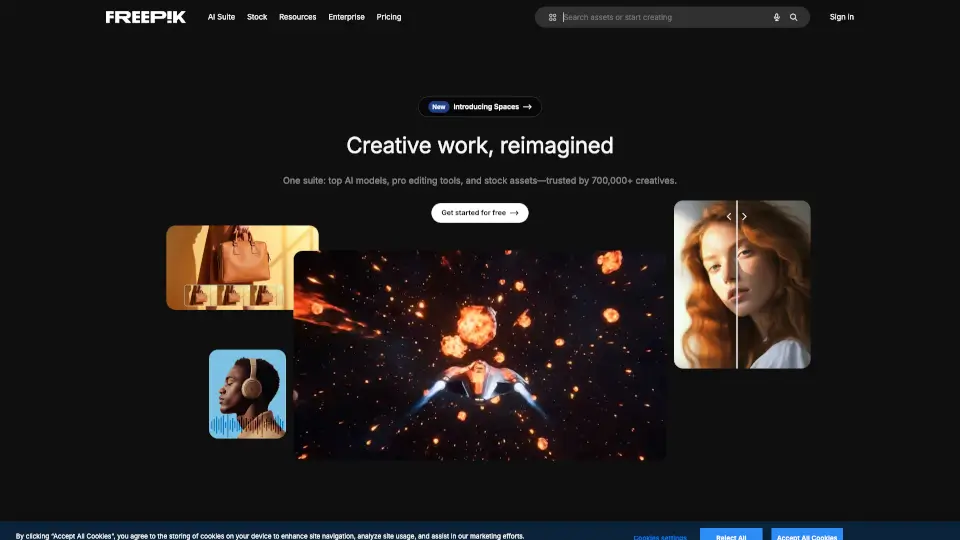
Freepik is an all-in-one AI creative suite offering AI tools, smart features, and high-quality stock assets to design, create, and edit without ever leaving the platform.

US
10.56%
5.6M
5.0
FilterPixel

FilterPixel

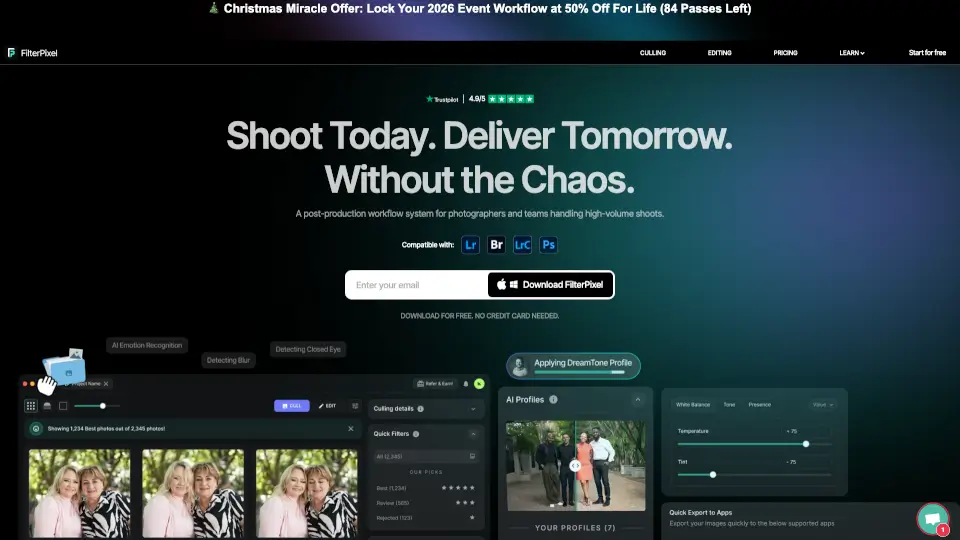
FilterPixel is an AI photo culling and editing tool for event photographers that uses genre-specific DeepCull to select editorial-worthy shots and apply consistent edits at scale.

US
30.37%
22.9K
4.0
Photopea

Photopea

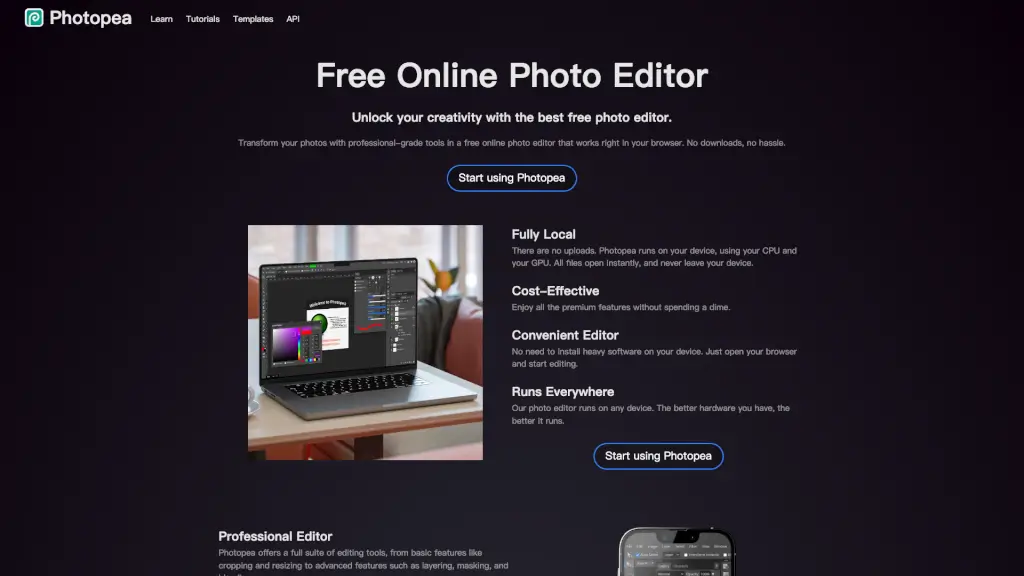
Transform your photos with professional-grade tools using Photopea, the best free online photo editor that works right in your browser.

US
19.98%
18.0M
5.0
Magic Studio

Magic Studio

Magic Studio is a game-changer for image editing and creation, offering powerful AI tools that are easy to use and accessible to everyone.

US
15.76%
797.4K
5.0
Pixelcut

Pixelcut

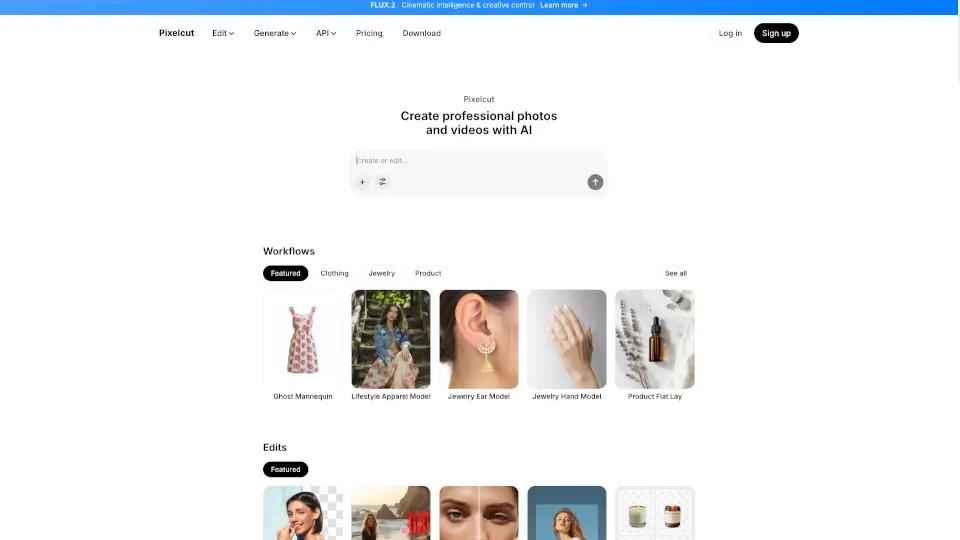
Pixelcut is a free AI photo editor that lets anyone create professional, on-brand images and videos instantly using smart, easy-to-use AI tools.

IN
19.82%
11.6M
5.0
Befunky

Befunky

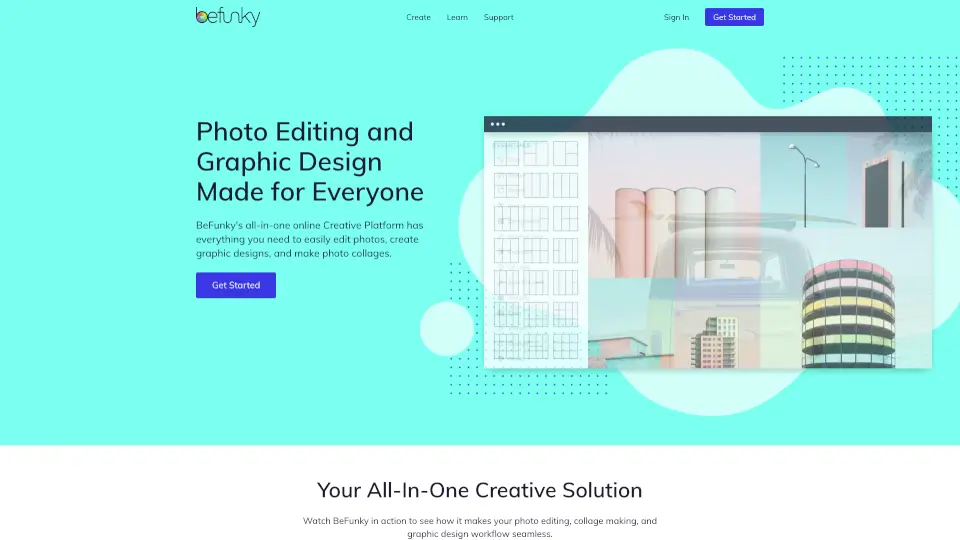
BeFunky is a free, easy-to-use online photo editor and collage maker that empowers anyone to create professional-quality visuals with AI tools and customizable templates.

US
30.51%
2.2M
5.0

Affinity Studio Related Other Categories

Affinity Studio Traffic Analysis

💡 Insights

📈
High Traffic
Over 1M monthly visits. Widely recognized and stable choice.
⚠️
Slight Decline
Traffic has slightly decreased recently.
👍
Good Experience
Bounce rate of 50%. Users are willing to explore features.
🌐
Global Reach
Balanced user distribution worldwide.
  • Monthly Visits

    2.37M

  • Bounce Rate

    49.82%

  • Pages Per Visit

    2.45

  • Visit Duration

    00:01:33

  • Global Rank

    25404

  • Country Rank

    29504

Visits Over Time

Traffic Sources

SearchOrganic68.65%
Direct18.27%
Referrals7.32%
SocialOrganic2.84%
GenAi1.14%
Mail0.84%
DisplayAds0.51%
SocialPaid0.35%
SearchPaid0.07%
Affiliate0.00%

Top Keywords

1
affinity
CPC$1.18
540.62KTraffic
2
affinity designer
CPC$1.23
70.37KTraffic
3
affinity photo
CPC$0.95
59.24KTraffic
4
affinity publisher
CPC$1.32
19.70KTraffic
5
afinity
CPC$1.30
19.25KTraffic

Top Regions

RegionPercentage
United States
United States
17.09%
Germany
Germany
5.29%
Brazil
Brazil
4.44%
United Kingdom
United Kingdom
4.02%
France
France
3.93%
Low
High

Powered by SimilarWeb

Affinity Studio FAQ

How can Affinity be free?

Affinity is free because it’s part of the Canva ecosystem. While it’s free to use, you can unlock additional AI tools if you have a Canva premium plan.

Is Affinity available on iPad?

Affinity is currently working on an iPad version, but it’s not available yet. Stay tuned for updates!

What file types can I import into Affinity?

You can import PSDs, AIs, IDMLs, DWGs, and other file types, preserving their structure, layers, and creative intent.

Does Affinity offer non-destructive editing?

Yes, Affinity supports non-destructive editing, allowing you to stack and tweak edits without ever committing or flattening your original layers.

Can I use Affinity for both photo editing and graphic design?

Absolutely! Affinity includes dedicated Vector, Pixel, and Layout studios, making it a versatile tool for both photo editing and graphic design.

Are there any AI tools in Affinity?

If you have a Canva premium plan, you can unlock powerful AI tools in Affinity, such as generative fill, background removal, and image generation.

Can I customize my workspace in Affinity?

Yes, you can rearrange panels and mix and match tools to build custom studios that fit your workflow. You can save multiple setups and switch between them easily.

Is Affinity optimized for Apple silicon?

Yes, Affinity is fully optimized for macOS and runs natively on both Apple silicon and Intel processors.

Can I use Affinity for professional publishing projects?

Definitely! Affinity’s Layout studio includes features like Smart Master Pages, AutoFlow, and document-wide style systems, making it perfect for professional publishing projects.

Affinity Studio Reviews

0

0

0 Reviews
Sign Into leave a review

Recent Reviews

No reviews yet

Affinity Studio Embed

Use website badges to drive community support for SeekTool.ai. They are easy to embed in your homepage or footer.

Light
Dark
Affinity Studio - Featured on SeekTool.aiAffinity Studio - Featured on SeekTool.ai
How to install?

Category Rankings

Ranked by monthly traffic