
What is 百度文库AI助手?
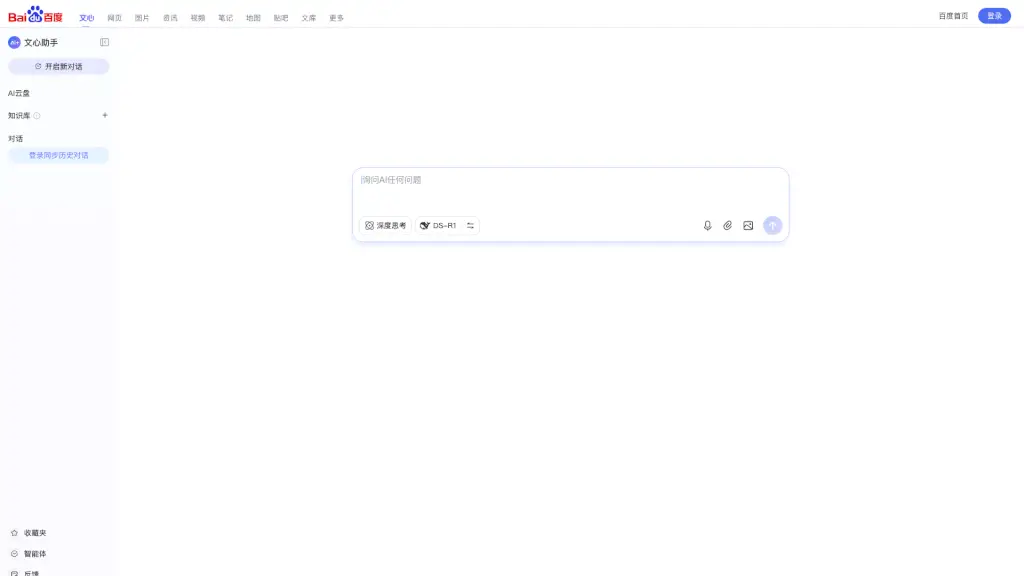
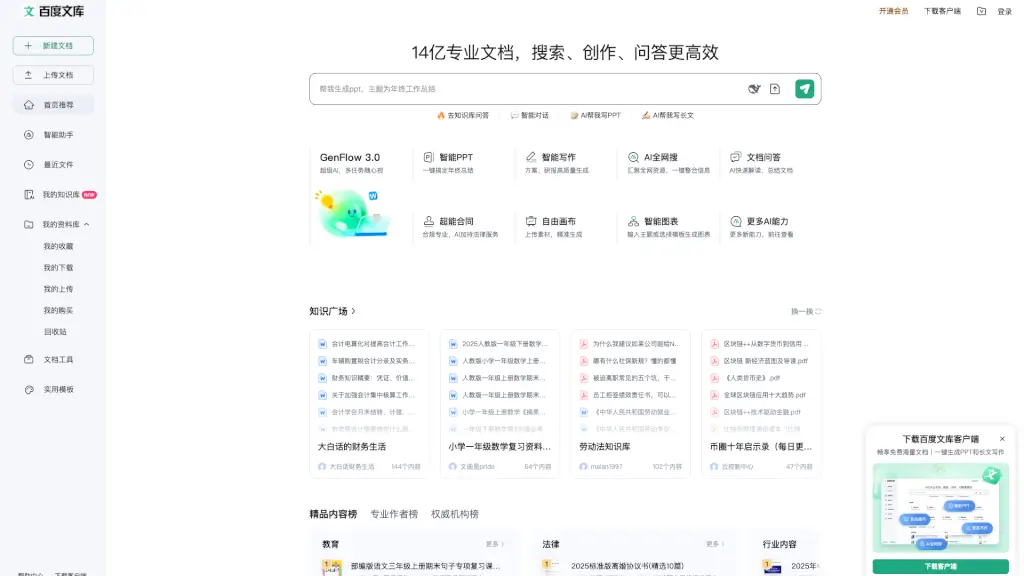
Welcome to Baidu Wenku, your one-stop AI content creation and management platform. Whether you're a student, professional, or just someone looking to organize and share information, Baidu Wenku has got you covered. With a wide range of tools and features, you can create, edit, and share documents, presentations, spreadsheets, and more. The platform is designed to be user-friendly and intuitive, making it easy for anyone to get started and stay organized.
What are the features of 百度文库AI助手?
- Document Creation: Easily create and edit documents, presentations, and spreadsheets with a variety of templates and tools.
- AI-Powered Tools: Utilize AI to help you write, design, and summarize content, making your work more efficient and professional.
- Online Collaboration: Share and collaborate on documents in real-time with others, ensuring everyone is on the same page.
- Content Monetization: Publish your work and earn money through the platform, turning your knowledge into income.
- File Management: Organize and manage all your files in one place, with options to keep them private or share them with others.
- Mobile Access: Use the Baidu Wenku app to access and manage your documents on the go, ensuring you’re always connected.
What are the use cases of 百度文库AI助手?
- Student Projects: Create and share research papers, presentations, and study guides with classmates and teachers.
- Professional Reports: Generate and edit business reports, proposals, and financial spreadsheets for work.
- Personal Organization: Keep track of personal notes, to-do lists, and important documents in one secure location.
- Content Creation: Write and publish articles, e-books, and other content to share with a wider audience.
- Team Collaboration: Work together with team members on projects, sharing and editing documents in real-time.
- Educational Resources: Teachers and educators can create and distribute lesson plans, quizzes, and other educational materials.
How to use 百度文库AI助手?
- Create a New Document: Click on "New" and select the type of document you want to create (e.g., Word, PPT, Excel).
- Use AI Tools: Explore the AI-powered features like smart writing, PPT generation, and document summarization to enhance your work.
- Share and Collaborate: Click on "Share" to invite others to view or edit your document. Set permissions as needed.
- Organize Your Files: Use the "My Library" section to categorize and manage your documents, keeping everything organized.
- Publish and Monetize: Upload your completed work to the Baidu Wenku marketplace to share and potentially earn from it.
- Access on Mobile: Download the Baidu Wenku app to manage and access your documents from your smartphone or tablet.